Best Photo Editing Software in 2026 (Free & Paid)
Finding the right tool for your workflow doesn't have to be complicated. Whether you are a professional photographer, a digital artist, or just starting out, this guide compares the best photo editing software available today — with honest pricing and clear recommendations.
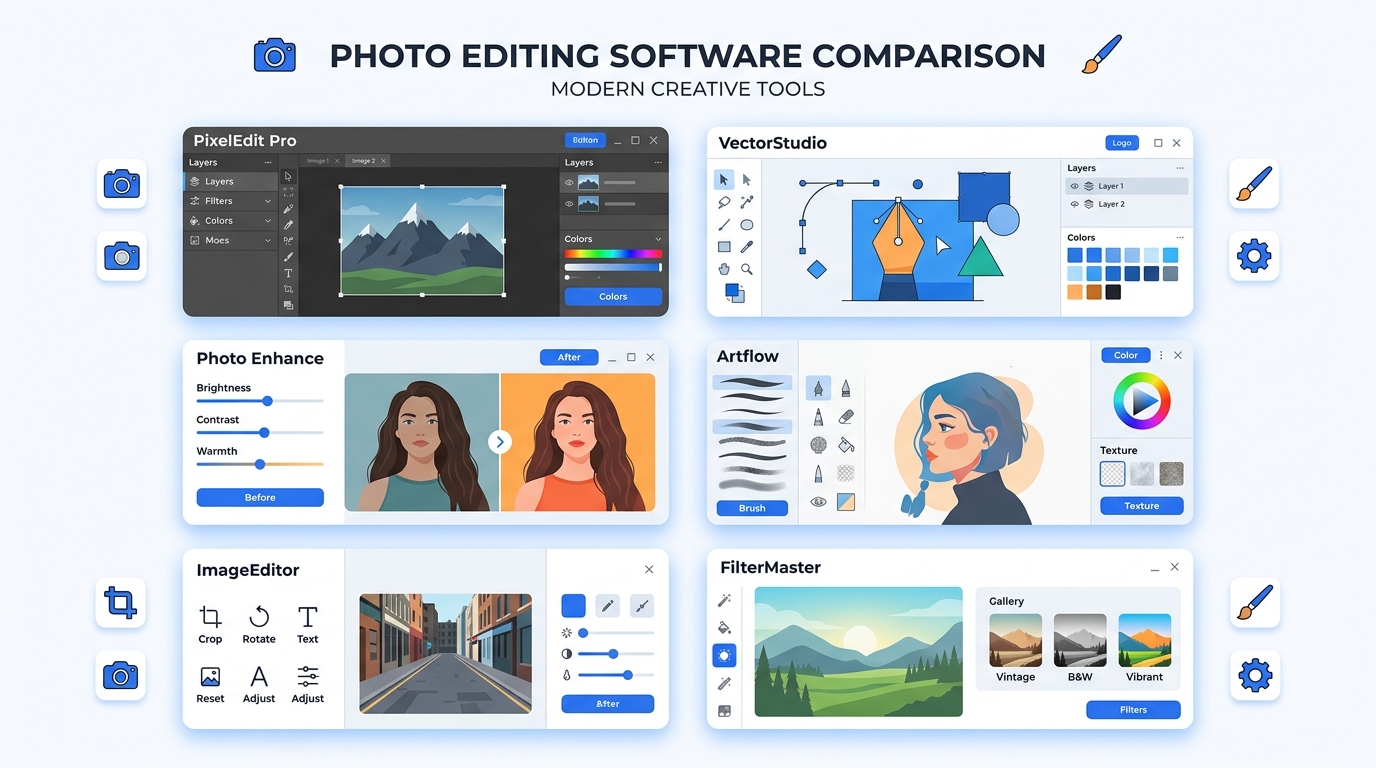
The landscape of photo editing software has shifted dramatically in 2026. You no longer need an expensive, high-end PC to do professional-level edits. Thanks to advancements in web technologies like WebGPU, powerful image manipulation can now happen directly in your browser, entirely for free.
At the same time, traditional desktop heavyweights continue to innovate with AI. In this guide, we break down the 7 best options on the market — categorized by who they are best for — so you can make the right choice.
Quick Comparison Table
| Software | Price | Platform | Best For |
|---|---|---|---|
| PhotoQuill | Free | Browser (any OS) | Free professional editing |
| Adobe Photoshop | ~$22.99/mo | Windows / Mac | Professional compositing |
| Affinity Photo | ~$69.99 (one-time) | Windows / Mac / iPad | No-subscription desktop pro |
| Photopea | Free / $5/mo | Browser | Quick cross-platform edits |
| GIMP | Free (open source) | Windows / Mac / Linux | Open-source power users |
| Adobe Lightroom | ~$9.99/mo | Windows / Mac / Mobile | Batch RAW photo processing |
| Canva | Free / $14.99/mo | Browser / App | Social media graphics |
1. PhotoQuill — Best Free Photo Editing Software
Price: Free (No Subscription) | Platform: Browser (Windows, Mac, Linux, Chromebook)
PhotoQuill represents the modern era of photo editing software. Built on cutting-edge WebGPU technology, it delivers desktop-grade performance entirely in your web browser. It natively opens and saves PSD files, supports advanced layer masks, and includes AI-powered tools like background removal — with zero cost and no sign-up required.
- Instantly accessible on any computer with a modern browser.
- Familiar Photoshop-like UI: layers, blend modes, curves, healing brush.
- No installation, no account, and no intrusive ads.
- WebGPU-accelerated performance — faster than many installed apps.
2. Adobe Photoshop — Best for Industry Professionals
Price: ~$22.99/mo | Platform: Windows / Mac
Adobe Photoshop remains the undisputed king of professional photo editing software. In recent years, Adobe has heavily integrated Generative AI (Firefly) into its ecosystem, making complex tasks like expanding backgrounds or removing large objects incredibly fast.
- Unmatched compositing and pixel manipulation tools.
- Deep integration with Illustrator, Premiere Pro, and After Effects.
- Industry-standard — knowing Photoshop is practically mandatory in design agencies.
- The downside: The recurring monthly subscription is expensive for casual users.
3. Affinity Photo — Best One-Time Payment Option
Price: ~$69.99 one-time | Platform: Windows / Mac / iPad
If you need the raw power of Photoshop but refuse a monthly fee, Affinity Photo by Serif is your best bet. It handles large RAW files, complex multi-layer compositions, and professional color spaces (CMYK, LAB) with ease. Once you buy it, it's yours forever.
- No subscription ever. Buy once, own forever.
- Optimized for modern Apple Silicon and Windows ARM processors.
- Supports RAW, 32-bit HDR, and professional printing workflows.
4. Photopea — Solid Browser Alternative
Price: Free (Ad-supported) or ~$5/mo for Premium | Platform: Browser
Photopea is a well-known web-based image editor that closely mimics the Photoshop interface and supports PSD, XCF, and Sketch files. The free version relies on display ads that can be distracting. Compared to WebGPU-accelerated tools like PhotoQuill, performance on very large files can lag.
5. GIMP — Best Free Desktop App
Price: Free (Open Source) | Platform: Windows / Mac / Linux
GIMP is the classic free photo editing software and has been a staple for Linux users for decades. It is incredibly powerful and extensible with community-built plugins. However, its interface is notoriously non-standard and it lacks native non-destructive adjustment layers — a significant limitation compared to modern tools.
6. Adobe Lightroom — Best for Batch Photography
Price: ~$9.99/mo | Platform: Windows / Mac / Mobile
Lightroom is a RAW photo developer, not a pixel compositor. If you need to color grade hundreds of wedding or event photos quickly, Lightroom's cataloging and batch-editing tools are unmatched. It's not designed for retouching individual images at the pixel level.
7. Canva — Best for Social Media Graphics
Price: Free or $14.99/mo for Pro | Platform: Browser / Mobile App
While not traditional photo editing software, Canva is perfect for quickly placing text on images, removing backgrounds, and creating social media posts. It lacks advanced layer masking or pixel-level control, but for quick marketing graphics, its template library is exceptional.
Conclusion: Which is the Best Photo Editing Software for You?
Your choice depends on your workflow and budget:
- Free + professional quality: PhotoQuill
- Best desktop without subscription: Affinity Photo
- Industry standard professional: Adobe Photoshop
- Batch photography: Adobe Lightroom
- Open source on Linux: GIMP
Ready to Start Editing?
Experience professional-grade photo editing software in your browser — no download, no subscription, no account needed.
Open PhotoQuill EditorFrequently Asked Questions
What is the best photo editing software for professionals?
Adobe Photoshop remains the industry standard for professional compositing and pixel manipulation. However, Affinity Photo is a very strong contender that offers professional-grade features without a monthly subscription (~$69.99 one-time).
What is the best free photo editing software?
For a robust, Photoshop-like experience without paying a dime, PhotoQuill is the best free photo editing software in 2026. It runs directly in your browser using WebGPU, meaning there's no software to download, no subscription, and it opens PSD files natively.
Do I need a subscription for good photo editing software?
No. While Adobe requires a subscription for Photoshop (~$22.99/mo) and Lightroom (~$9.99/mo), powerful alternatives exist. Affinity Photo is a one-time purchase, and browser-based tools like PhotoQuill are completely free.