PhotoQuill vs Adobe Photoshop (2026): The Complete Honest Review
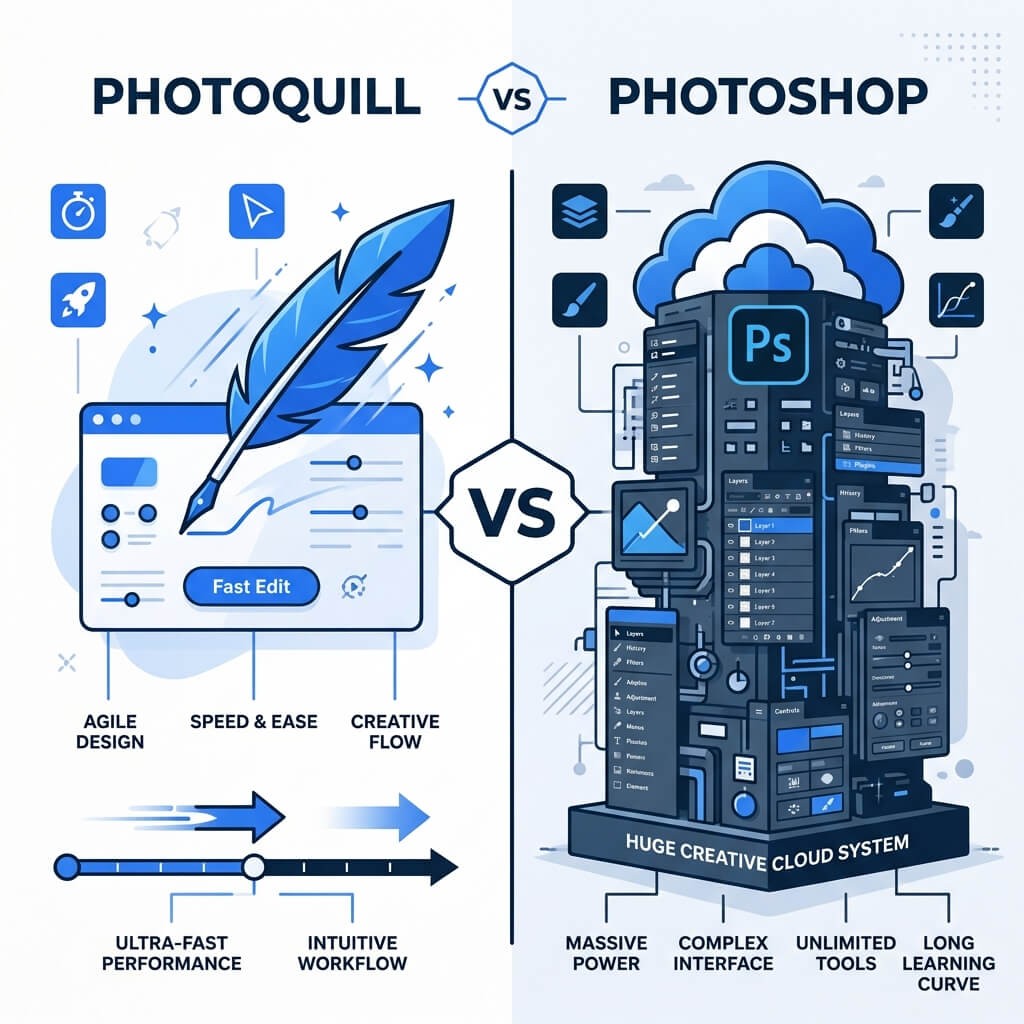
The Verdict (50 Words)
If you need CMYK print profiles, Neural Filter AI, tethered Camera Raw shooting, or PSB files over 8000×8000px — Photoshop is mandatory. For everything else — free web design, social media, photo retouching, and PSD editing — PhotoQuill delivers identical results at zero cost, instantly, on any device.
Why This Comparison Matters in 2026
Adobe Photoshop has dominated professional photo editing for over 30 years. It is unquestionably the industry standard. But the web platform has undergone a quiet revolution: WebAssembly (WASM) and WebGL now allow browser-based applications to run image processing at near-native speeds, directly on your GPU.
The honest question for most users is no longer "Can a browser editor compete with Photoshop?" — it's "Do I actually need what Photoshop offers beyond what a free browser editor provides?" For the vast majority of creatives, the answer is: probably not.
Objective Pros & Cons: An Honest Breakdown
Adobe Photoshop: The 30-Year Industry Monolith
Photoshop isn't just software; it's an ecosystem built over three decades. Here's where it genuinely has no equal:
Genuine Strengths:
- Neural Filters: Object-aware AI tools like Sky Replacement, Smart Portrait (age/emotion manipulation), and Depth Blur that leverage Adobe's massive training datasets.
- Camera Raw & Lightroom Integration: Tethered shooting from DSLR/mirrorless cameras directly into your workflow. Sub-pixel lens distortion correction using manufacturer-specific lens profiles.
- CMYK & Pantone: True CMYK color space management, Pantone color matching, and ICC profile embedding for offset printing. Non-negotiable for print professionals.
- Content-Aware Scale: Intelligently stretches canvas while recognizing and protecting focal subjects — useful for resizing product photos for different ad formats.
- Timeline & Video: Full non-linear video editing timeline for creating GIF animations, short social media videos, and motion graphics.
- Hardware Scaling: RAM and CPU scaling for working with 100MP+ gigapixel files, 3D objects, and 50+ layer complex composites.
- Plugin Ecosystem: Access to thousands of .8bf plugins built over 30 years (Nik Collection, Topaz, Luminar AI integration).
Real Drawbacks:
- Perpetual Subscription Cost: $22.99/month (Photography Plan) — $275/year forever. Cancel the subscription and your files may become inaccessible.
- Installation Overhead: 4GB+ installation, mandatory Creative Cloud background daemon, and regular multi-hundred-megabyte updates.
- Platform Lock: Only on Windows and macOS. No Chromebook, Linux, or tablet browser support without remote desktop workarounds.
- Startup Time: 15–30 seconds cold launch time on modern hardware.
PhotoQuill: The Modern Web-Native Editor
PhotoQuill is not trying to clone Photoshop. It's re-imagining what a professional editor looks like when built from scratch on modern web APIs.
Genuine Strengths:
- Zero Friction Access: Open a browser tab at photoquill.com — you're editing in under 2 seconds. No installer, no account, no credit card.
- 100% Client-Side Privacy: Every pixel is processed locally by WebAssembly on your device. Your images never touch a server. This is a fundamental architectural difference from cloud editors.
- Flawless PSD Parsing: Purpose-built parser retains layer groups, smart objects (rasterized), adjustment layers, text layers, and complex blend modes with high fidelity.
- Universal Platform: Works identically on Windows, macOS, Linux, and ChromeOS. If you have a modern browser, you have the full editor.
- Familiar Toolbar: Standard Photoshop-compatible shortcuts and panel layout. Minimal retraining required.
- AI Tools Built-In: Object removal, background replacement, and generative fill — all processed locally, meaning no credit limits or upload requirements.
Real Limitations:
- No CMYK: Strictly RGB. If your deliverable must be CMYK for print, you need Photoshop or Affinity.
- Browser Memory Ceiling: Complex documents with 50+ heavy layers and 8000px+ canvases will eventually hit browser sandbox memory limits.
- No Plugin System: Third-party .8bf plugins and Photoshop Actions are not compatible.
- No Tethered Shooting: Camera Raw integration and tethered capture are desktop-only capabilities.
Technology Deep Dive: How Can a Browser Compete?
The skepticism around browser-based editors is valid historically — but the technology has fundamentally changed.
WebAssembly (WASM): PhotoQuill's core image processing pipeline — Gaussian blurs, Fourier-domain frequency separation, complex masking convolutions — is written in C++ and compiled to WebAssembly. WASM runs in the browser at speeds within 10–20% of native compiled code, completely bypassing JavaScript's performance bottlenecks.
WebGL / WebGPU Acceleration: Rendering and compositing are offloaded directly to your GPU via WebGL. Layer compositing, live filter previews, and canvas zooming all happen at 60 FPS, identical to native applications. PhotoQuill isn't talking to a remote server for any of this — it's your own GPU doing the work.
The result: PhotoQuill is architecturally closer to running a native C++ application via a browser wrapper than it is to a "web app" in the traditional sense.
The Definitive Feature Comparison Table
| Feature | PhotoQuill | Adobe Photoshop |
|---|---|---|
| Monthly Cost | Free | $22.99/month |
| Launch Time | <2 seconds | 15–30 seconds |
| Platform Support | Win / Mac / Linux / Chrome OS | Win / Mac only |
| Privacy (Local Processing) | 100% Client-Side | Cloud Telemetry & Sync |
| PSD File Support | High Fidelity | Native |
| CMYK Print Support | No | Yes (Industry Standard) |
| Neural Filters / AI | Local AI Tools | Adobe Firefly (Advanced) |
| Plugin Ecosystem | Limited | Massive (30-year library) |
| Installation Required | No | Yes (4GB+) |
| RAW Processing | Basic (CR2, NEF, ARW) | Advanced Camera Raw |
Who Should Use Which Tool?
✅ Choose PhotoQuill if you...
- Design for web, social media, or UI
- Work on multiple devices or operating systems
- Need to quickly open a client's PSD file
- Want zero subscription costs
- Value image privacy (no cloud upload)
- Are a student, freelancer, or hobbyist
✅ Choose Photoshop if you...
- Produce CMYK artwork for offset printing
- Use tethered shooting with Camera Raw
- Rely on specific third-party plugins (.8bf)
- Work with gigapixel images (>8000×8000px)
- Need the full Adobe CC ecosystem (Illustrator, After Effects)
How to Switch from Photoshop to PhotoQuill (Keep All Layers)
Nervous about losing your work when you cancel your Adobe subscription? Migrating is a 3-step process.
Save everything as PSD locally
Before your subscription expires, use File > Save As > Photoshop (.psd) to save all projects locally. Avoid relying on Creative Cloud cloud storage.
Open PhotoQuill.com in any browser
Navigate to photoquill.com on any device. No account creation, no plugin installation — you're editing in seconds.
Drag and Drop your PSD
Drop the .psd file onto the PhotoQuill canvas. The WASM engine parses it locally, retaining layer groups, text layers, adjustment layers, and blending modes in seconds.