Can You Use Photoshop AI on a Cracked Version? The Honest Answer
With the release of incredibly powerful tools like Generative Fill, Expand Background, and Neural Filters, the internet is flooded with one major question: can you use photoshop ai on cracked version software? We are going to break down the hard technical reality of why it fails, the severe security risks involved in trying to force it, and how you can get professional AI photo editing features completely for free without resorting to software piracy.
The Technical Reality of Generative Fill
The short and definitive answer is no. You cannot use Photoshop's advanced AI features on an unauthorized or pirated copy. To understand why, you have to look at how these tools actually function under the hood.
When you draw a selection box and type a prompt into Generative Fill, your local computer is not the one doing the heavy mathematical lifting. The software bundles your image data and your text prompt, and sends it directly to Adobe's massive cloud server infrastructure (powered by the Firefly model). The servers generate the new pixels and send them back to your canvas.
Here is the catch: to successfully run a pirated copy, the cracked software must explicitly block all outbound connections to Adobe's servers by modifying your system's host file or firewall. If it doesn't block these connections, the software will verify your license and immediately lock you out. Therefore, by cutting off internet access to bypass the license check, you simultaneously sever the exact connection required to use any cloud-based AI tools. The "Generate" button will simply be grayed out, or it will throw an endless connection error.
The Extreme Risks of "Pre-Cracked AI" Patches
If you search YouTube, Reddit, or torrent sites, you will likely find videos claiming to have a "special patch" or a "bypassed server script" that magically enables AI on cracked versions. Do not download these files.
Because the AI physically exists on remote, highly secure corporate servers, there is no local code to crack. These "patches" are almost universally malware, trojans, or ransomware designed to prey on users desperately looking for a workaround. They often hijack your browser, install cryptocurrency miners that drain your system's performance, or compromise your personal banking data.
The Solution: Free, Legal AI Editing with PhotoQuill
You do not need to risk your computer with malware or pay exorbitant monthly subscription fees just to access modern AI editing tools. The landscape has evolved, and high-performance, generative editing has moved directly into the browser.
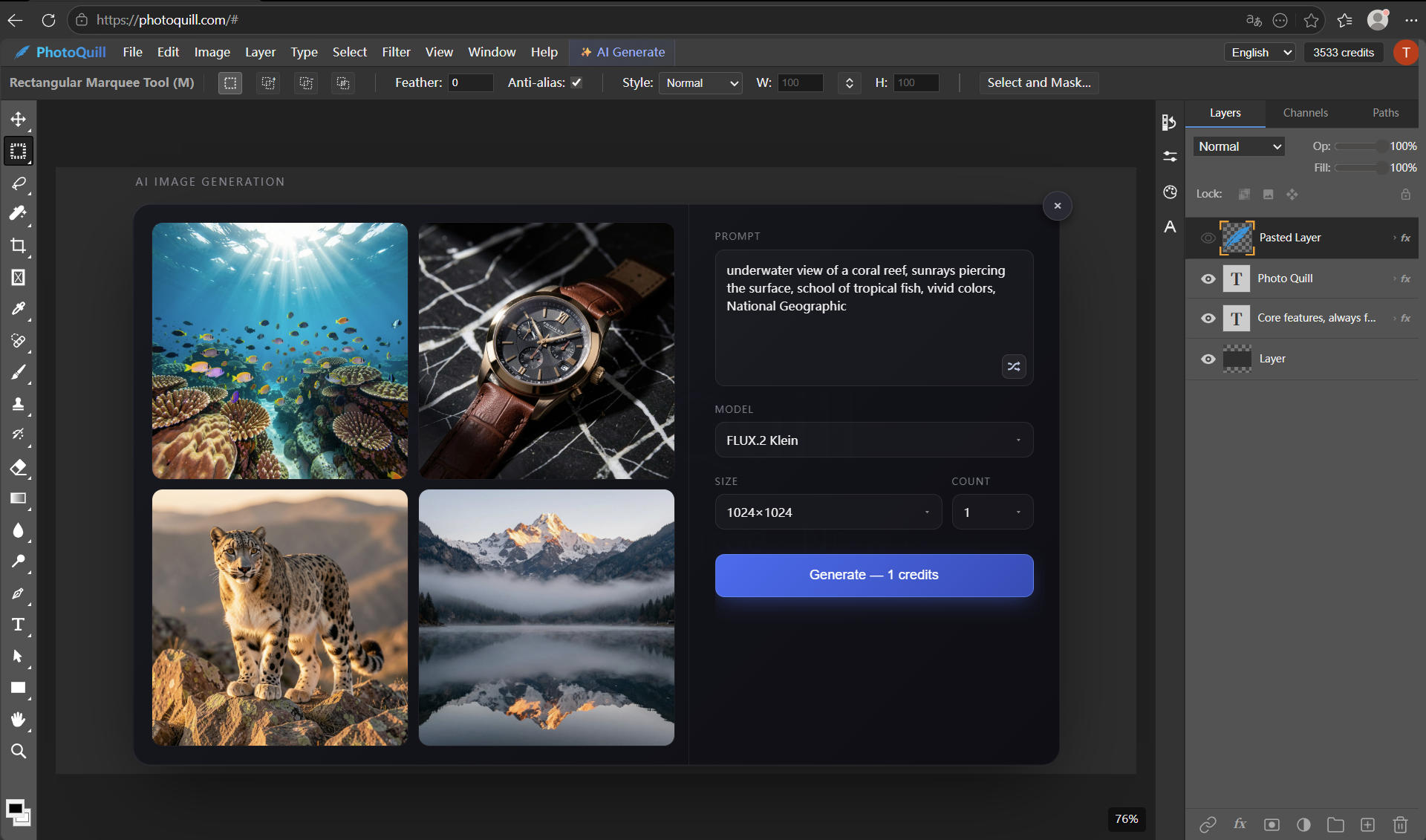
PhotoQuill is professional-grade free photo editing software that requires zero installation, fully supports your existing PSD files, and best of all: it integrates powerful AI tools natively. You don't need to crack anything because the core platform is completely free to access.
Zero-Install Access
Simply open the PhotoQuill Workspace in your browser. There is no massive installer file to download and absolutely zero risk of viruses. The interface mirrors the professional workspace you are already used to, complete with layers, masks, and adjustment options.
Daily Free AI Quotas
Unlike traditional desktop software that locks AI features behind a rigid paywall, PhotoQuill provides users with generous daily free quotas. You can utilize advanced capabilities like AI Background Removal, AI Image Upscaling, or object erasure absolutely free every day. It is the perfect balance for freelancers, students, and independent designers.
WebGPU Local Acceleration
While cloud AI handles the heavy generative tasks, your standard editing, brushing, and layer blending are accelerated by WebGPU directly on your local machine. This means you get buttery-smooth performance, zero lag, and instant "Ctrl+Z" undos—even on complex, high-resolution files.