PhotoQuill vs Pixlr (2026): Unlimited Free Editing vs Daily Save Limits
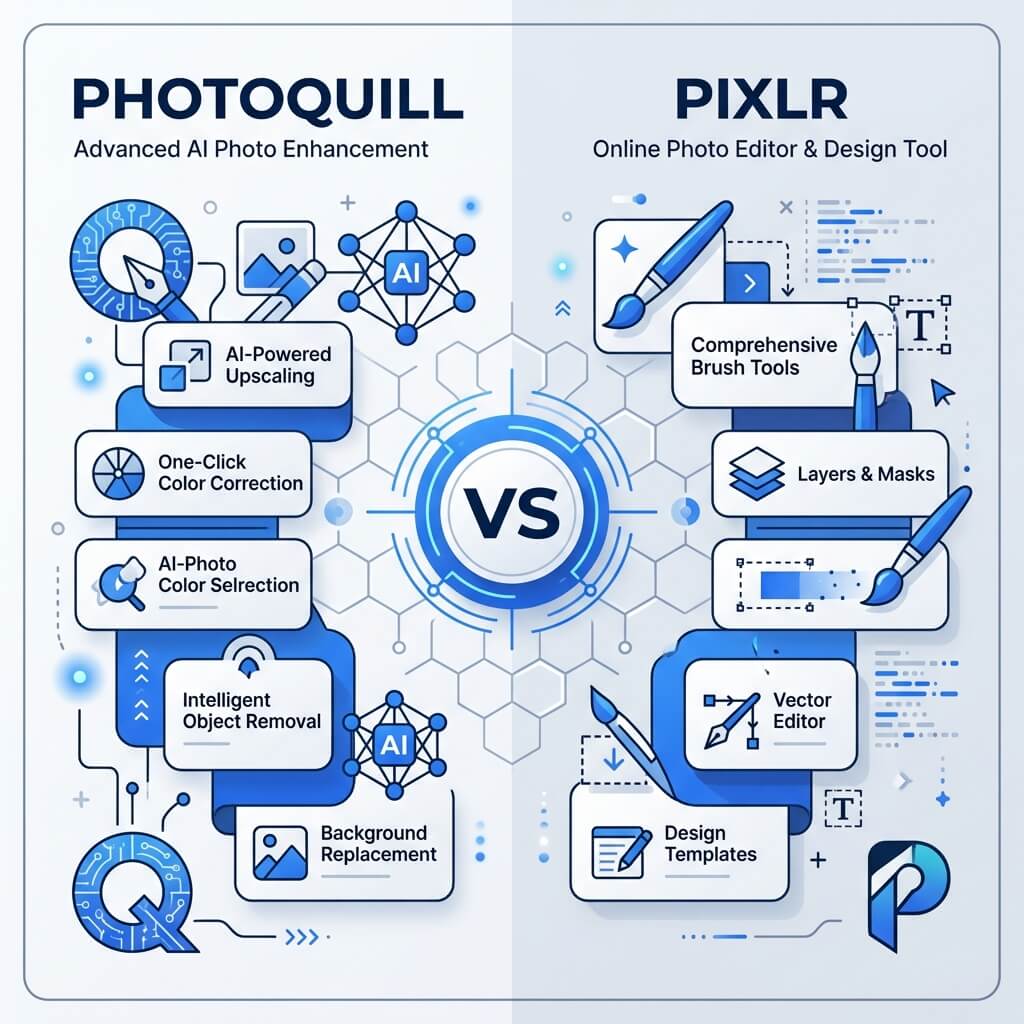
The Verdict (50 Words)
Pixlr's free tier is progressively restricted by daily save limits, AI credit walls, and ads — making it frustrating for professional daily use. PhotoQuill provides unlimited professional editing with no save caps, no ads, no credits, and no account required. For free-tier users, PhotoQuill wins decisively.
The Save Limit Problem: Why It Breaks Creative Flow
Pixlr's free tier daily save limit is one of the most criticized design decisions in online editor history. When you hit the limit mid-project, you are blocked from saving your work until either midnight (when the counter resets) or you subscribe to a paid plan.
For professional work, this is genuinely damaging. Imagine telling a client "I can't send you the revision today because I've hit my save limit." The limit is not designed to protect server costs — Pixlr uses client-side processing. It is a conversion mechanism to push users toward subscriptions.
PhotoQuill saves locally to your hard drive. There is no server involved in saving, which means there is no technical basis for save limits. Every export goes directly to your local filesystem, unlimited and free.
Objective Pros & Cons
Pixlr: The Fragmented Online Editor Suite
Pixlr (owned by Inmagine Group) offers two distinct products — Pixlr X and Pixlr E — targeting different skill levels.
Genuine Strengths:
- AI-Powered Features: Pixlr has invested significantly in AI tools: AI Cutout (background removal), AI Infill (generative fill), AI Image Generator, and AI Expand — a wide AI feature set for a free-tier editor.
- Animation Support: Pixlr includes basic animation timeline tools for creating GIFs and short animated social media content, which PhotoQuill does not offer.
- Template Library: A library of social media and marketing templates within Pixlr X for quick content creation.
- Collage Maker: Built-in photo collage grids for creating multi-image layouts without a separate tool.
Real Drawbacks:
- Daily Save Limit: The free tier restricts how many saves you can make per day. Hitting the limit mid-session blocks you from saving your work.
- Fragmented UX (X vs. E): The forced choice between Pixlr X (simple) and Pixlr E (advanced) means loading a different app when your task complexity changes — a workflow interruption that PhotoQuill eliminates with a single unified editor.
- Aggressive Paywall: Ads, upgrade prompts, limited AI credits, and restricted templates create constant interruptions on the free tier. Plus ($7.99/mo) and Premium ($14.99/mo) plans unlock fuller features.
- Weak PSD Support: Pixlr E's PSD import frequently flattens complex layers, drops adjustment layers, and misinterprets layer effects from modern Photoshop versions.
PhotoQuill: The Truly Unlimited Free Editor
Genuine Strengths:
- Zero Save Limits: Export any file, any size, any number of times, any format. Completely unrestricted.
- Unified Single Editor: One interface handles everything from simple crops to complex multi-layer PSD composites. No app switching between "simple" and "advanced" modes.
- Superior PSD Fidelity: Purpose-built PSD parser correctly handles layer groups, adjustment layers, text layers, and complex blend modes — far beyond what Pixlr E offers.
- No Ads, No Upgrade Prompts: The editing environment is clean and focused. No interruptions, no artificial urgency to subscribe.
- Privacy-First: No account, no cloud upload, no tracking. 100% local processing.
Real Limitations:
- No Animation Timeline: Cannot create GIFs or animated content — Pixlr and Canva both offer this capability.
- No Template Library: No pre-built social media or marketing templates.
- Less AI Variety: Pixlr's AI feature set (image generation, expand) is broader in scope, even if limited by credits.
Feature Comparison Table
| Feature | PhotoQuill | Pixlr (Free Tier) |
|---|---|---|
| Daily Save/Export Limits | Unlimited | Strict Daily Cap |
| Ads in Editor | None | Yes |
| Upgrade Prompts | None | Frequent |
| Editor Interface | Unified (single app) | Fragmented (X + E) |
| PSD File Support | High Fidelity | Basic (layers often broken) |
| AI Credits Required | No | Yes (limited monthly) |
| Animation / GIF Creation | No | Yes |
| Account Required | No | Yes |
Who Should Use Which?
✅ Choose PhotoQuill if you...
- Hit Pixlr's daily save limits regularly
- Want an ad-free, upgrade-prompt-free workspace
- Open PSD files that Pixlr E breaks or flattens
- Don't want to create an account
- Are a student needing unlimited classroom use
✅ Choose Pixlr if you...
- Need GIF/animation timeline creation
- Want AI image generation (text-to-image)
- Need a quick photo collage maker
- Are a Pixlr Plus/Premium subscriber
How to Export from Pixlr and Continue in PhotoQuill
Export from Pixlr while you still can
If you have saves remaining in Pixlr's daily limit, export your current work as a high-quality JPG or PNG to your local hard drive immediately.
Open PhotoQuill — no account needed
Navigate to photoquill.com. No account registration, no daily limit counter. The editor loads instantly.
Continue editing without restrictions
Drag your exported file onto the PhotoQuill canvas. Save and export as many iterations as your project requires — there are no daily caps, no credits needed.