How to Open RAW Files Online for Free
RAW files store the most data your camera can capture, but most image viewers just refuse to open them. You don't need Lightroom or a $200 plugin to view and edit a RAW photo. Here's how to do it in under two minutes, straight from your browser.
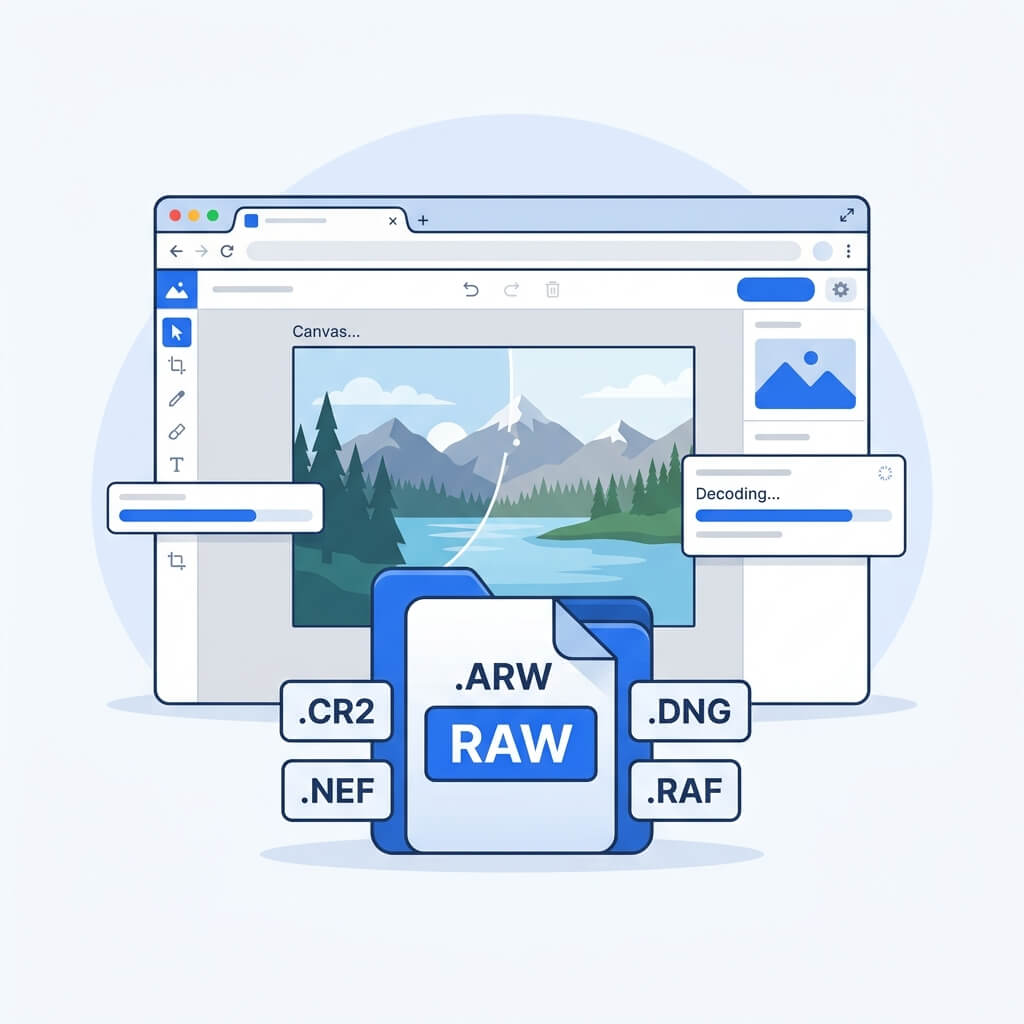
Why RAW Files Are Tricky to Open
RAW is not a single file format — it's a category. Every camera manufacturer ships their own proprietary encoding, which is why the file extension changes depending on the brand you shoot with. The eight formats PhotoQuill currently supports are:
| Extension | Manufacturer |
|---|---|
.cr2 | Canon (older DSLRs) |
.cr3 | Canon (modern mirrorless) |
.nef | Nikon |
.arw | Sony |
.raf | Fujifilm |
.rw2 | Panasonic |
.orf | Olympus / OM System |
.dng | Adobe (universal open standard) |
Because each format packs raw sensor data differently, Windows Photo Viewer and macOS Preview often can't render them correctly without a camera-specific codec. Historically, that meant opening Lightroom or Photoshop with the Camera Raw plugin — not exactly a lightweight operation just to check a photo.
Open Any RAW File in Your Browser
PhotoQuill decodes RAW files using a WebAssembly port of libraw, the same open-source library that powers many professional raw processors. Everything runs locally — your file never touches a server.
Open PhotoQuill
Navigate to PhotoQuill in any modern browser. No sign-up, no download, no subscription. The editor is ready immediately.
Import Your RAW File
Drag your .cr2, .nef, .arw, .dng, or any supported RAW file directly onto the canvas. Alternatively, go to File > Open in the menu bar and pick your file from disk. Both methods work identically.
Edit and Export
After a few seconds of local decoding, your RAW image opens as a full raster layer. From here, you can adjust exposure and color, apply masks, composite it with other layers, and export the final result as JPG, PNG, or WebP.
Frequently Asked Questions
Is my RAW file uploaded to a server?
No. PhotoQuill processes everything inside your browser using WebAssembly. Your file never leaves your device.
My camera brand isn't in the list. Will it work?
If your camera supports DNG export, use that — it's an open standard and works universally. Otherwise, check back as support for additional formats is being added regularly.
Can I edit the RAW data directly (non-destructive)?
PhotoQuill decodes the RAW file into a raster layer and lets you edit from there. True parametric RAW processing (like changing white balance sliders against the original sensor data) is on the roadmap.