Free T-Shirt Mockup Generator
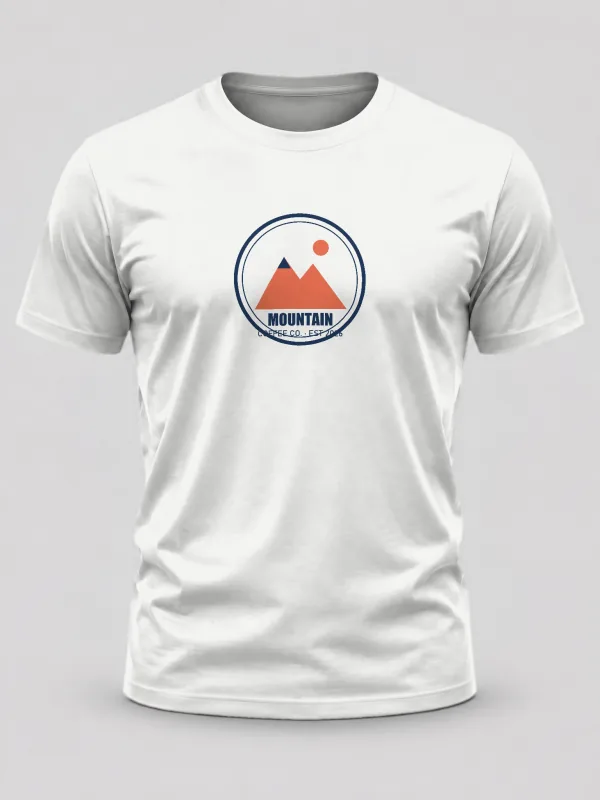
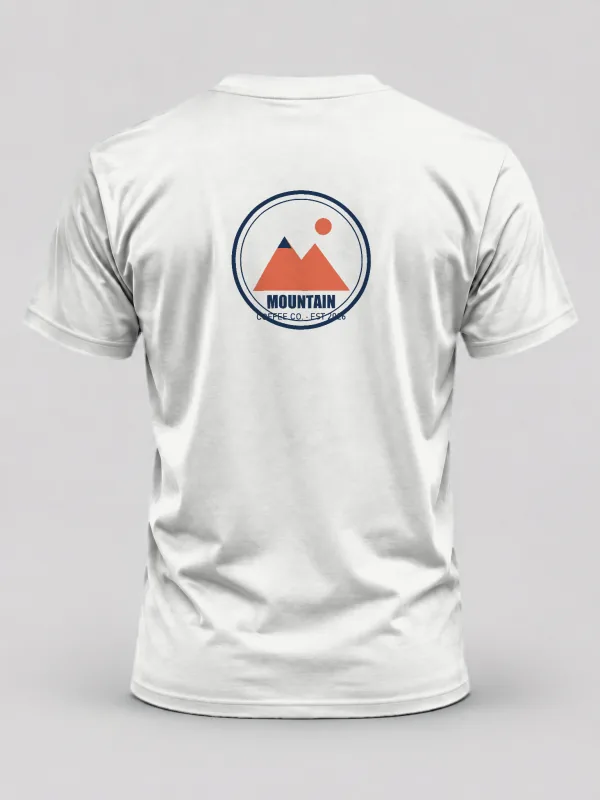
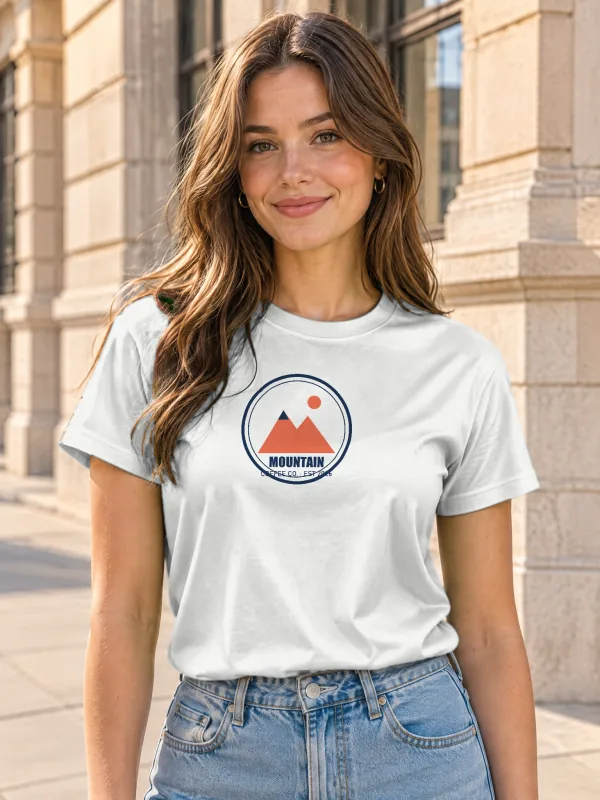
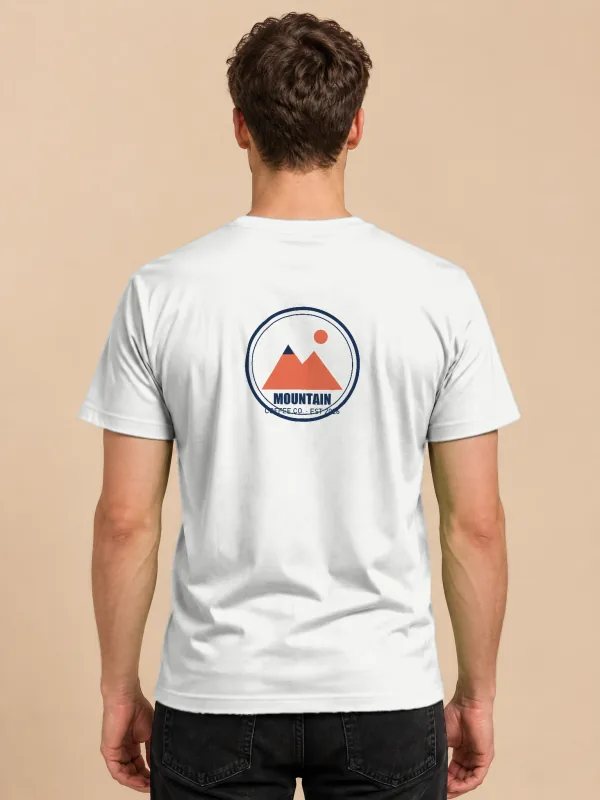
Upload your design once and see it on every t-shirt below, from models to flat lays, front and back. Change the shirt colour, size and position, then download a full-size PNG with no watermark or a layered PSD.
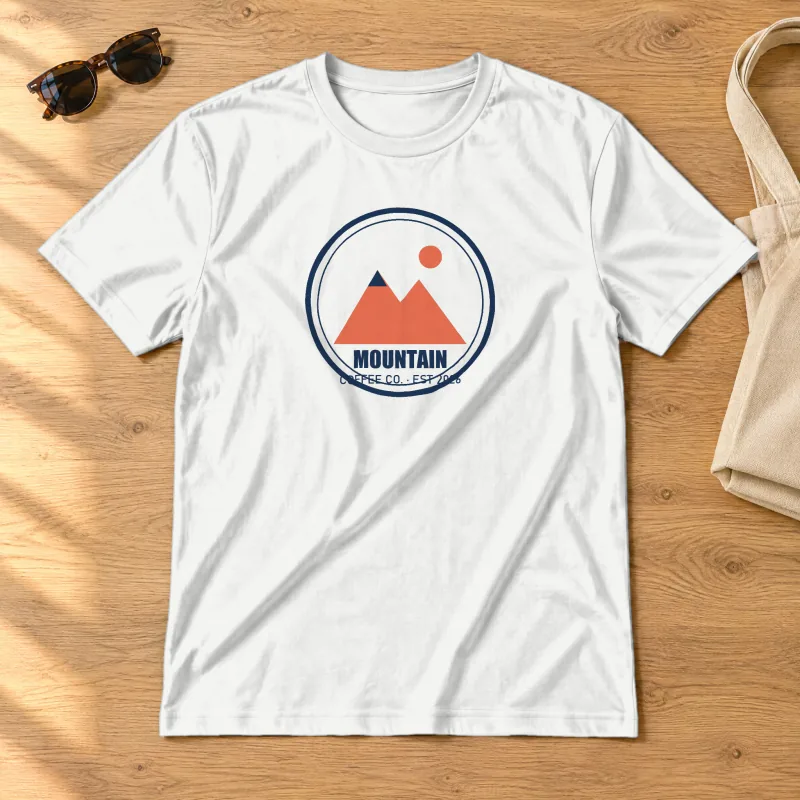
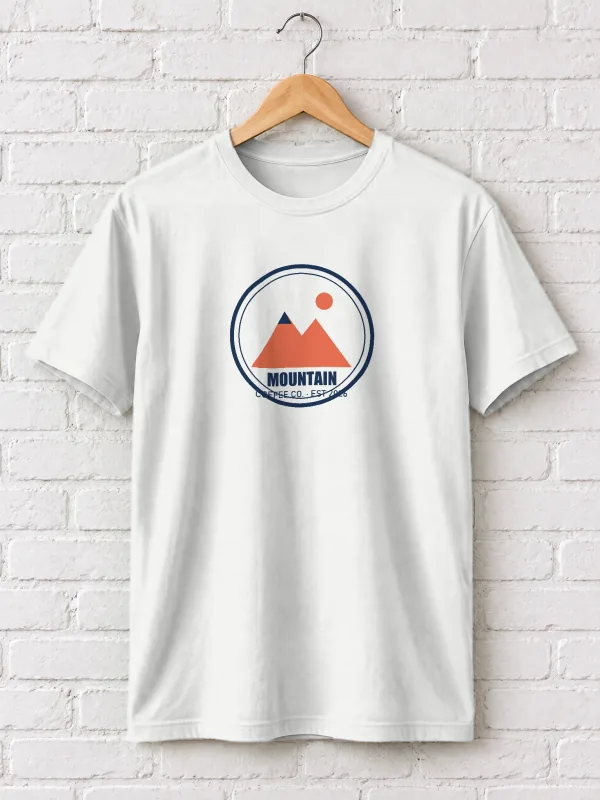
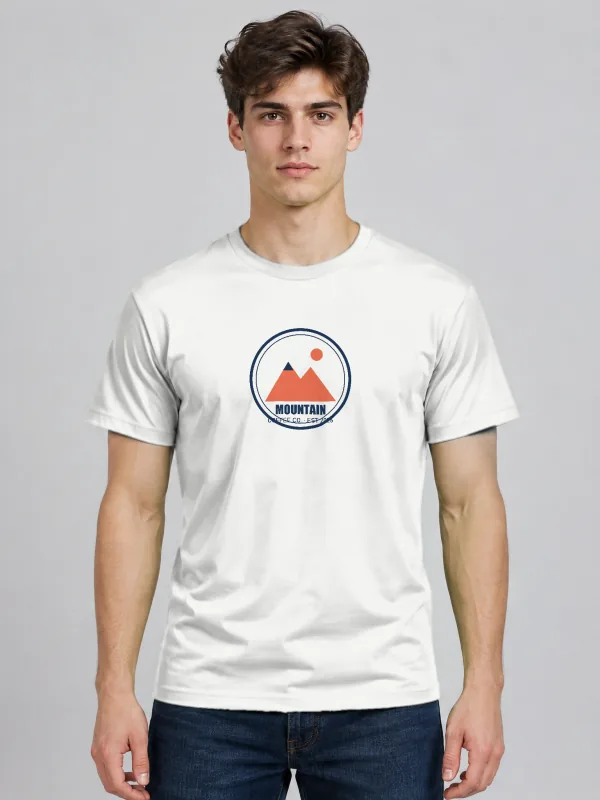
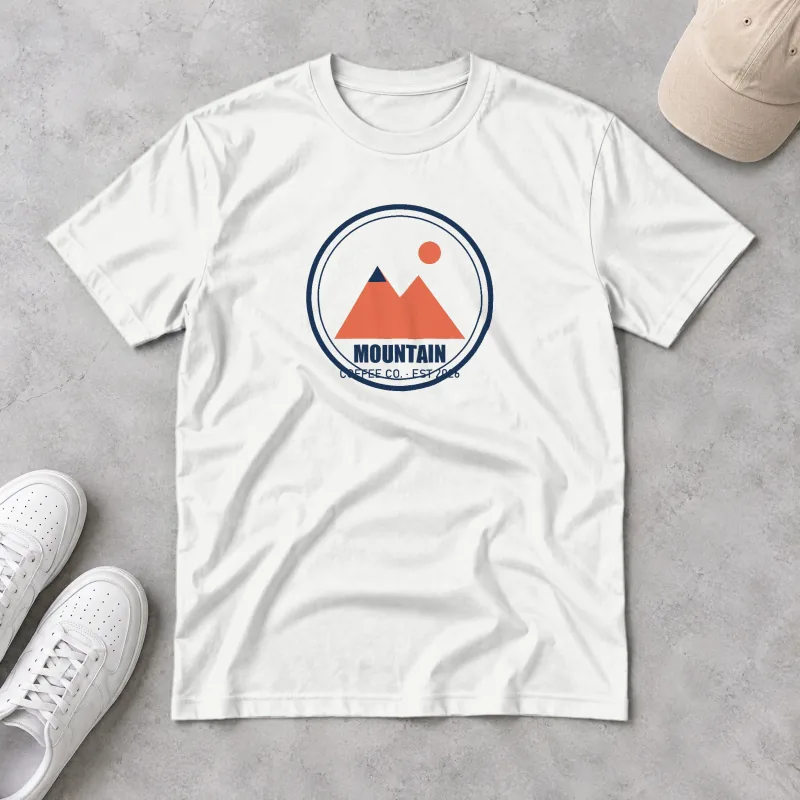
How to make a t-shirt mockup
Upload your design
A PNG with a transparent background gives the cleanest print. JPG, WebP and SVG work too. Add a back print if you have one: it goes on the back-view shirts.
Pick the shirt colour
White, black, heather grey, navy or any colour from the picker. Folds and shadows stay realistic on every colour because they come from the scene itself.
Adjust size and position
The design starts as a chest print. Make it bigger for a full-front print or move it down for a centre print.
Download
PNG for listings and social posts, PSD to keep editing in Photoshop, or open the PSD in PhotoQuill to add text and more layers.
Tips for a better t-shirt mockup
- For dark shirts, use a light version of your design; dark ink disappears on black fabric just as it would in print.
- Leave about 10% of empty space around the artwork in your file; the generator places the file's edges, not the visible artwork.
- A 3000 × 3000 px design is plenty. The print area on a 2048 px mockup is about 600 px wide, so bigger files only slow down the upload.
- Showing a print-on-demand product? Use one flat lay, one model shot and the back view in your listing.
Frequently asked questions
More free mockups
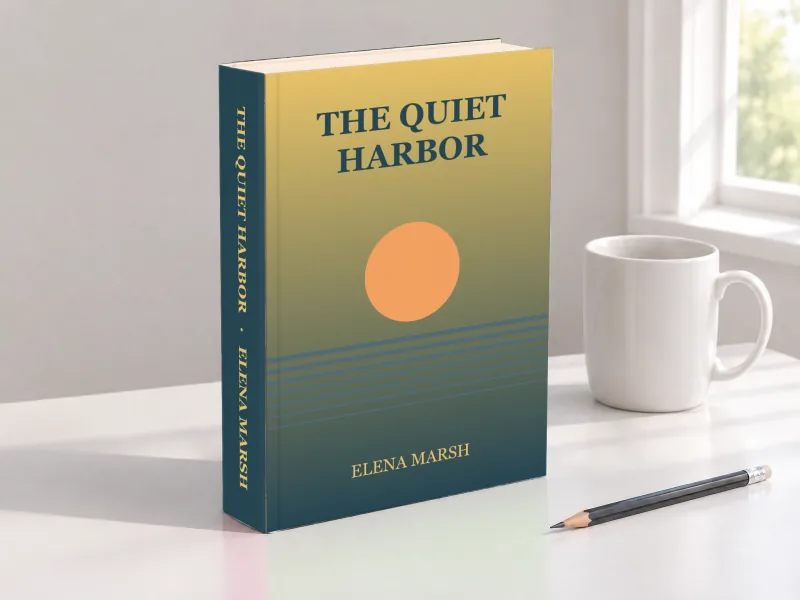
Book mockups
Hardcovers with a spine, paperbacks, in-hand shots and coloring books.
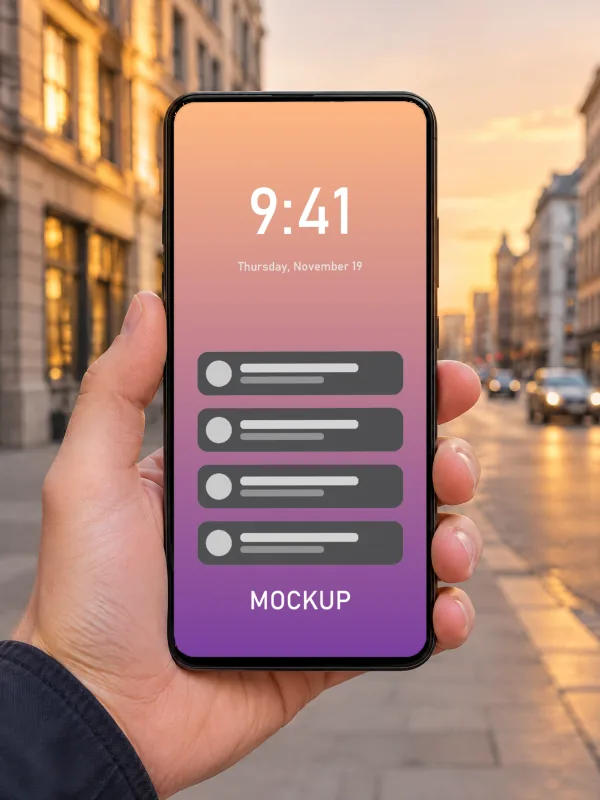
iPhone mockups
Screenshots on phones in hand, on a desk, in the studio and in landscape.
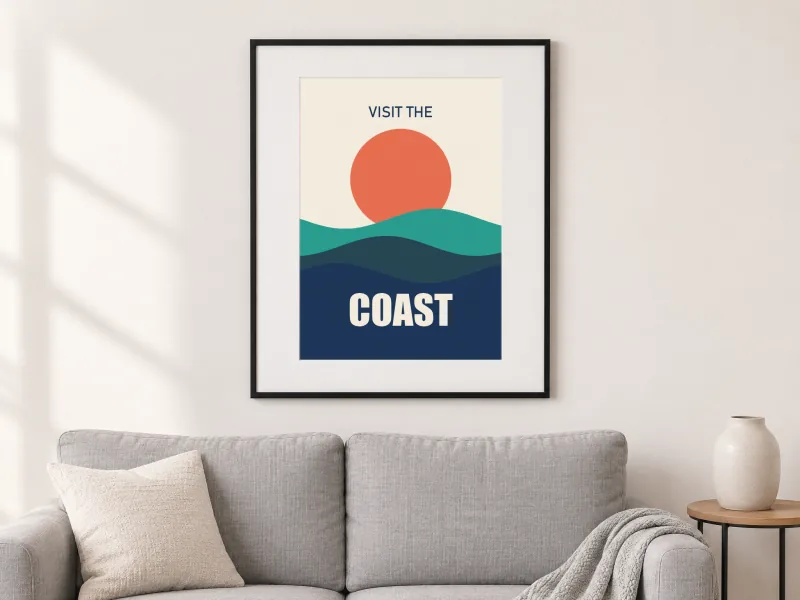
Poster & Frame mockups
Framed art in living rooms, bedrooms and offices, portrait and landscape.
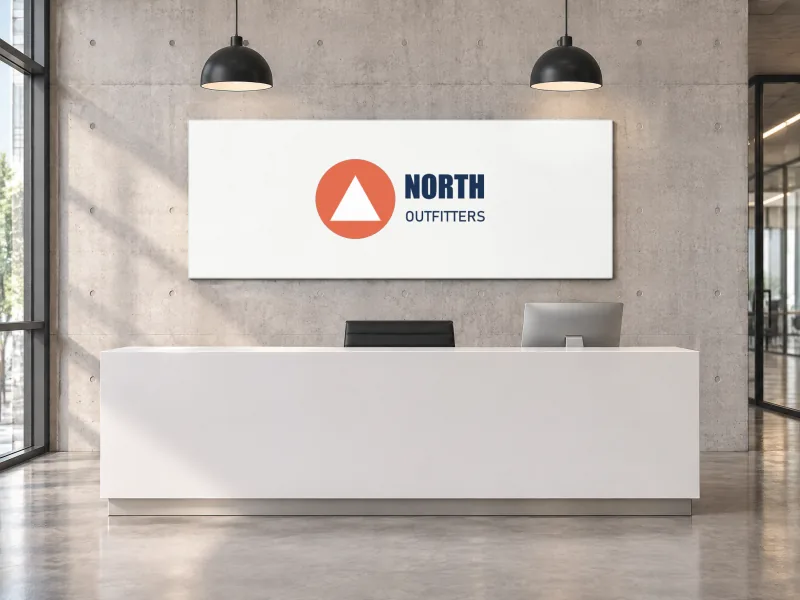
Logo mockups
Your logo on signs, a storefront, tote and paper bags and a shipping box.
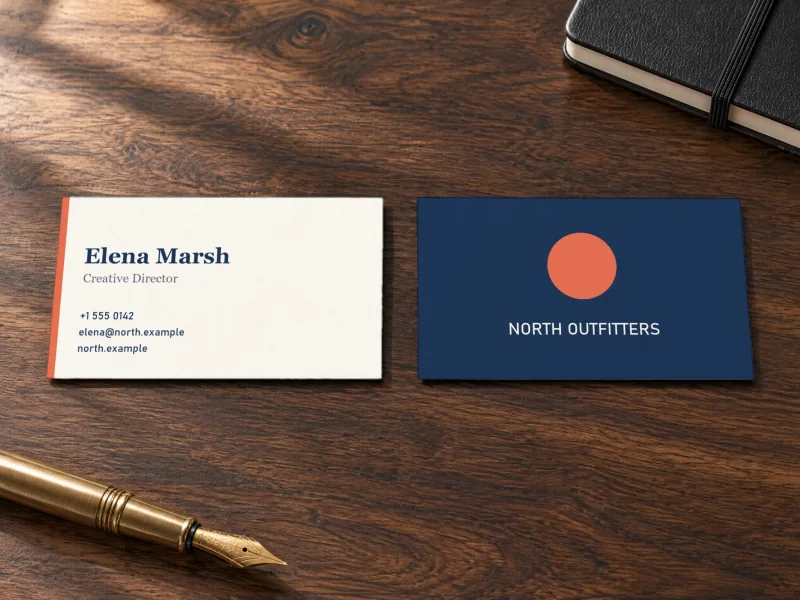
Business Card mockups
Front and back on desks, in hand, stacked and in a card holder.
Keep editing
- Online Photoshop, free: open the PSD in your browser, add text, shapes and more layers.
- Image to layered PSD: turn a flat design into editable layers with AI before you mock it up.
- AI photo editor: remove backgrounds and retouch product photos.