PhotoQuill Logo PhotoQuill Free AI Photo Editor

Free iPhone Mockup Generator

Upload a screenshot and see it on phones held in hand, lying on a desk, in the studio and in landscape. Download a full-size PNG with no watermark or a PSD with the screen as a smart object.
Use a portrait screenshot (1179 × 2556 px or any 9:19.5 image). Your file stays on your device. Drop a file anywhere here or paste it.

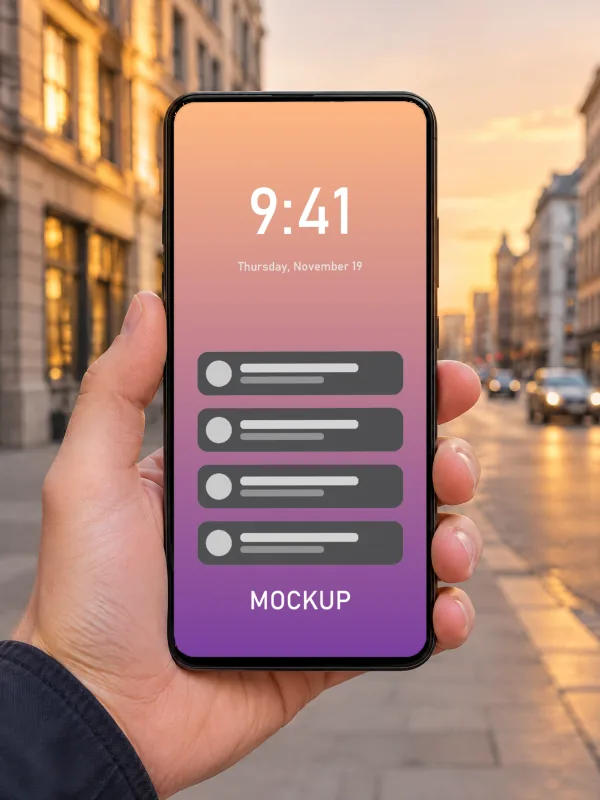
Hand holding a phone on a city street
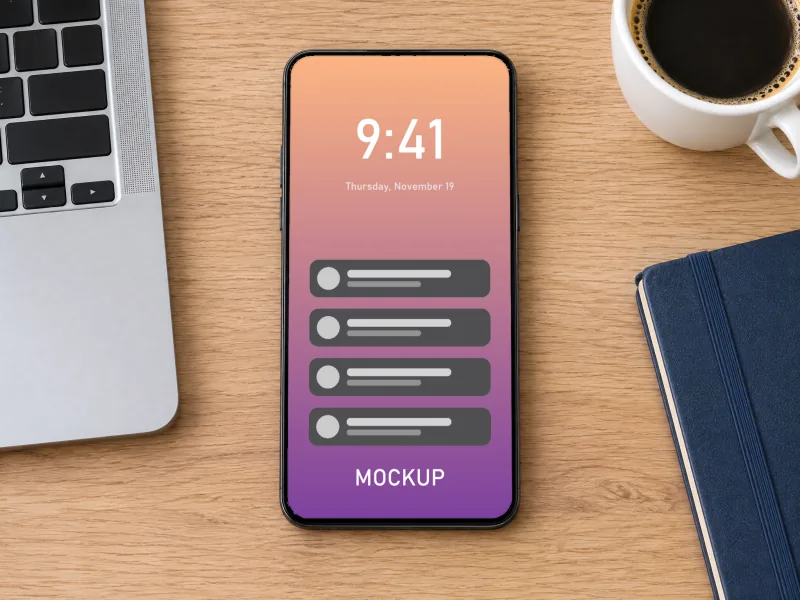
Phone lying on a desk, top view
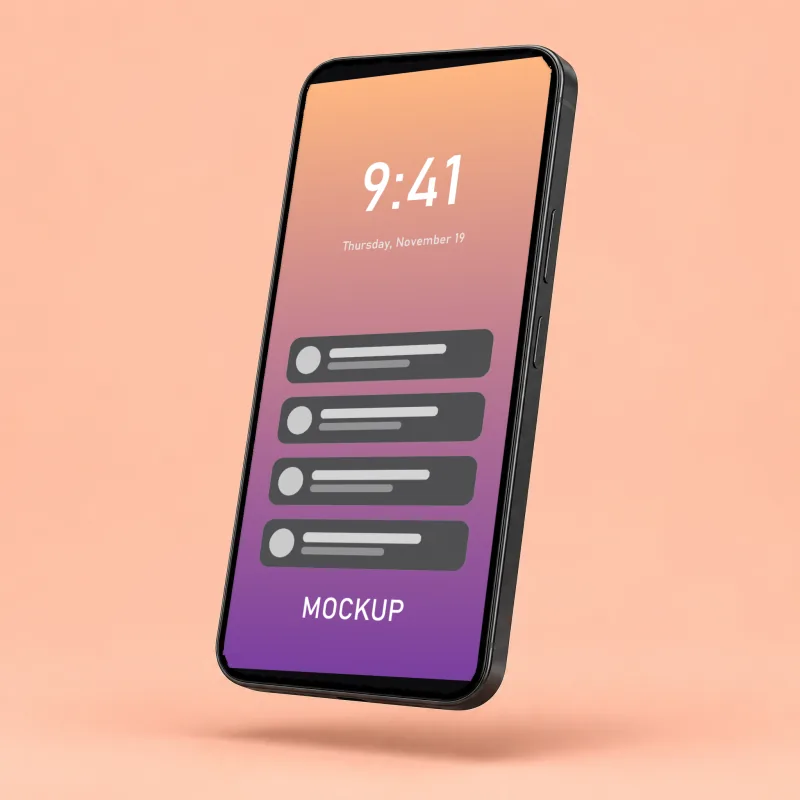
Phone floating at an angle on peach
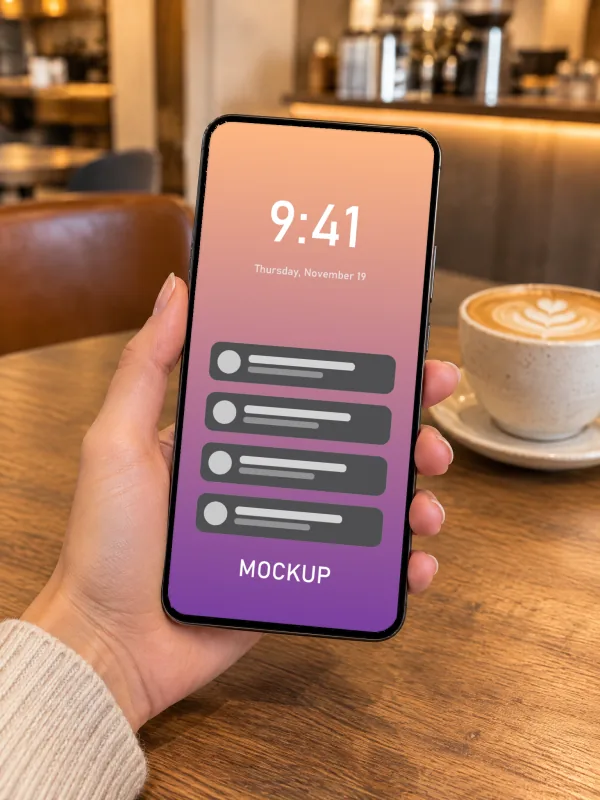
Hand holding a phone in a cafe
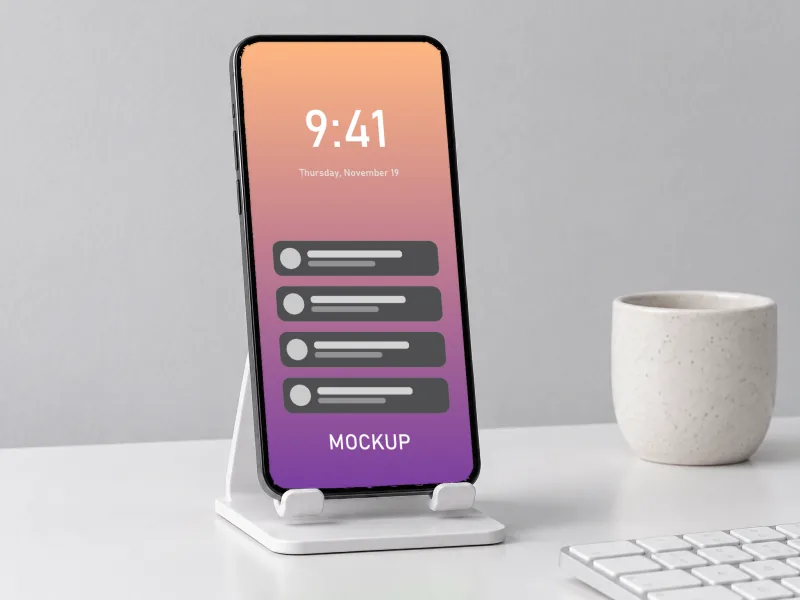
Phone on a stand on a white desk
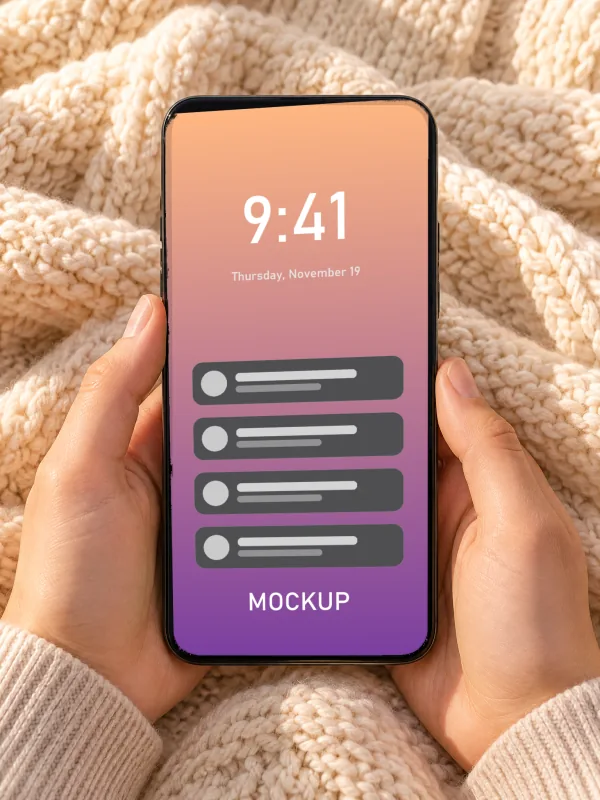
Hands holding a phone over a knitted blanket
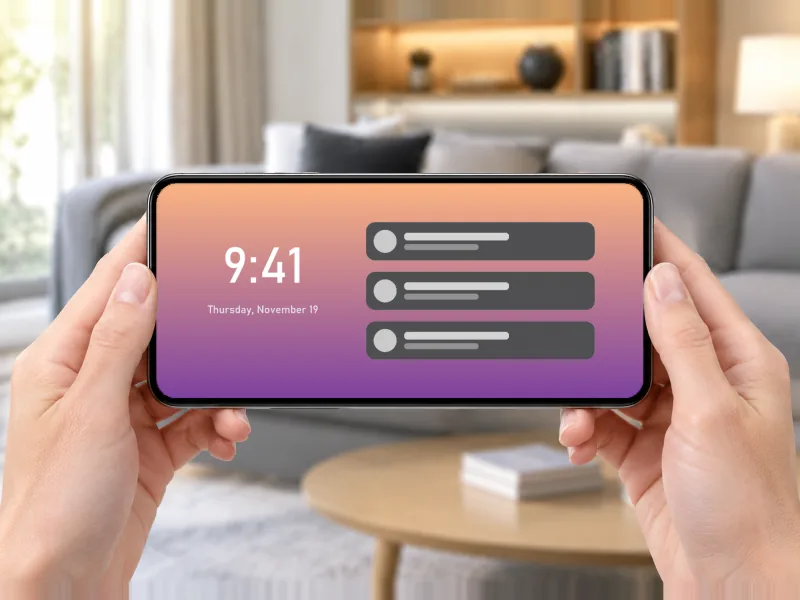
Phone held sideways in landscape
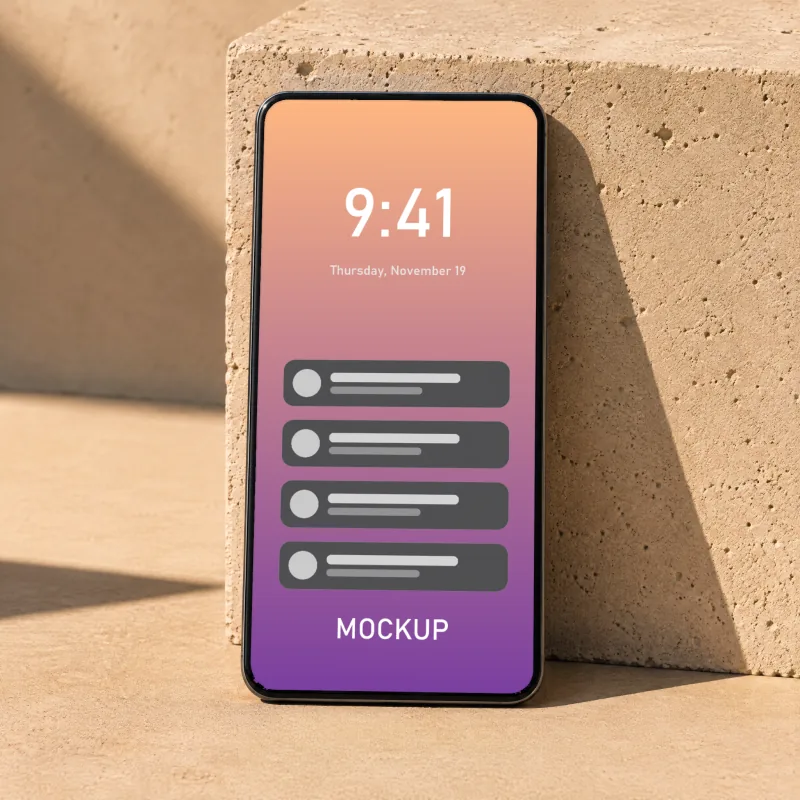
Phone leaning on concrete in hard sunlight

How to make a iphone mockup

1

Take a screenshot

Any phone screenshot works; iPhone screenshots (1179 × 2556 px) fit exactly. A website or app design exported at 9:19.5 works the same.

2

Upload it

It fills the screen of every phone below, in perspective, with the screen's own reflections on top.

3

Pick a scene

In hand, on a desk, studio or landscape. The landscape scene wants a landscape screenshot; a portrait one is cropped to fill it.

4

Download

PNG for app store pages, landing pages and social posts, or PSD to swap screens in Photoshop.

Tips for a better iphone mockup

  • Hide the status bar or tidy it (full battery, 9:41) before taking the screenshot; it shows at the top of the screen.
  • For the landscape scene, upload a landscape screenshot (a game, a video, a dashboard).
  • Several screens for an app store page? Download one PNG per screenshot from the same scene for a consistent look.

Frequently asked questions

How do I put a screenshot on an iPhone mockup?
Upload the screenshot above. It is fitted to every phone screen in perspective; click PNG under the scene you want. No account and no watermark.
Which screenshot size should I use?
A portrait image at 9:19.5, such as an iPhone screenshot at 1179 × 2556 px. Other sizes are cropped to fill the screen, never stretched.
Are these real iPhones?
The phones are generic modern smartphones with thin bezels, made for iPhone and Android screenshots alike. iPhone is a trademark of Apple Inc., registered in the U.S. and other countries; PhotoQuill is not affiliated with Apple.
Is it really free, without a watermark?
Yes. PNG and PSD downloads are free, full size (2048 pixels on the long side) and carry no watermark. You don't need an account. The mockups may be used in personal and commercial work such as shop listings, portfolios and client presentations; please don't resell the mockup templates themselves.
What is in the PSD?
A layered Photoshop file at full size: the scene, and for each print surface a masked group with your design as a smart object, a shading layer (multiply), a highlights layer (screen) and a colour fill you can change. Double-click the smart object in Photoshop, or use Replace Contents, to swap in another design. It also opens in PhotoQuill.
Is my design uploaded anywhere?
No. The mockups are rendered by your browser, so your design never leaves your device. Only if you choose Open in PhotoQuill is the file passed to the PhotoQuill editor, in a new tab on this site.
Are these real photos?
The scenes are photorealistic images made with an AI image model and then prepared for mockups: the print area, its folds, shading and highlights are measured from each image so your design picks them up. Every scene was checked by hand before it was published.

More free mockups

Keep editing