PhotoQuill Logo PhotoQuill Free AI Photo Editor

Free Mockup Generator

Upload a design and see it on t-shirts, books, phones, framed posters, signs and business cards at once. Download any mockup as a full-size PNG with no watermark, or as a PSD with your design in a smart object.
PNG with a transparent background works best. Your design stays on your device. Drop a file anywhere here or paste it.

Shirt & surface colour

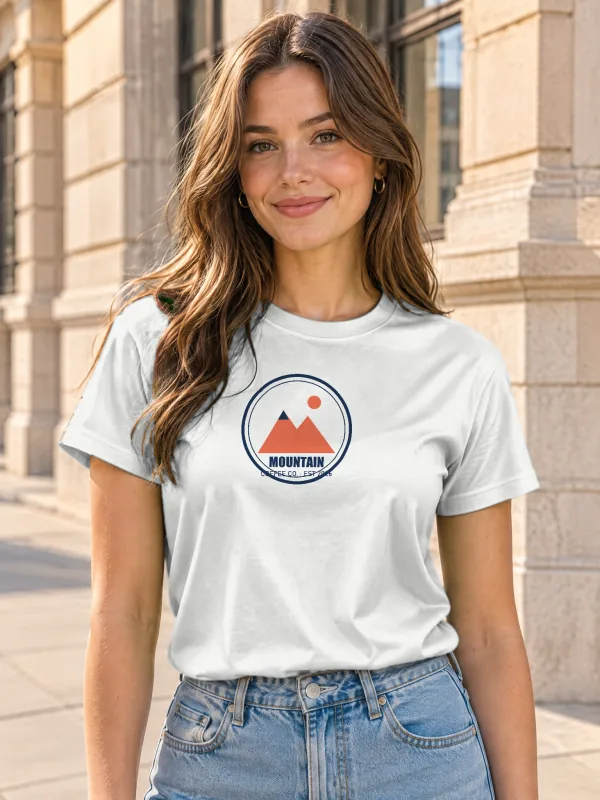
Woman wearing a t-shirt on a city street
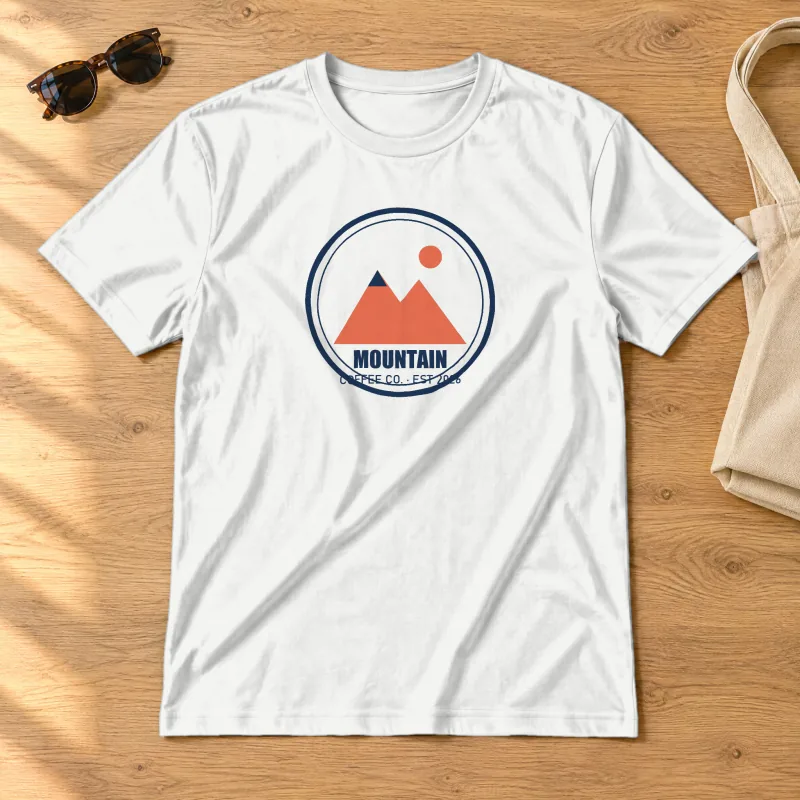
T-shirt mockup laid flat on an oak table
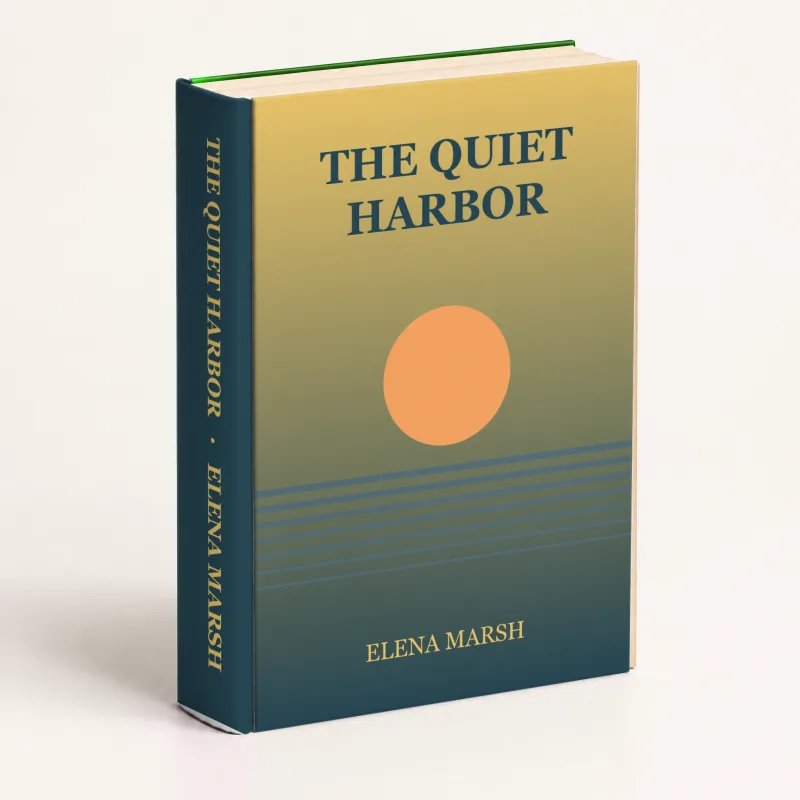
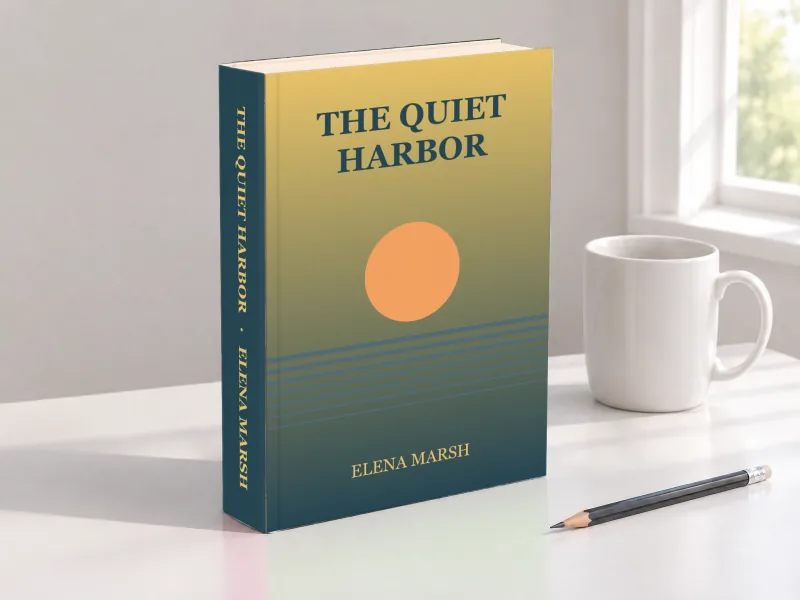
3D hardcover book mockup on white, cover and spine
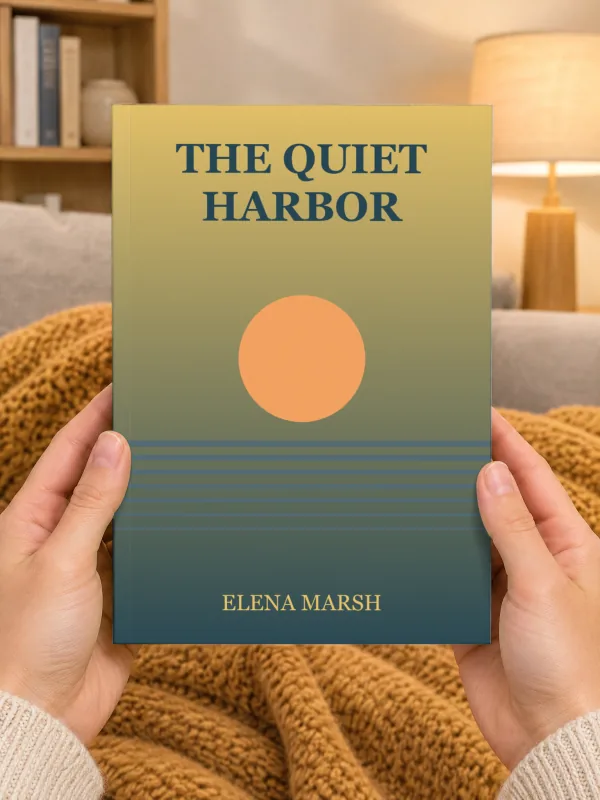
Hands holding a paperback book
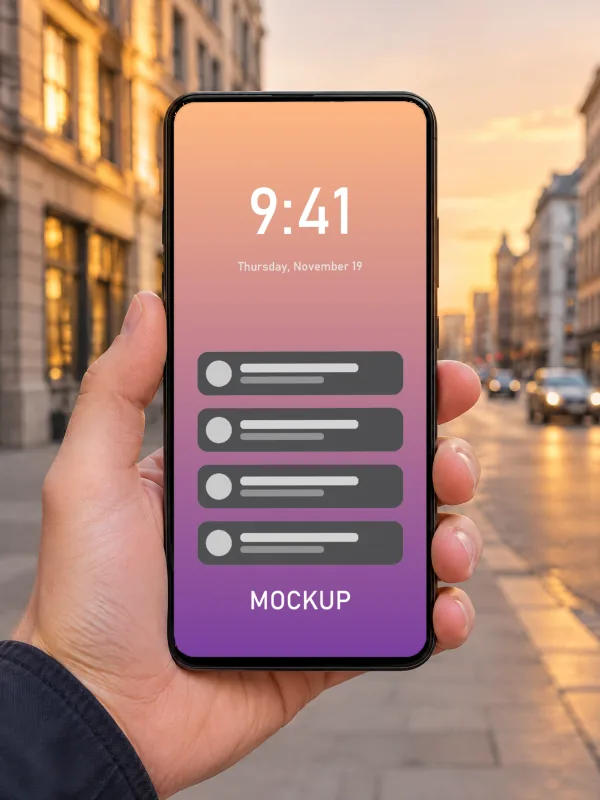
Hand holding a phone on a city street
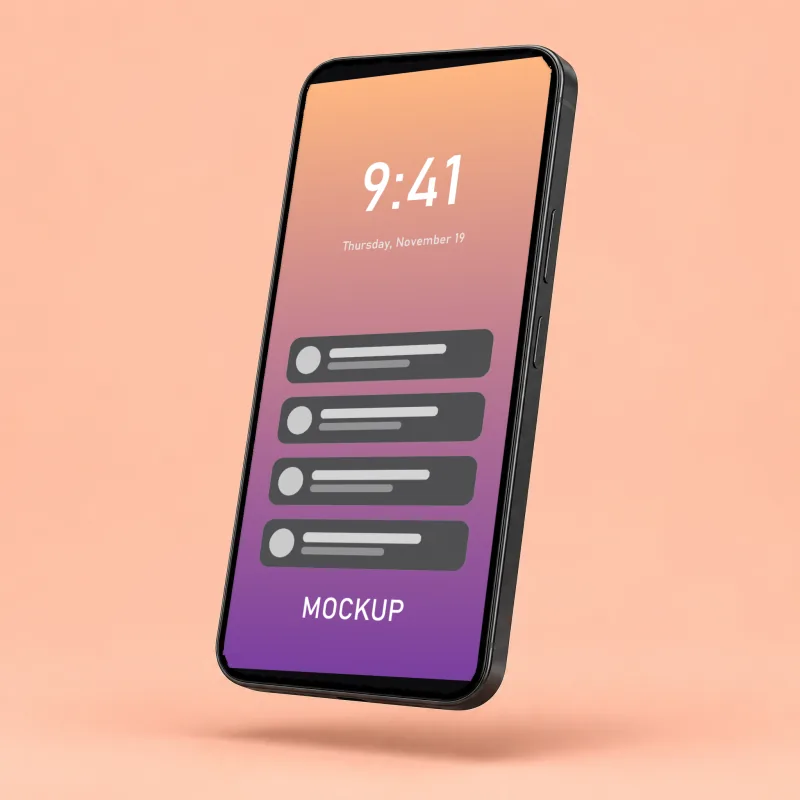
Phone floating at an angle on peach
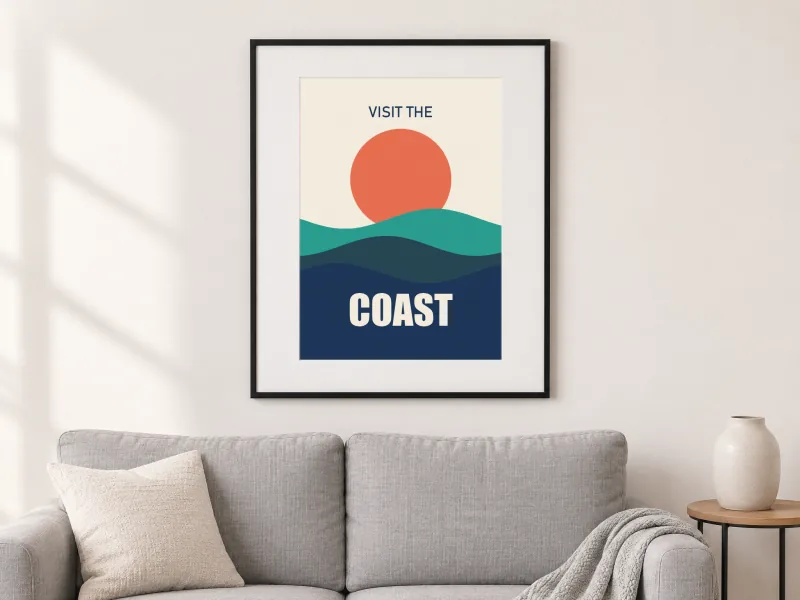
Framed poster above a sofa
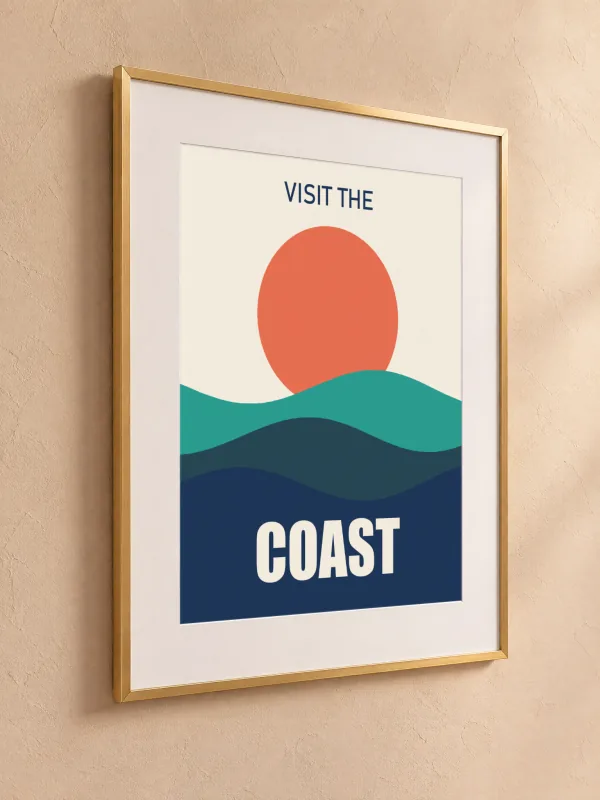
Gold frame on a plaster wall, angled view
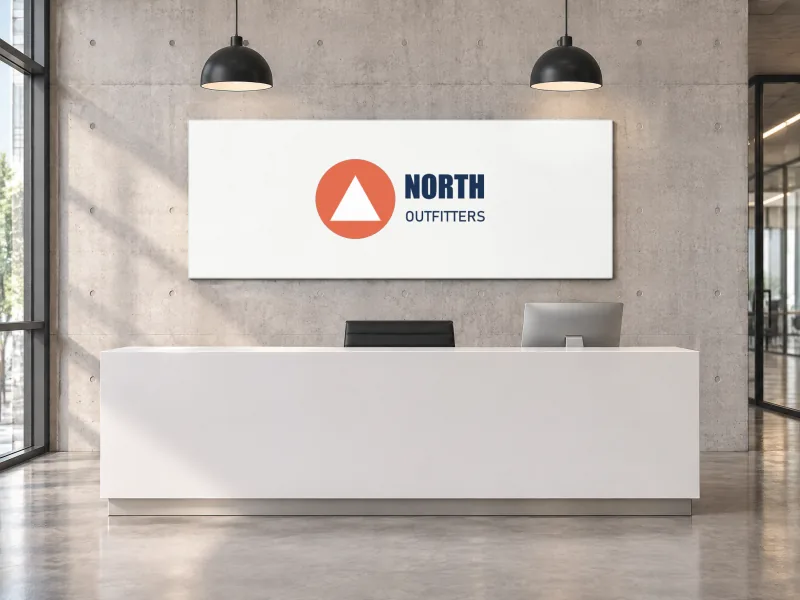
Logo on an office reception wall
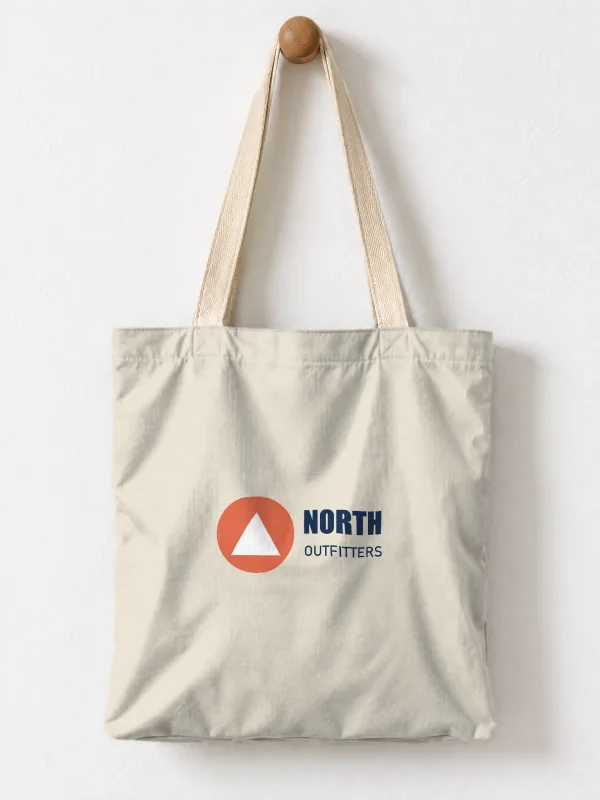
Logo on a canvas tote bag
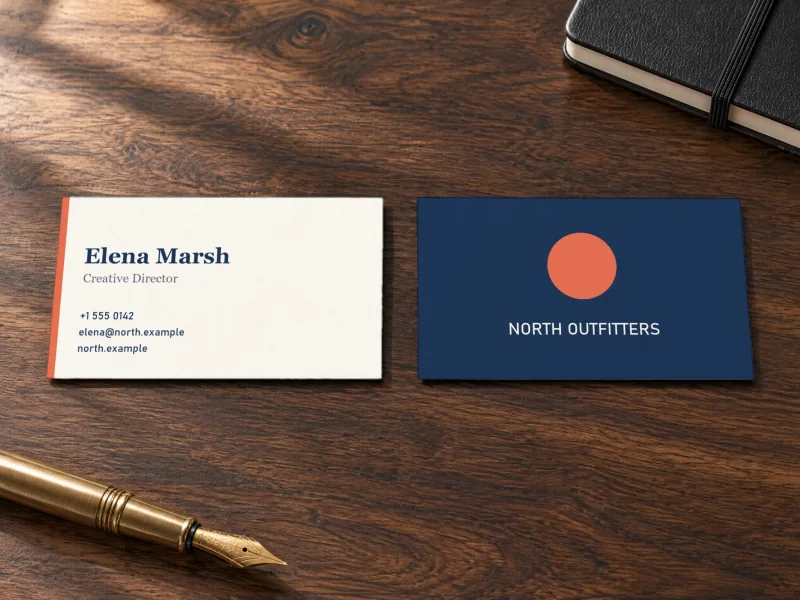
Business card front and back on a walnut desk
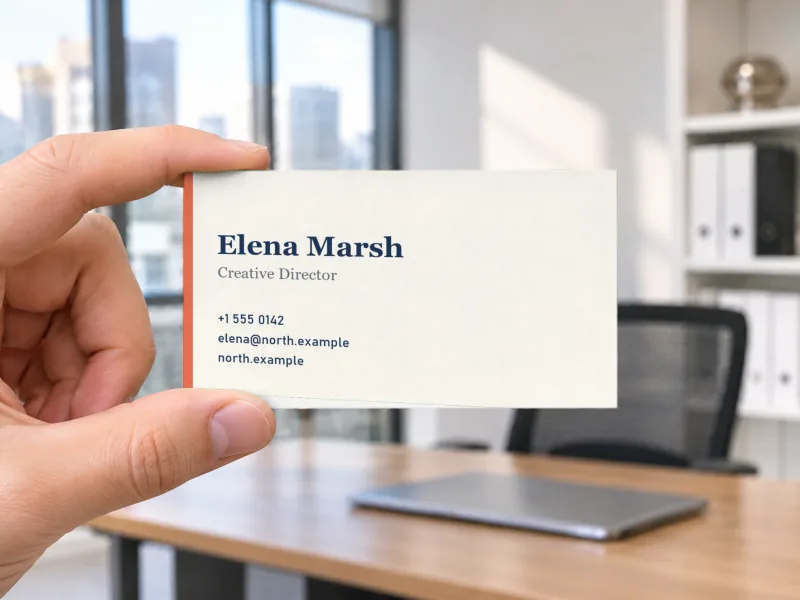
Hand holding a business card

Choose a mockup type

How it works

1

Upload one design

A logo, artwork, cover or screenshot. It goes on every mockup at once: printed on shirts, on book covers, on phone screens, in frames and on signs.

2

Fine-tune on the mockup page

Each mockup type has its own page with more scenes and options: shirt colours and back prints, book spines, card backs, logo sizes.

3

Download PNG or PSD

Full-size PNGs with no watermark, or layered PSDs with your design as a smart object for Photoshop and PhotoQuill.

Frequently asked questions

What is a mockup generator?
A tool that places your design on a photo of a real product, such as a t-shirt, a book or a phone, with the product's folds, shading and perspective, so you can show the design before anything is printed.
Which mockup should I use?
The one that matches what you sell or pitch: t-shirt mockups for apparel and print on demand, book mockups for authors, iPhone mockups for apps and websites, frame mockups for wall art, logo mockups for brand identities and business card mockups for print.
Is it really free, without a watermark?
Yes. PNG and PSD downloads are free, full size (2048 pixels on the long side) and carry no watermark. You don't need an account. The mockups may be used in personal and commercial work such as shop listings, portfolios and client presentations; please don't resell the mockup templates themselves.
What is in the PSD?
A layered Photoshop file at full size: the scene, and for each print surface a masked group with your design as a smart object, a shading layer (multiply), a highlights layer (screen) and a colour fill you can change. Double-click the smart object in Photoshop, or use Replace Contents, to swap in another design. It also opens in PhotoQuill.
Is my design uploaded anywhere?
No. The mockups are rendered by your browser, so your design never leaves your device. Only if you choose Open in PhotoQuill is the file passed to the PhotoQuill editor, in a new tab on this site.
Are these real photos?
The scenes are photorealistic images made with an AI image model and then prepared for mockups: the print area, its folds, shading and highlights are measured from each image so your design picks them up. Every scene was checked by hand before it was published.

Keep editing