
Free Business Card Mockup Generator
Upload the front of your card, add the back, and see both on desks, in hand, in stacks and in a card holder. Download a full-size PNG with no watermark or a PSD with both sides as smart objects.
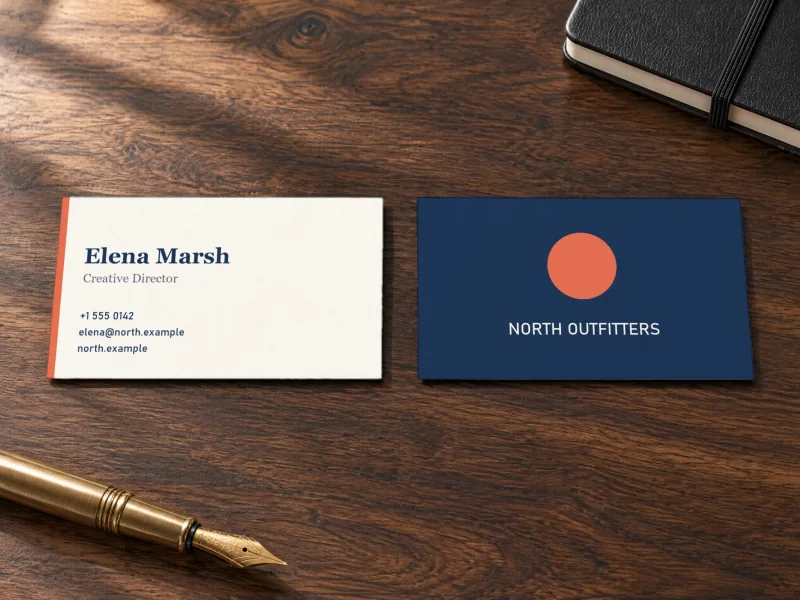
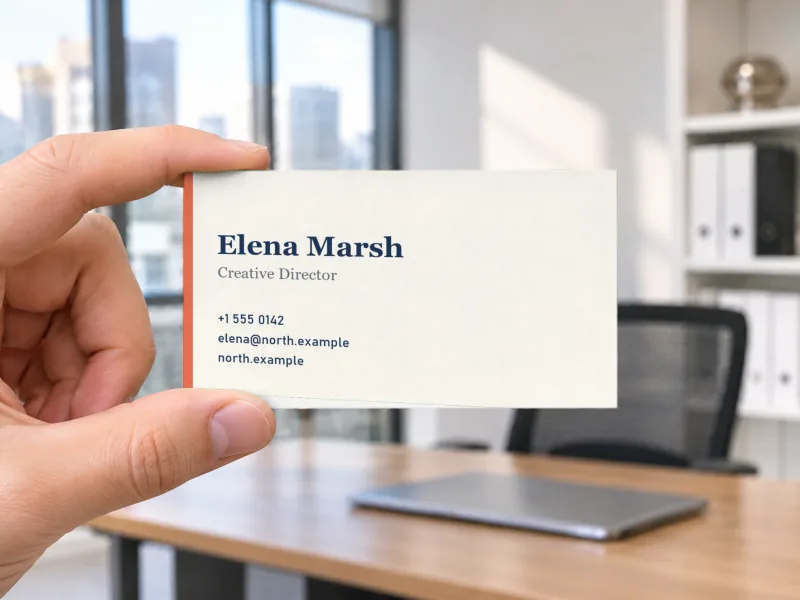
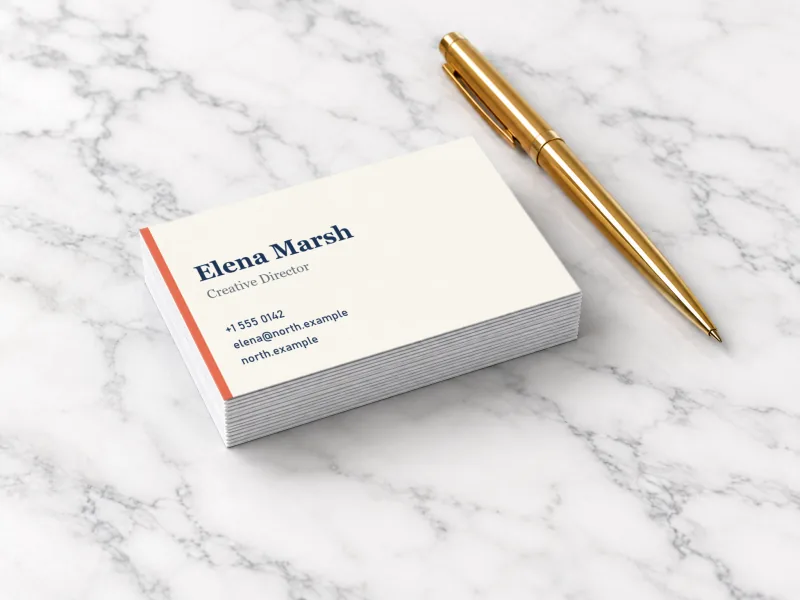
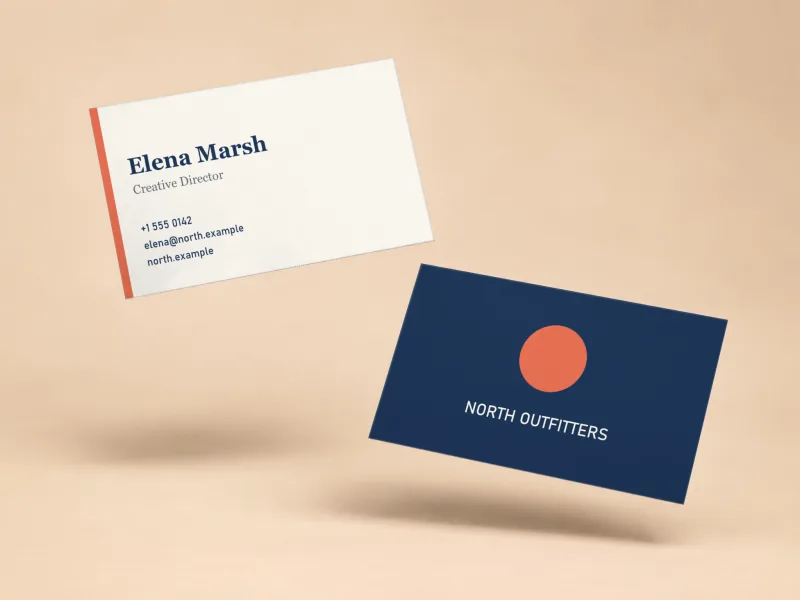
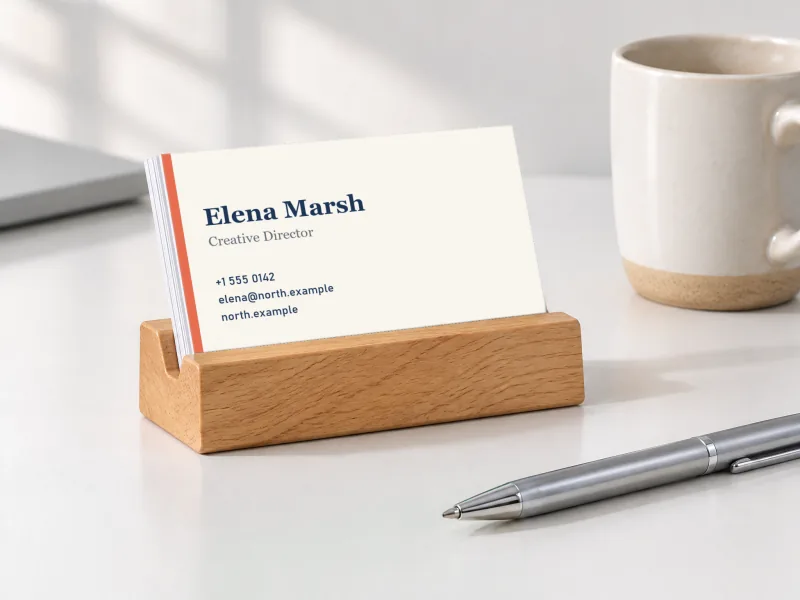
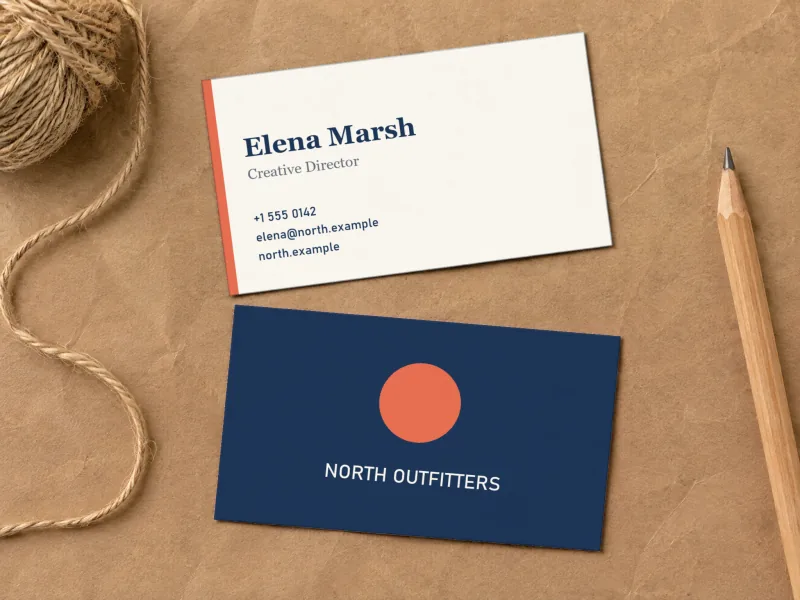
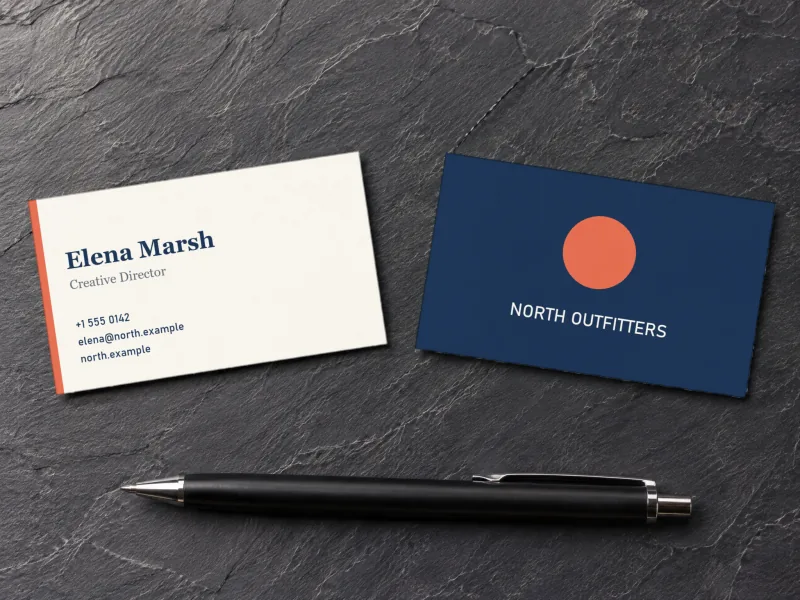
How to make a business card mockup
Upload the front
A landscape card design at 3.5 × 2 in (1050 × 600 px at 300 dpi). Other sizes are cropped to fill the card.
Add the back (optional)
The back shows on the scenes with two cards. Without one, the front is shown on both.
Pick a scene
Front and back on a desk, a single card in hand, a stack or a card holder.
Download
PNG for your portfolio or print-shop approval, or PSD with each side as a smart object.
Tips for a better business card mockup
- Upload the trimmed card, without bleed or crop marks; the generator shows the card as it will look after cutting.
- European cards (85 × 55 mm) are a little wider; they are cropped slightly at the sides.
- A dark back with a light front makes the pair read clearly in two-card scenes.
Frequently asked questions
More free mockups
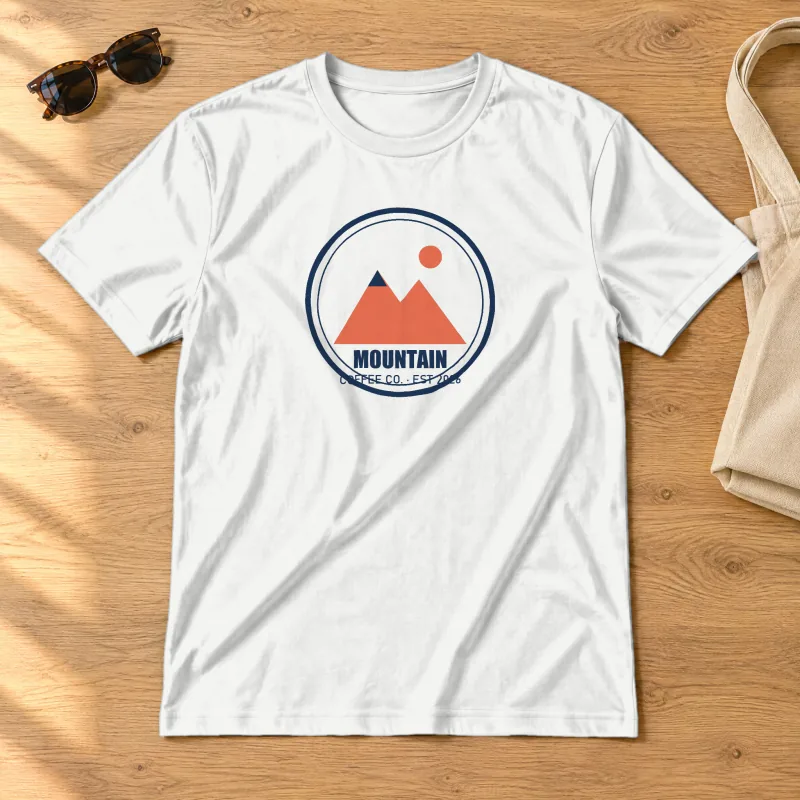
T-Shirt mockups
Models, flat lays and ghost mannequin, front and back, any shirt colour.
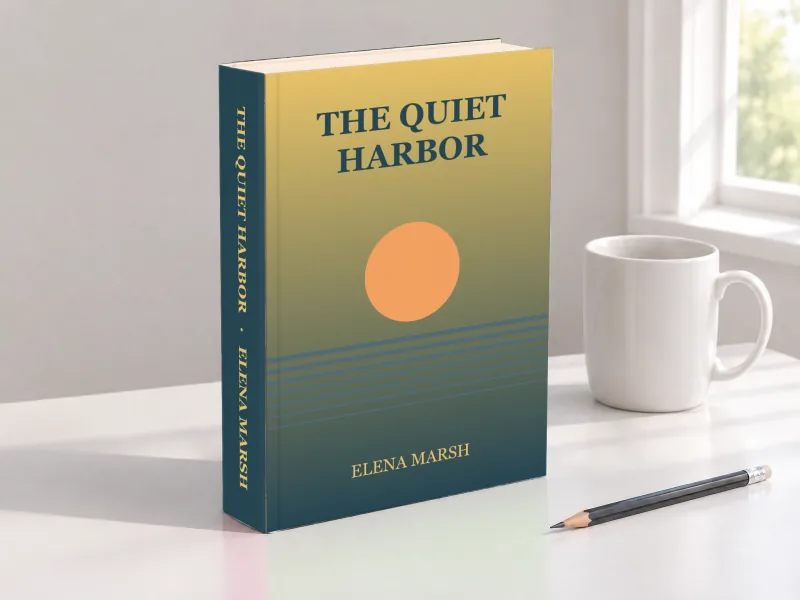
Book mockups
Hardcovers with a spine, paperbacks, in-hand shots and coloring books.
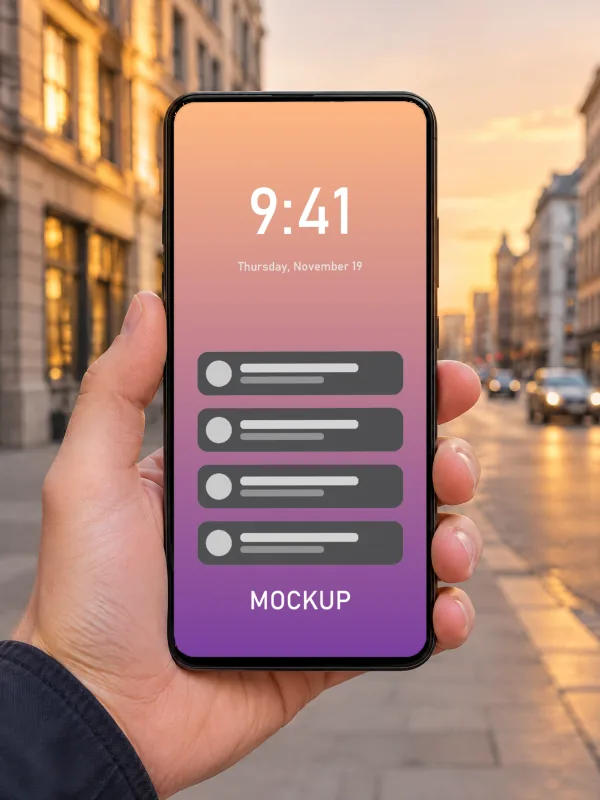
iPhone mockups
Screenshots on phones in hand, on a desk, in the studio and in landscape.
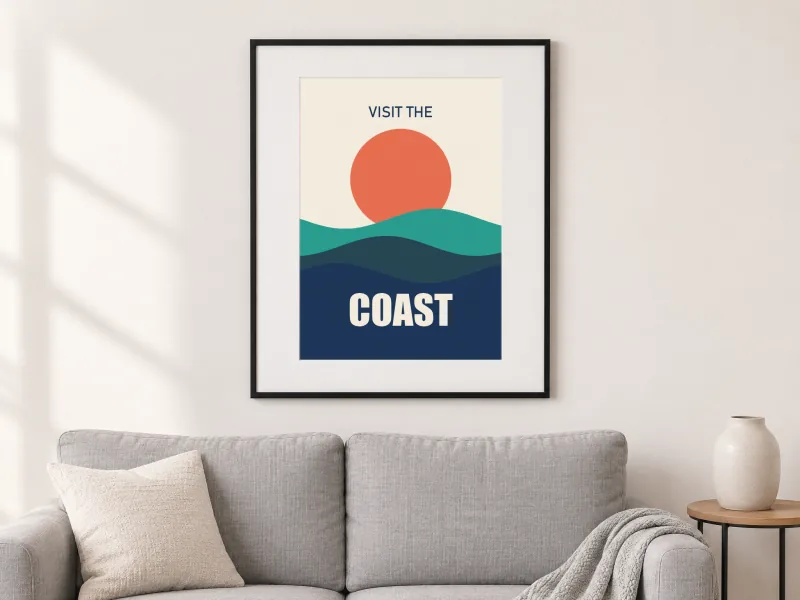
Poster & Frame mockups
Framed art in living rooms, bedrooms and offices, portrait and landscape.
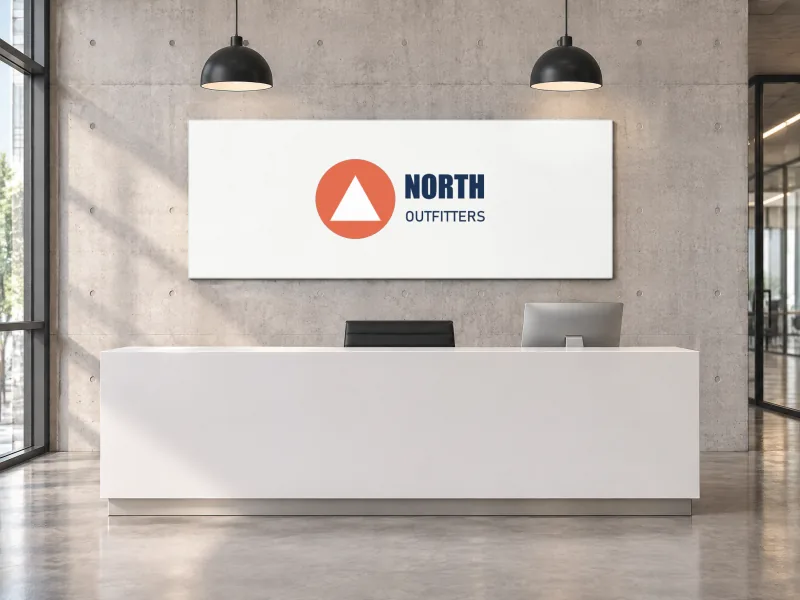
Logo mockups
Your logo on signs, a storefront, tote and paper bags and a shipping box.
Keep editing
- Online Photoshop, free: open the PSD in your browser, add text, shapes and more layers.
- Image to layered PSD: turn a flat design into editable layers with AI before you mock it up.
- AI photo editor: remove backgrounds and retouch product photos.