
Free Poster & Frame Mockup Generator
Upload your art or poster and see it framed in living rooms, bedrooms, offices and cafés, or taped to a concrete wall. Download a full-size PNG with no watermark or a layered PSD.
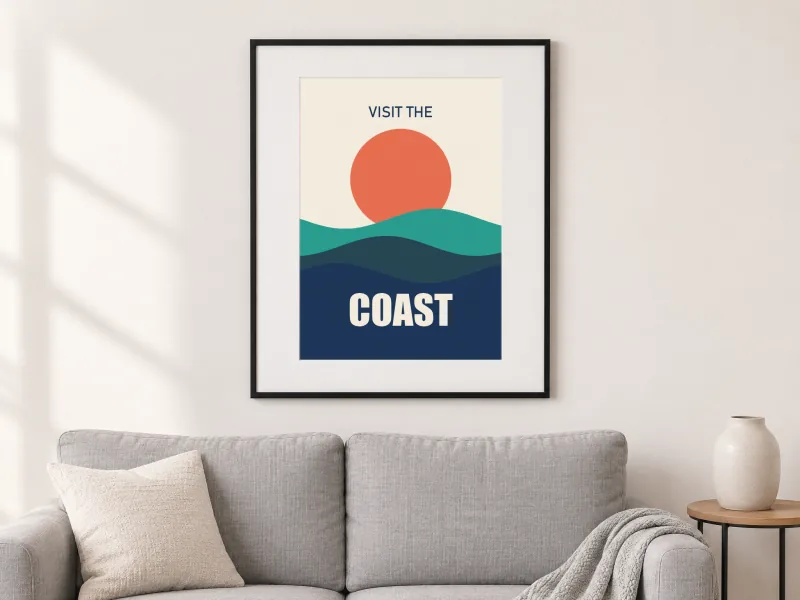
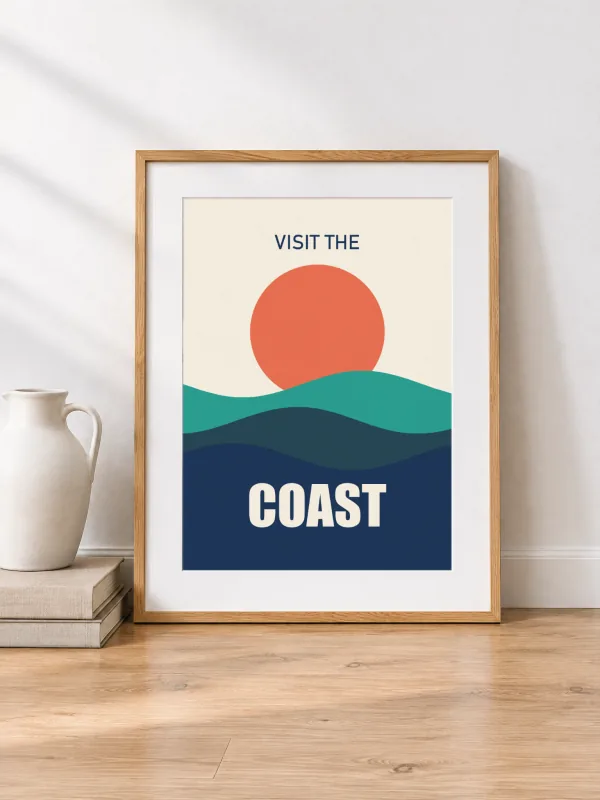
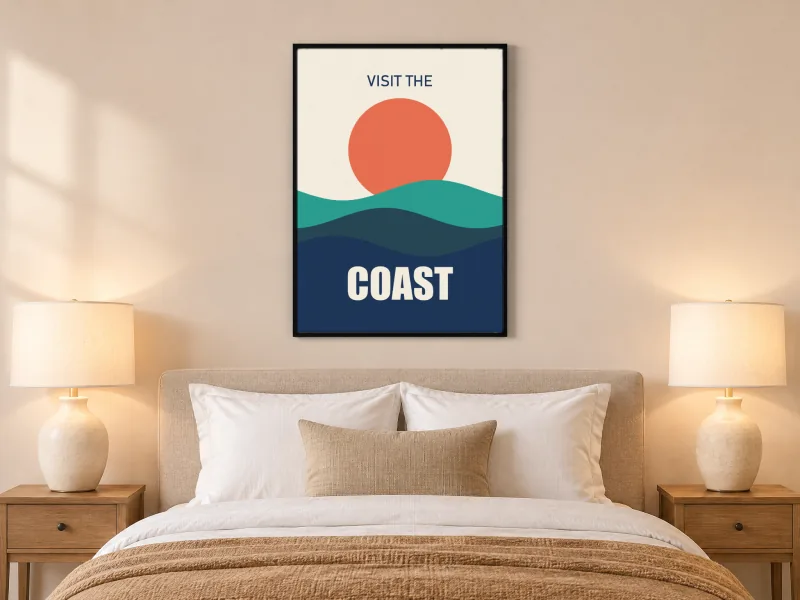
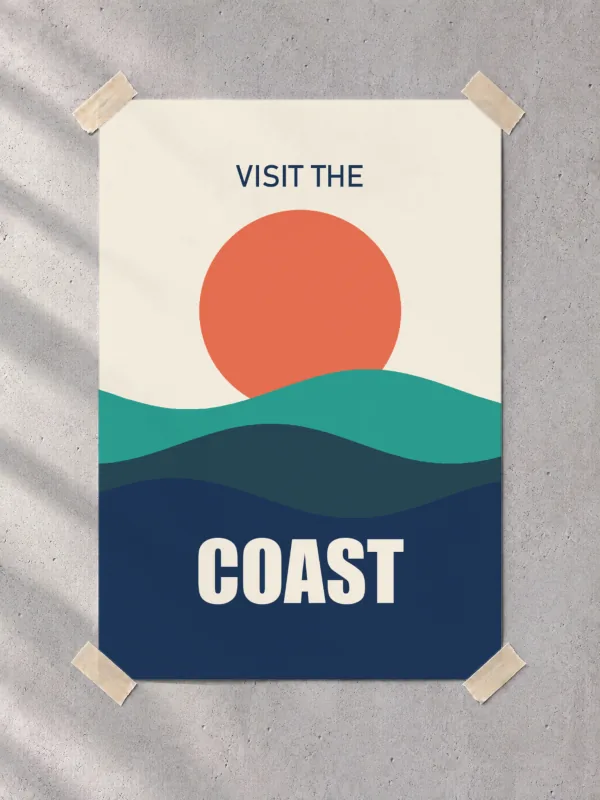
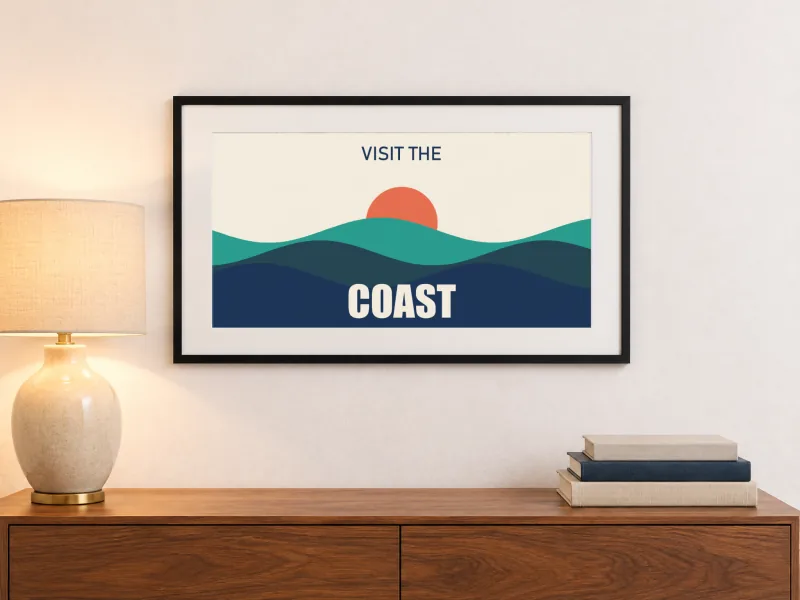
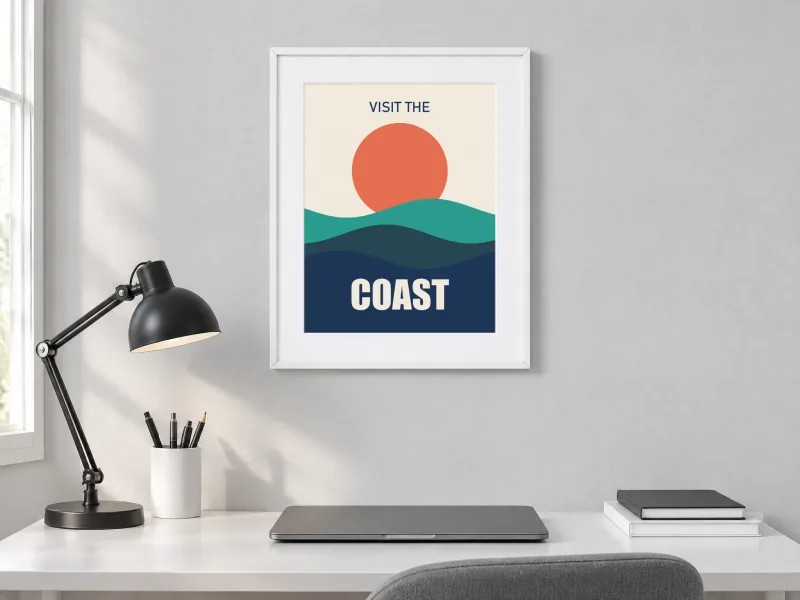
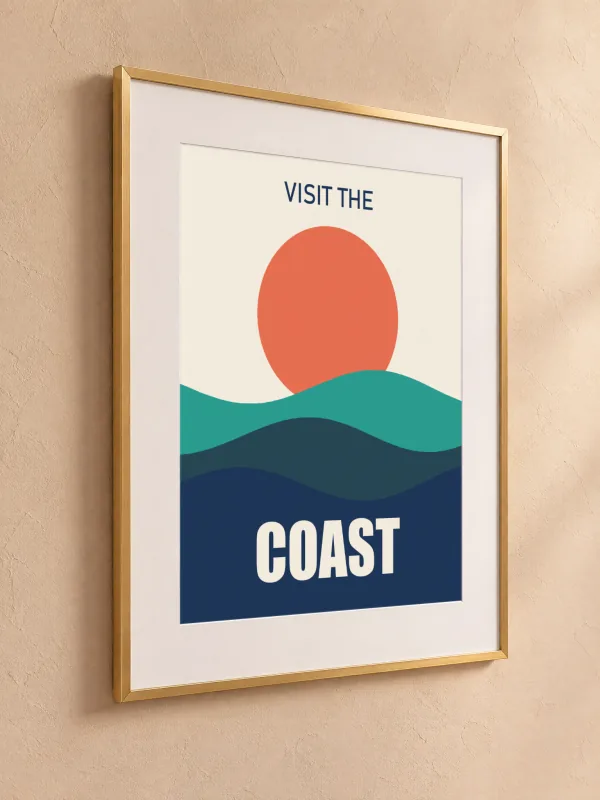
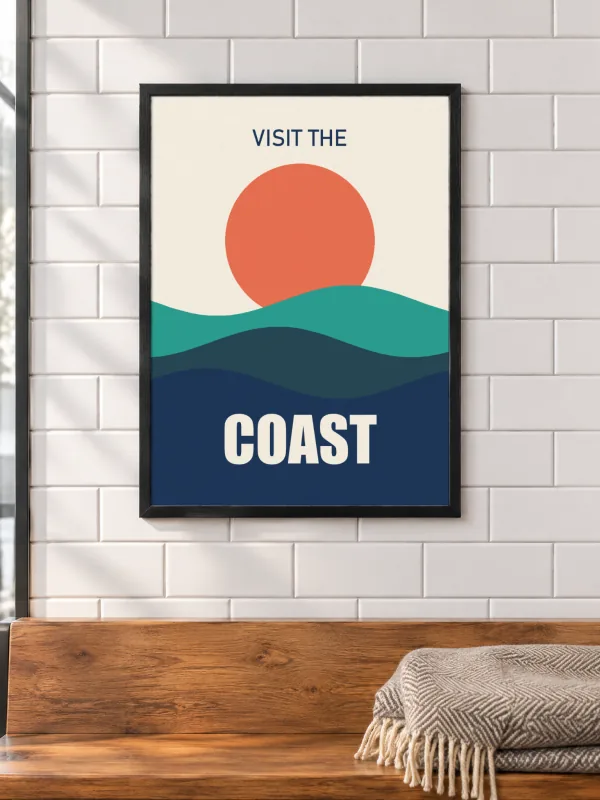
How to make a poster & frame mockup
Upload your art
A poster, print, photo or digital download. It fills the frame's opening and is cropped, never stretched, if its shape differs.
Choose portrait or landscape
Use the filters to show the frames that match your art's orientation.
Check the crop
Each frame shows its opening's ratio in the scene: 2:3, 3:4, 4:5 or 3:2. Pick the scenes closest to your print size.
Download
PNG for Etsy listings and social posts, or PSD with the art as a smart object.
Tips for a better poster & frame mockup
- Selling printable wall art? Show one living-room scene, one close-up angle and one size option per listing.
- Matte paper looks most real in these frames; glossy art is rendered matte with the room's light falling across it.
- Common print ratios: 2:3 (24 × 36 in, 12 × 18 in), 3:4 (18 × 24 in), 4:5 (8 × 10 in, 16 × 20 in).
Frequently asked questions
More free mockups
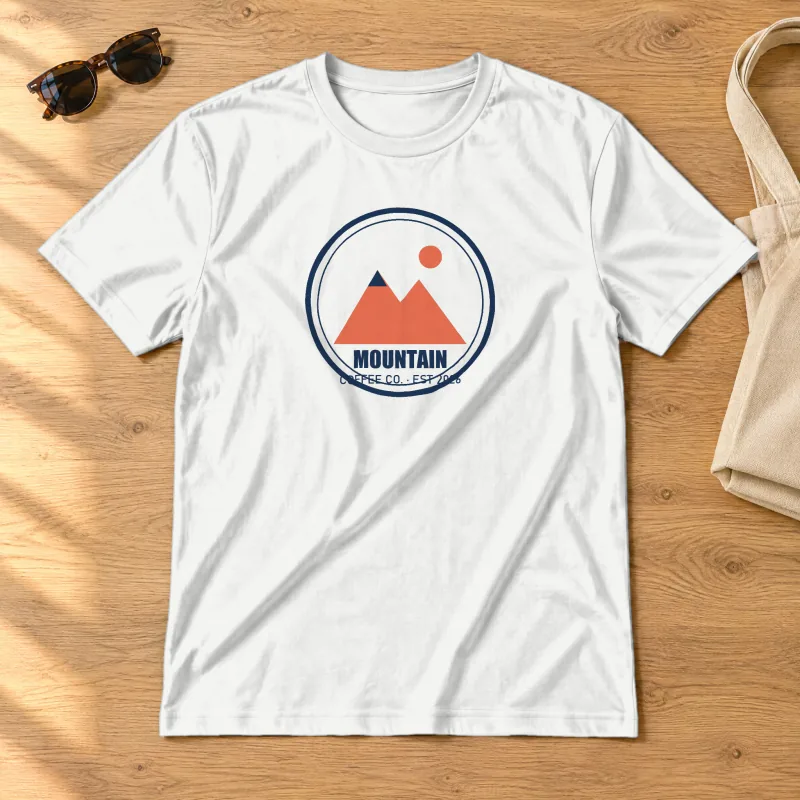
T-Shirt mockups
Models, flat lays and ghost mannequin, front and back, any shirt colour.
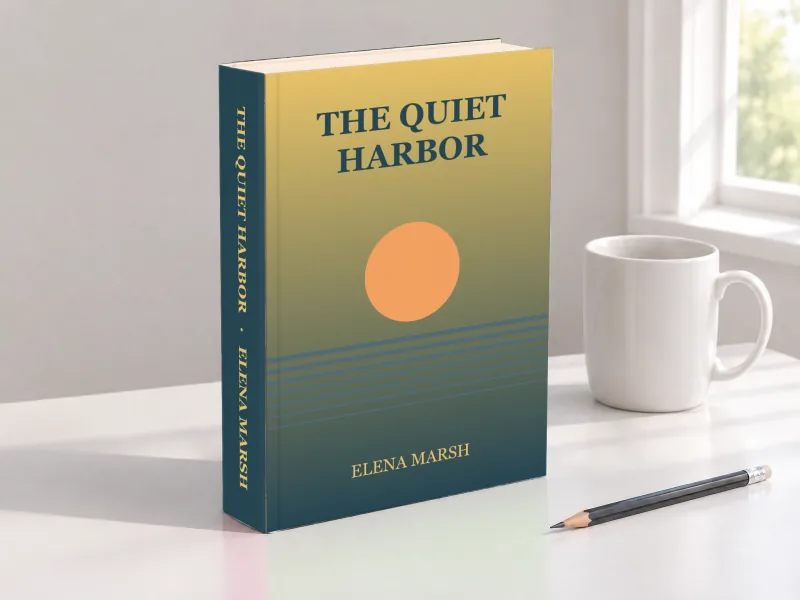
Book mockups
Hardcovers with a spine, paperbacks, in-hand shots and coloring books.
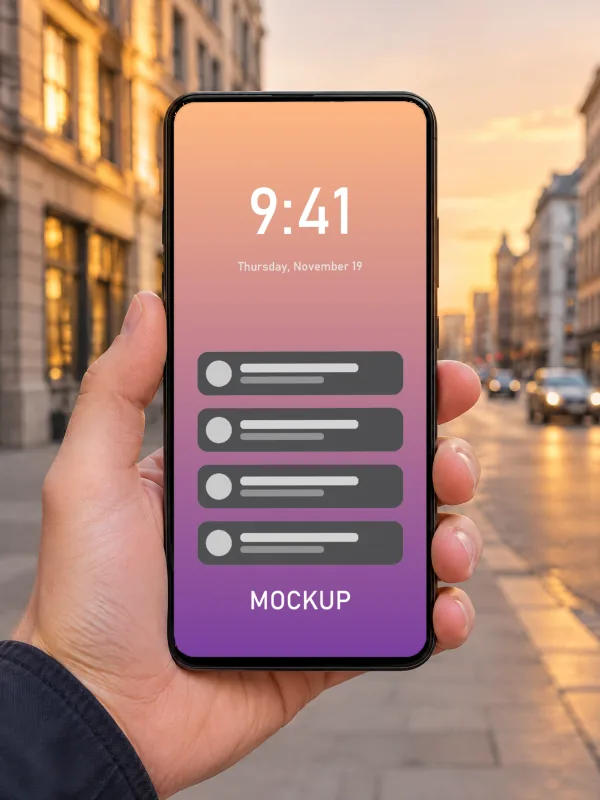
iPhone mockups
Screenshots on phones in hand, on a desk, in the studio and in landscape.
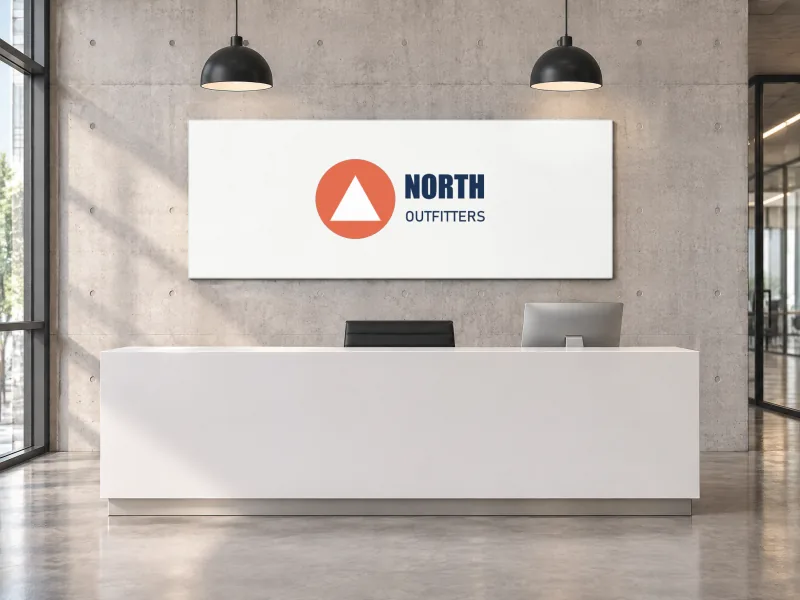
Logo mockups
Your logo on signs, a storefront, tote and paper bags and a shipping box.
Business Card mockups
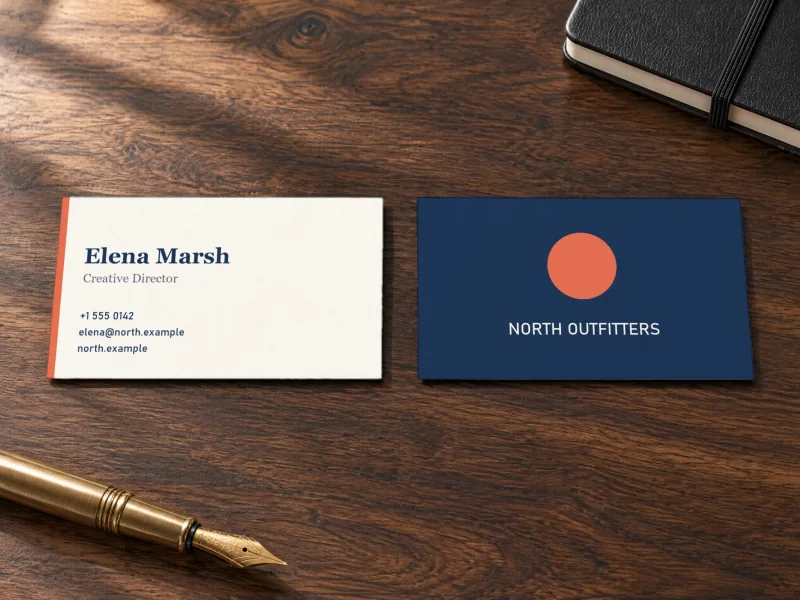
Front and back on desks, in hand, stacked and in a card holder.
Keep editing
- Online Photoshop, free: open the PSD in your browser, add text, shapes and more layers.
- Image to layered PSD: turn a flat design into editable layers with AI before you mock it up.
- AI photo editor: remove backgrounds and retouch product photos.