
Free Logo Mockup Generator
Upload your logo and see it on signs, bags and packaging in real scenes. Change the surface colour and logo size, then download a full-size PNG with no watermark or a PSD with the logo as a smart object.
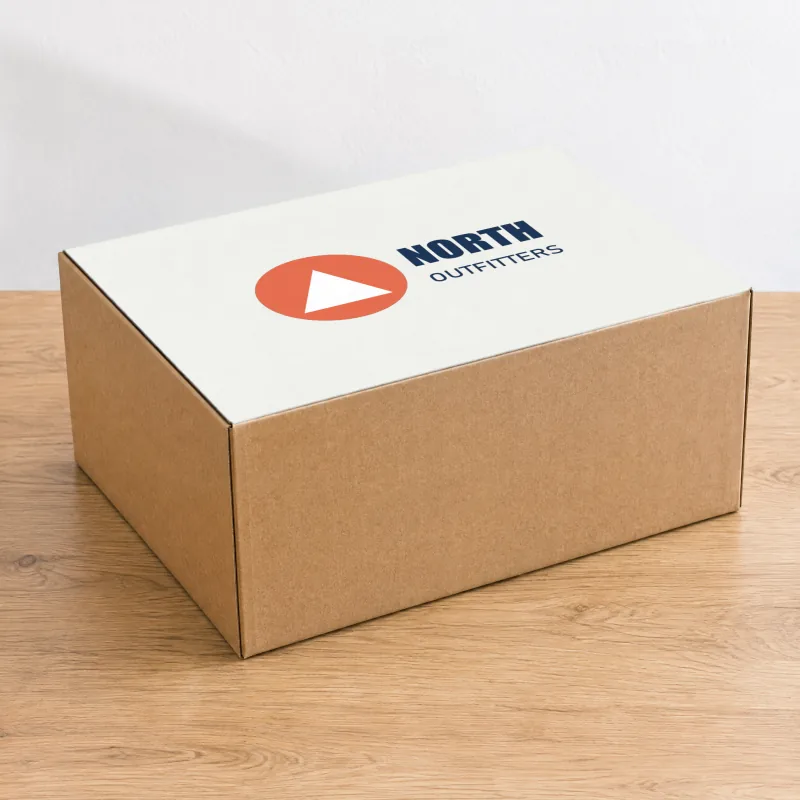
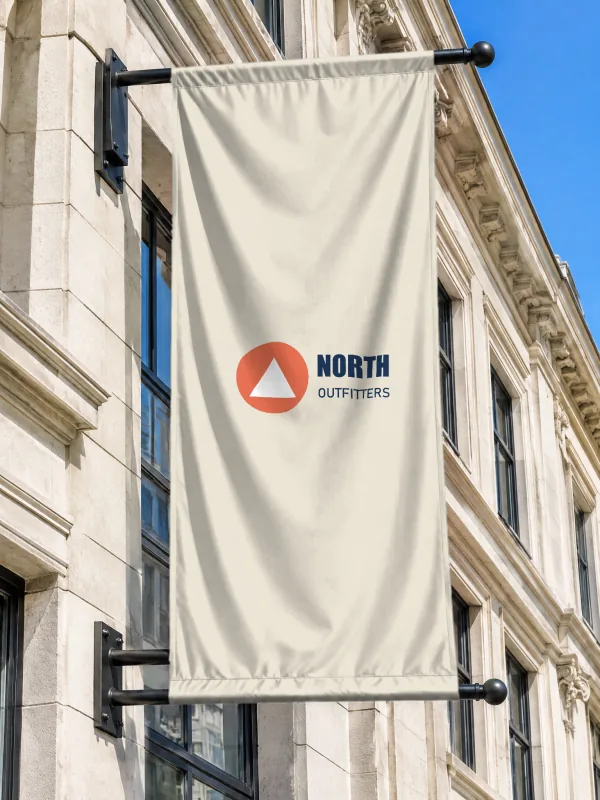
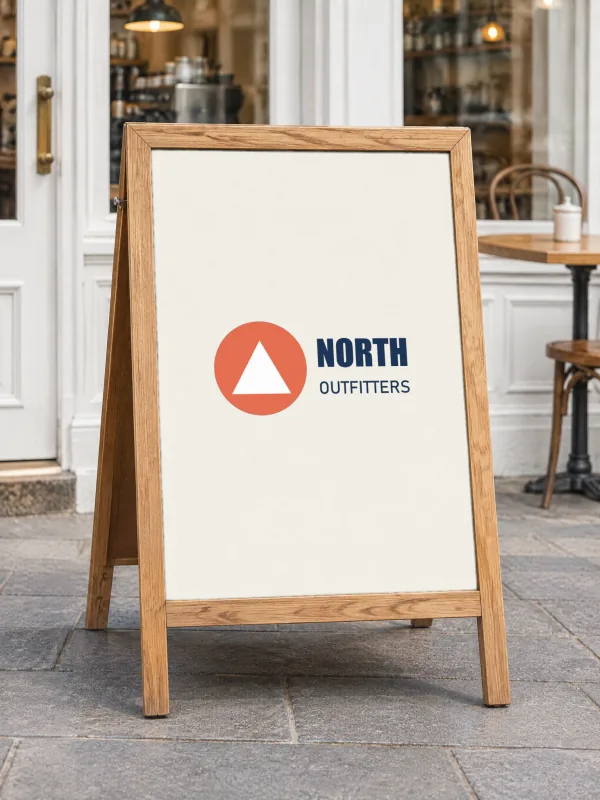
How to make a logo mockup
Upload your logo
A transparent PNG or an SVG works best: the logo sits on each surface without a box around it.
Choose the surface colour
Original keeps each scene's own colour; pick white, black or your brand colour to repaint every sign, bag and box.
Set the logo size
The logo is centred with a margin; the slider makes it bigger or smaller everywhere at once.
Download
PNG for your brand presentation or client pitch, PSD to keep the logo as a smart object.
Tips for a better logo mockup
- Show a client the logo on a light and a dark surface: switch the surface colour and download both.
- An SVG logo stays sharp at every size; PNG logos should be at least 1500 px wide.
- Logos with a white background look boxed in. Remove the background first in PhotoQuill if you only have a JPG.
Frequently asked questions
More free mockups
T-Shirt mockups
Models, flat lays and ghost mannequin, front and back, any shirt colour.
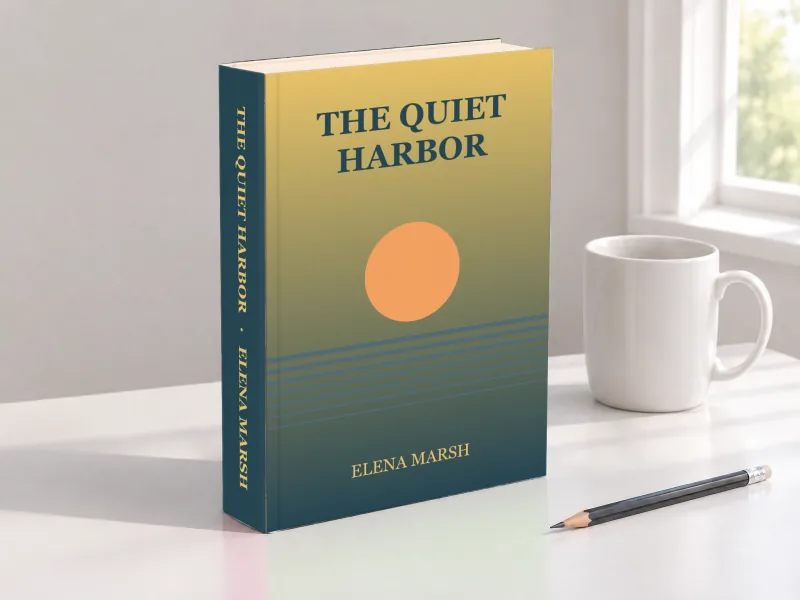
Book mockups
Hardcovers with a spine, paperbacks, in-hand shots and coloring books.
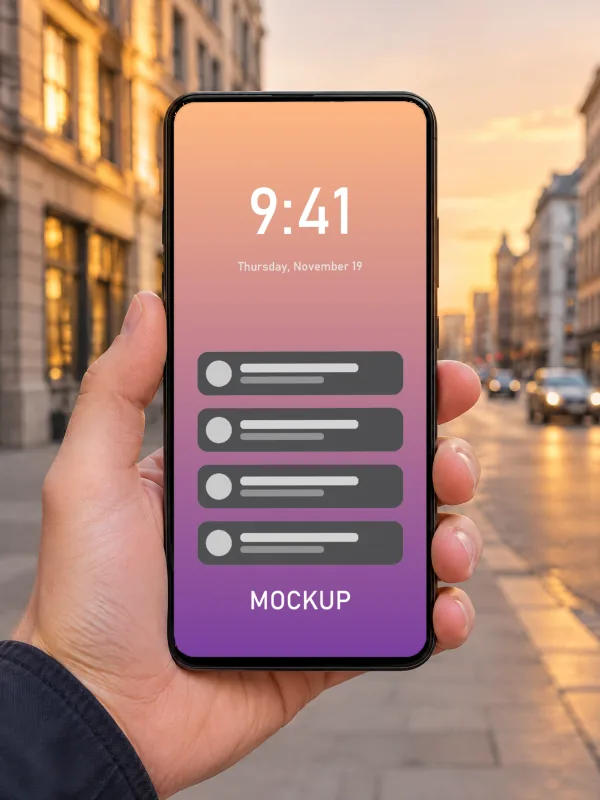
iPhone mockups
Screenshots on phones in hand, on a desk, in the studio and in landscape.
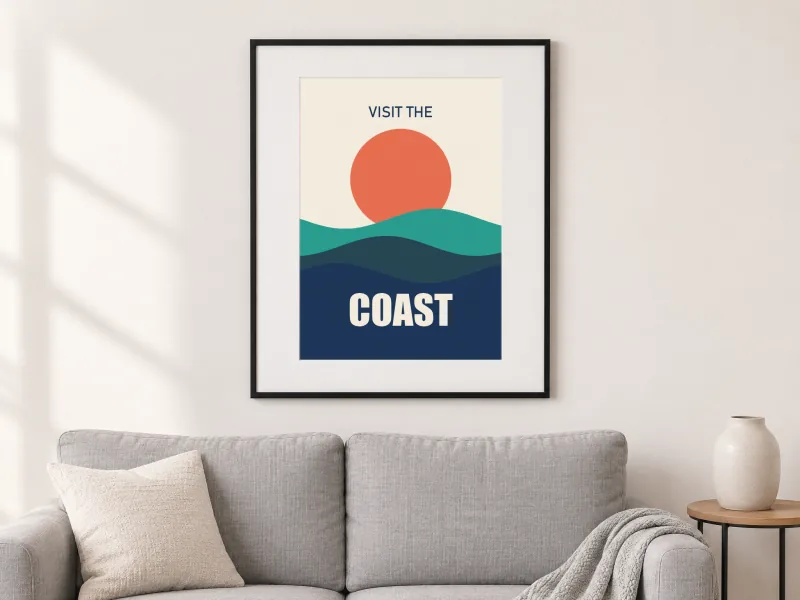
Poster & Frame mockups
Framed art in living rooms, bedrooms and offices, portrait and landscape.
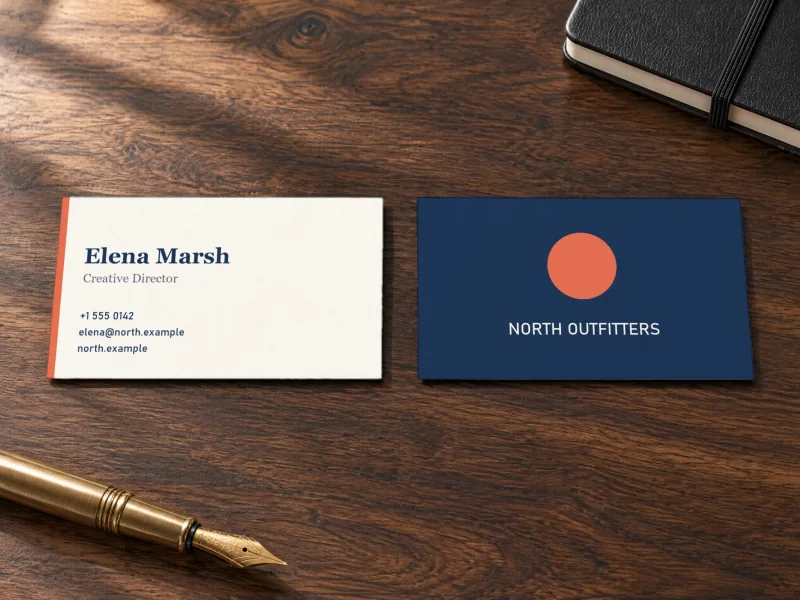
Business Card mockups
Front and back on desks, in hand, stacked and in a card holder.
Keep editing
- Online Photoshop, free: open the PSD in your browser, add text, shapes and more layers.
- Image to layered PSD: turn a flat design into editable layers with AI before you mock it up.
- AI photo editor: remove backgrounds and retouch product photos.