Browser-Based Photo Editor Like Photoshop
1. Not a Joke Anymore
It used to be that if you told a designer you were using a browser-based photo editor like Photoshop, they'd laugh you right out of the room. Web apps used to notoriously crash under the sheer weight of large files or struggled to keep up with basic brush strokes. But things have profoundly transformed.
Thanks to browser technologies like WebAssembly (WASM) and WebGPU, applications built to live on the internet can now hijack the full processing power of your native hardware. The joke is officially over.
2. Sweating the Details
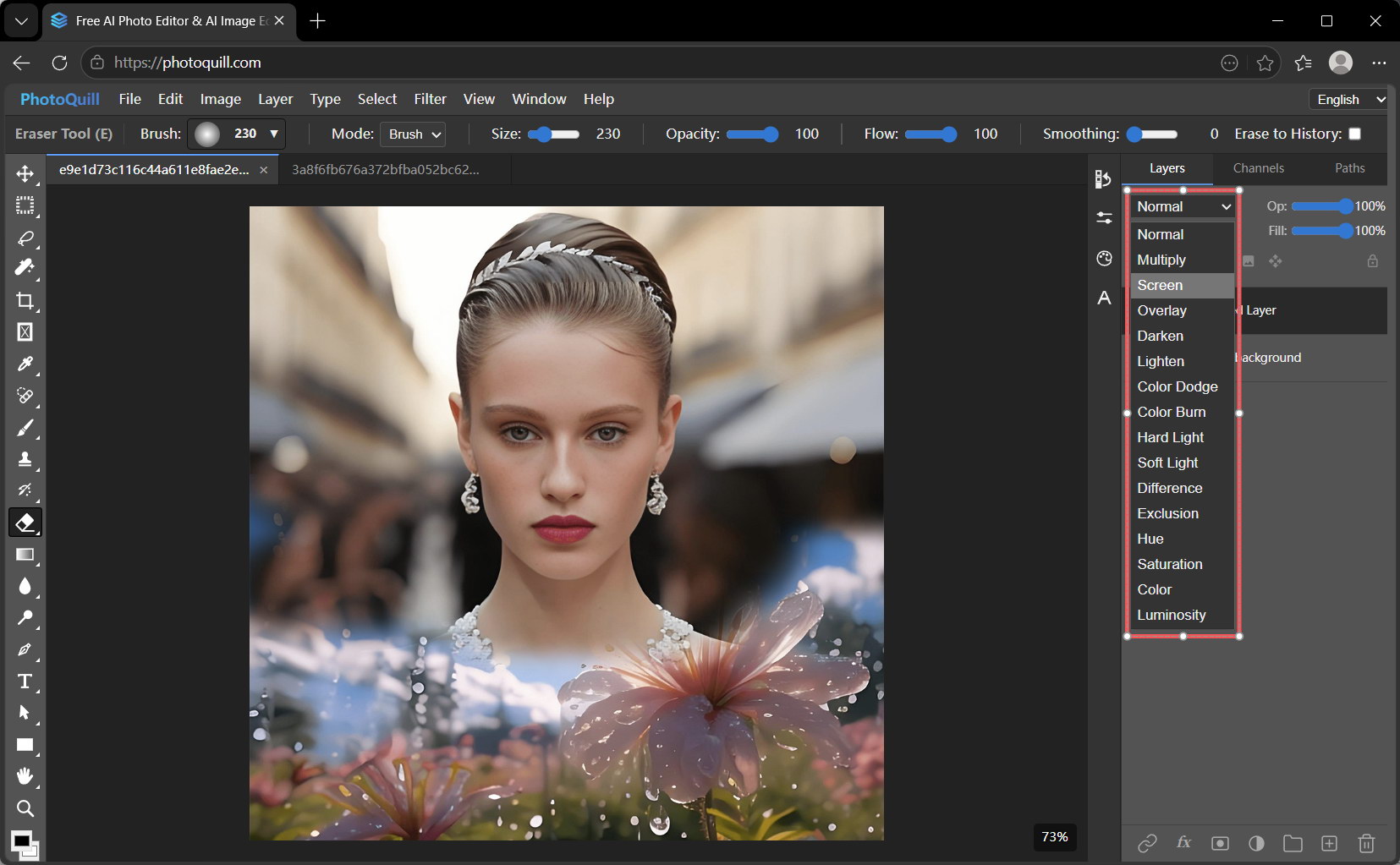
What makes a tool "like Photoshop"? It's the nuance. It requires strict alignment with industry-standard patterns. We sweat the small stuff. It means when you attempt to use the Clone Stamp, it works predictably. When you change a layer to "Overlay", mathematically, the lighting aligns totally with what you literally expect.
A true browser equivalent must also parse PSD files perfectly. We spent months tweaking our math so our parser actually respects your original folder structures, text layers, and visibility rules exactly as they were authored.
3. The PhotoQuill Advantage
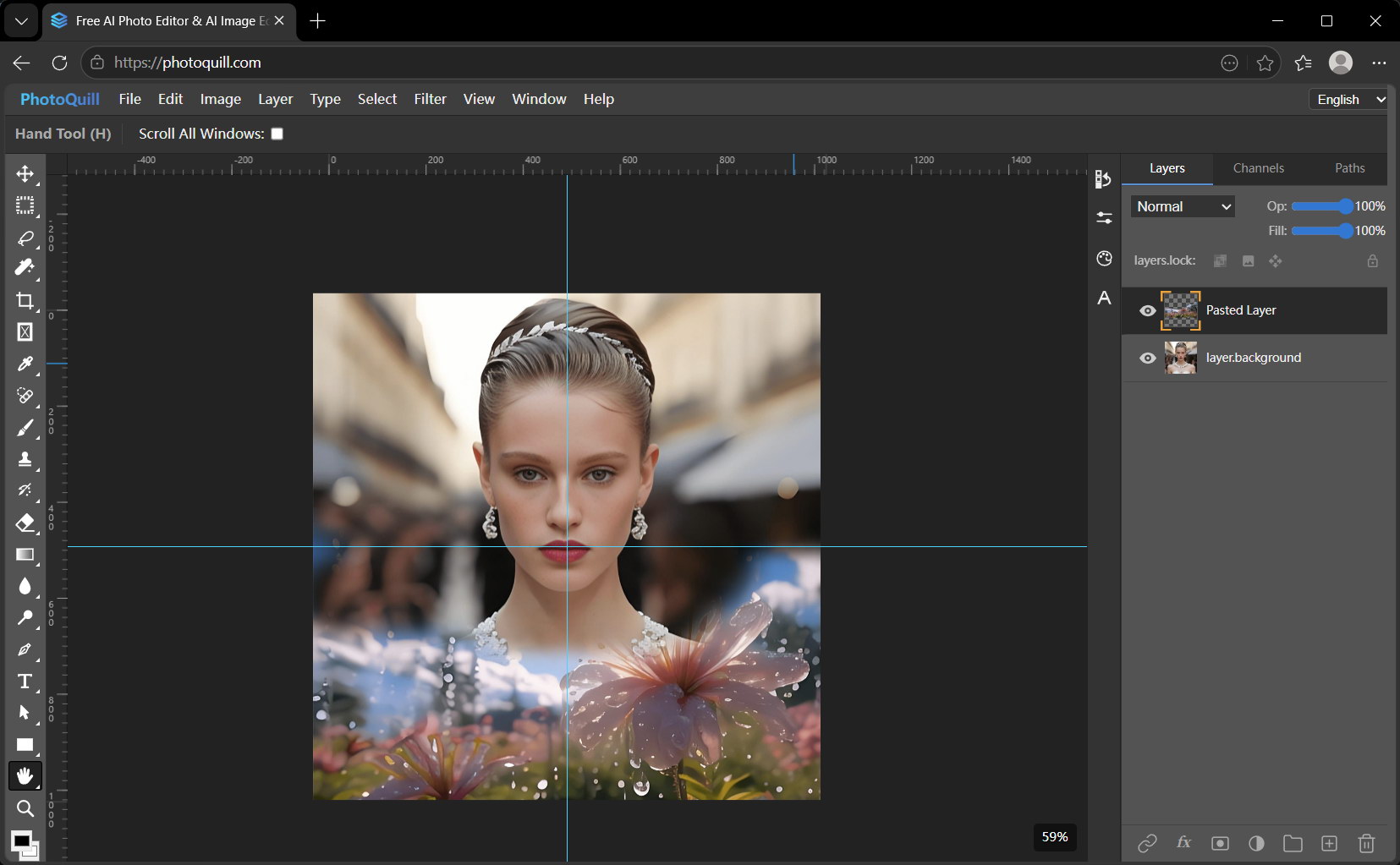
We purposefully designed PhotoQuill to be the premier browser-based photo editor like Photoshop. It lives entirely at a web address, loads in under a second usually, and opens up an interface equipped for serious, high-end pixel manipulation.
4. Quick Launch
Launch straight into a professional workspace and see the raw speed for yourself.