Cheap Alternative to Photoshop Subscription
1. What Photoshop Actually Costs You
Adobe Photoshop's single-app plan is $22.99/month, or $263.88 per year. The full Creative Cloud bundle is $59.99/month ($719.88/year). And here's the part that stings: you never own the software. The day you stop paying, the app stops working — even on files you created.
Run the math over a typical creative career:
- 1 year of Photoshop alone: $263.88
- 5 years: $1,319.40
- 10 years: $2,638.80
For most people who only crop a few photos, edit a PSD their designer sent over, or want to add an AI background to a product shot, that pricing is wildly out of proportion to actual usage.
2. Why You're Renting Forever
Photoshop used to ship as a one-time purchase (CS6, the last perpetual license, was $699 in 2012). In 2013 Adobe killed the perpetual license and moved everything to subscription — not because the software became 5x more expensive to build, but because recurring revenue is more valuable to shareholders.
The result: even if you only need Photoshop twice a year, you either pay 12 months of subscription, or play the cancel-and-resubscribe game every time a project lands.
3. The Cheap (and Free) Alternatives
GIMP — free, but desktop install
Open-source, genuinely free. Downside: a 200MB installer per machine, dated UI, and PSD compatibility that breaks on smart objects, certain text layers, and several blend modes. Fine for hobbyists, painful for client work.
Affinity Photo — one-time purchase
One of the more honest pricing models in this space — around $69.99 one-time for a desktop app with no subscription. Good Photoshop alternative if you want owned software, but still requires install and updates.
Photopea — free, browser-based
Free, runs in browser, opens PSDs. Ad-supported, CPU-rendered (slow on large files), and the AI features are limited.
PhotoQuill — free core, optional AI plan from $8.90/mo
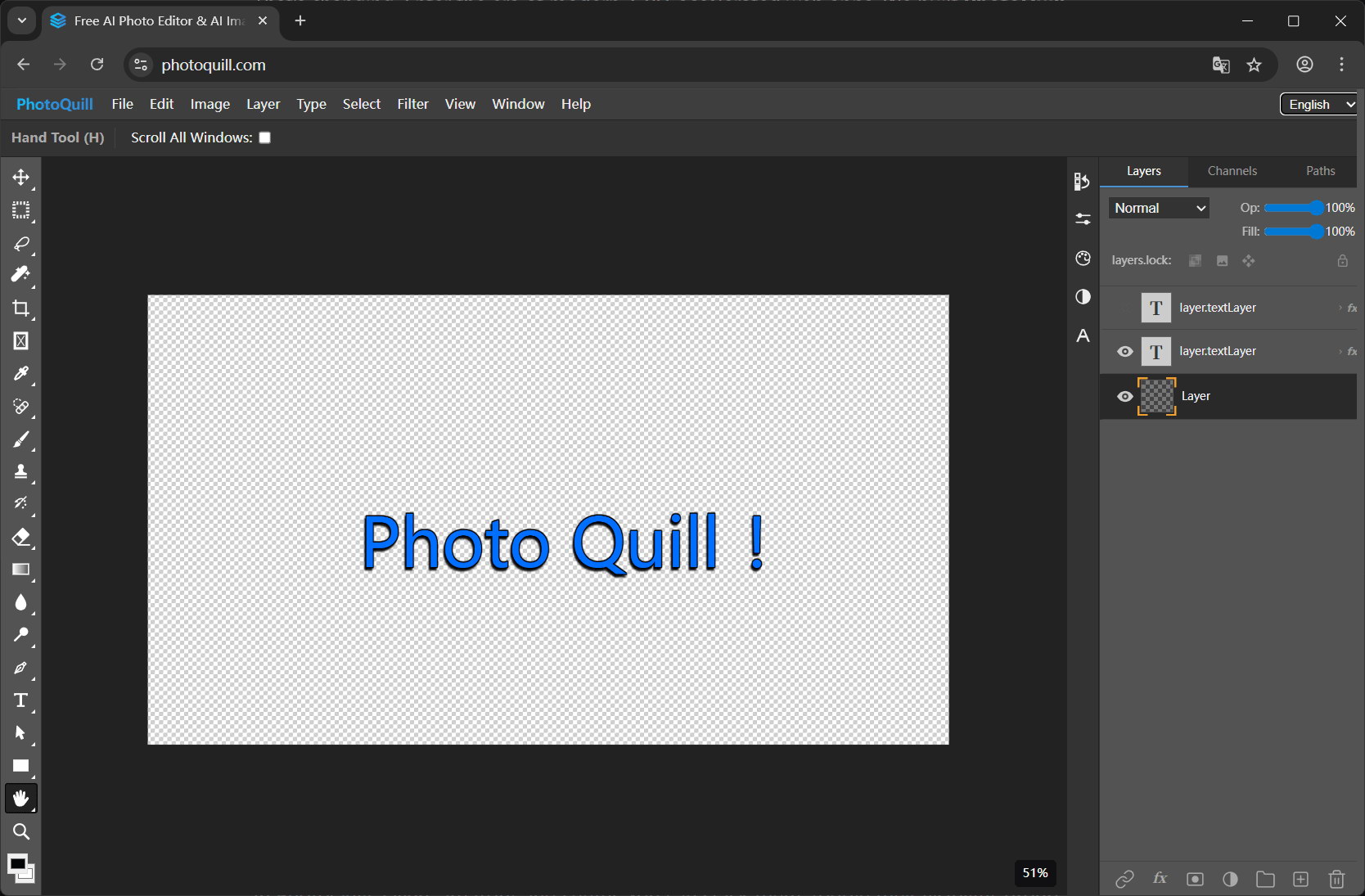
The full editor (layers, PSD, brushes, filters, blend modes, WebGPU GPU acceleration) is free with no watermark and no ad. AI image generation (FLUX, Z-Image, Nano Banana, Seedream) is the only thing behind a credit system — and even that comes with free daily credits. Paid plans start at $8.90/month.
4. PhotoQuill Pricing Compared
| Plan | Monthly Cost | Yearly Cost | Get |
|---|---|---|---|
| Adobe Photoshop (single app) | $22.99 | $263.88 | Photoshop only |
| Adobe Creative Cloud (all apps) | $59.99 | $719.88 | 30+ Adobe apps |
| PhotoQuill Free | $0 | $0 | Full editor + 5 AI credits/day |
| PhotoQuill Lite | $8.90 | $106.80 | Full editor + 2,000 AI credits/mo |
| PhotoQuill Pro | $19.90 | $238.80 | Full editor + 5,000 AI credits/mo |
| PhotoQuill Annual | $20.83 | $249.90 | Full editor + 11,000 AI credits/mo |
5. What You Lose (Honestly) by Switching
Pretending PhotoQuill is a 1:1 Photoshop replacement for every workflow would be dishonest. Here's the real picture:
- You lose: Some specialized Photoshop plugins (3rd-party extensions), the "I've used this for 15 years" muscle memory, and a few edge-case professional pre-press features.
- You don't lose: Layers, masks, blend modes, PSD round-trip, brush dynamics, filters, color correction, healing/clone tools, text editing, or AI image generation.
- You gain: Lower cost, no install, runs on Chromebook/Linux/old laptops, files never leave your device, and a usage-based pricing model that doesn't punish casual users.
For ~85% of people who pay for Photoshop, the workflow is fully covered by a free browser editor. The remaining 15% are professional studios with very specific plugin pipelines — and even they can use PhotoQuill alongside Photoshop for the everyday tasks.
6. FAQ
Is there a one-time-purchase alternative to Photoshop's subscription?
PhotoQuill's core editor (layers, brushes, filters, full PSD support, WebGPU canvas) is permanently free with no subscription and no watermark. Optional AI image generation runs on a credit system, with paid plans starting at $8.90/month or one-time credit packs at $9.90 for 1,000 credits that never expire.
How much does Photoshop actually cost per year?
Adobe's Photoshop single-app plan is $22.99/month or $263.88/year as of 2026. Over 5 years that's $1,319.40, and you never own the software. The Creative Cloud All Apps plan is $59.99/month or $719.88/year.
What's the cheapest paid PhotoQuill plan?
The Lite plan is $8.90/month and includes 2,000 AI credits per month, all AI models, and commercial use rights. That's roughly 60% less than Photoshop's monthly fee, and the core editor remains free even without a paid plan.
Can I cancel anytime?
Yes. You can cancel any paid plan at any time. The core editor will still work for free. There are no contracts, no annual commitments required, and no cancellation fees.
Does PhotoQuill open my existing PSD files?
Yes. PhotoQuill opens PSD files with full layer, mask, blend mode, and text layer preservation. You can keep editing the same files you used in Photoshop without any conversion.