alternatives to photoshop: Why You Should Try Web-Based Editing
1. The Endless Search for a Real Alternative
Let’s be honest. At some point in your creative journey, you’ve probably typed "alternatives to photoshop" into a search bar. Maybe your subscription just auto-renewed for a price that made you wince, or maybe you simply don't want to wait five minutes for a gargantuan desktop app to load just to crop a meme or resize an image for your blog.
For years, the options were either clunky open-source software that felt like it was built in 1999, or web toys that let you slap a vintage filter on a photo but completely crashed if you asked them to handle anything complex.
That’s changing. Enter the era of modern, GPU-accelerated web apps. We built PhotoQuill specifically to answer the crying need for a robust, instant-loading workspace that actually respects how designers work.
2. Yes, Real Layers Exist Outside the Box
The single biggest dealbreaker when testing out alternatives to photoshop is how they handle layers. If a tool flattens your image the second you make an edit, close the tab and walk away.
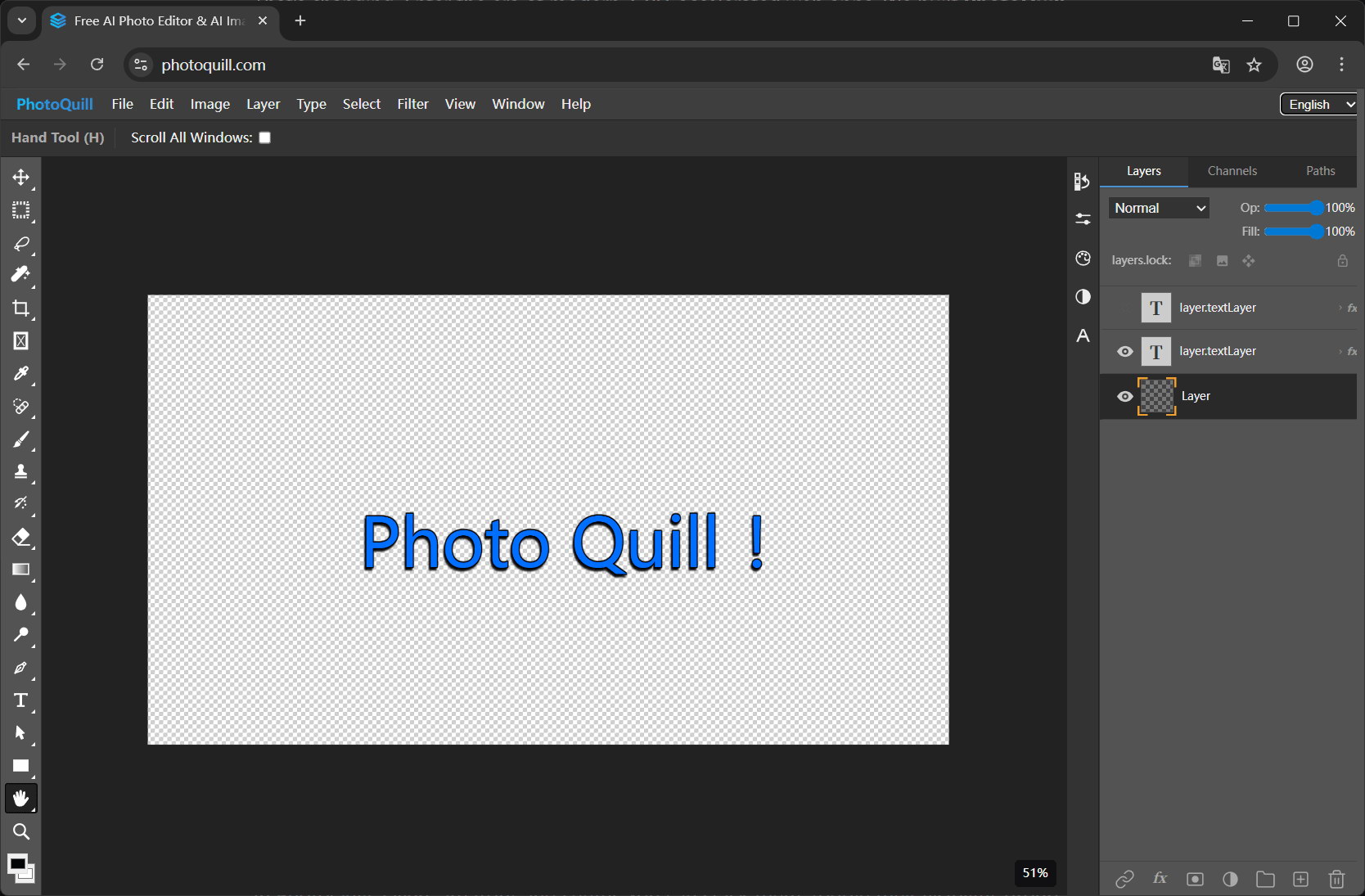
In PhotoQuill, layers are front and center. You can stack them, toggle their visibility, group them, and drop on blend modes—like Multiply or Overlay—just like you're used to. It feels shockingly familiar. We put enormous effort into ensuring that dragging a layer up and down the stack feels responsive, not like a laggy webpage. It's the desktop feel, minus the desktop footprint.
3. Breathing Life into Your Old PSD Files
Here comes the scariest part of leaving the Adobe ecosystem: "What happens to all my old files?" If you've been working digitally for even a year, you probably have a hard drive full of `.psd` documents with dozens of carefully named (or hastily named "Layer 4 copy 2") layers and masks.
A true alternative has to play nice with your history. PhotoQuill has built-in PSD compatibility. We essentially reverse-engineer the file standard locally in your browser. Just drag your heavy PSD onto the canvas, and watch as it parses the file, extracting your folders, alpha channels, and text layers intact. You aren't permanently locked out of your past work just because your subscription lapsed.
4. Resizing and Format Conversion, Instantly
Sometimes, you don’t need to paint a digital masterpiece. You just need to convert a massive raw image into a lightweight WebP or JPG, or quickly resize a 4K wallpaper down to a standard 1080p banner for a social media post.
There's zero reason to fire up a massive workstation application for this. With a web-based alternative like PhotoQuill, you drop the image in, hit the resize image option, and export to your preferred format. Because it leverages WebGPU, downsampling algorithms are incredibly crisp and happen in a literal fraction of a second. Convert PNGs to smaller JPGs with adjustable quality sliders without dealing with sketchy ad-ridden converter websites.
5. The Bottom Line: Should You Switch?
If you're a high-end compositing artist working on 10GB billboard files in a multi-agency pipeline, you might still need the heavy machinery. But if you're a web designer, a marketer, an indie game developer, or just someone who occasionally needs pixel-perfect control over their images, you no longer need to pay a monthly tax for the privilege.
The best alternatives to Photoshop are the ones that get out of your way and let you create instantly.