A Private, Local-First AI Photo Editor
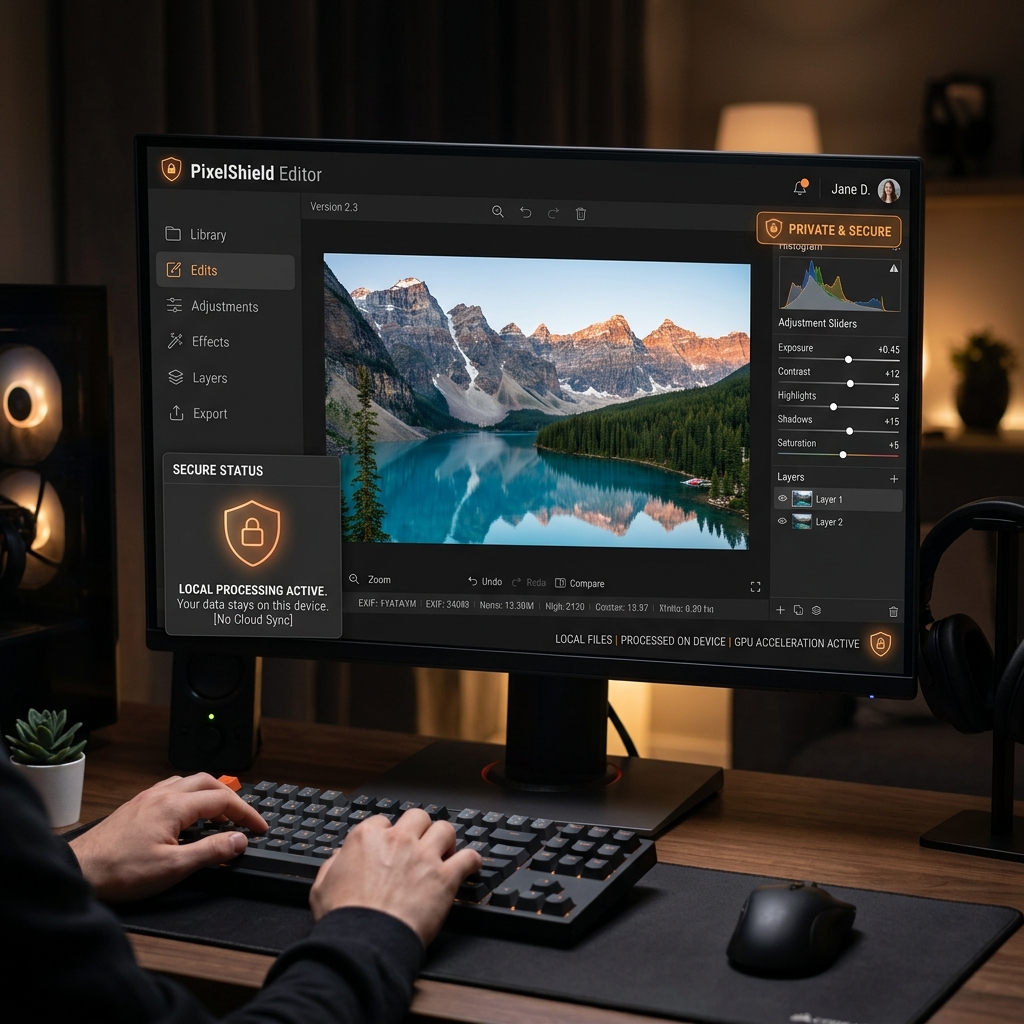
Your Photos Are Your Business
In the modern era of cloud-based software, almost every AI photo editor requires you to upload your personal images to their servers. This introduces massive privacy concerns. What happens to your photos? Are they used to train future AI models? Who has access to them?
If you want a private AI photo editor, PhotoQuill takes a different approach: everyday editing happens on your own device, and nothing is uploaded unless you ask an AI model for help.
How WebGPU Keeps Your Edits on Your Device
Instead of sending your images to a data center, PhotoQuill uses WebGPU. The heavy lifting (rendering layers, applying filters and masks, adjusting colors, opening PSD files) runs on your own device's graphics card.
Because this processing happens locally:
- Local editing: Opening, editing and exporting images and PSD files happens in your browser. Those files are not uploaded.
- No account to start: You can open the editor and work without signing up.
- Offline capability: Once loaded, the core editor keeps working without an internet connection.
What Happens When You Use AI Tools
Generative AI features, such as prompt-based edits, AI image generation and some background or object removal tools, run on cloud models. When you use one, you sign in, and the image and prompt you choose are sent to our AI provider for processing. Like any reputable AI service, these requests go through content-safety checks.
We spell this out so you can decide which tools to use for sensitive photos: keep them in local editing, and only send what you are comfortable sharing. See our privacy policy for details.
No Artificial Caps on Local Editing
Because local editing runs on your own hardware, there are no server-side file size caps or queues for it. Large layered files are limited only by your device's memory.