Photoshop Alternative No Download
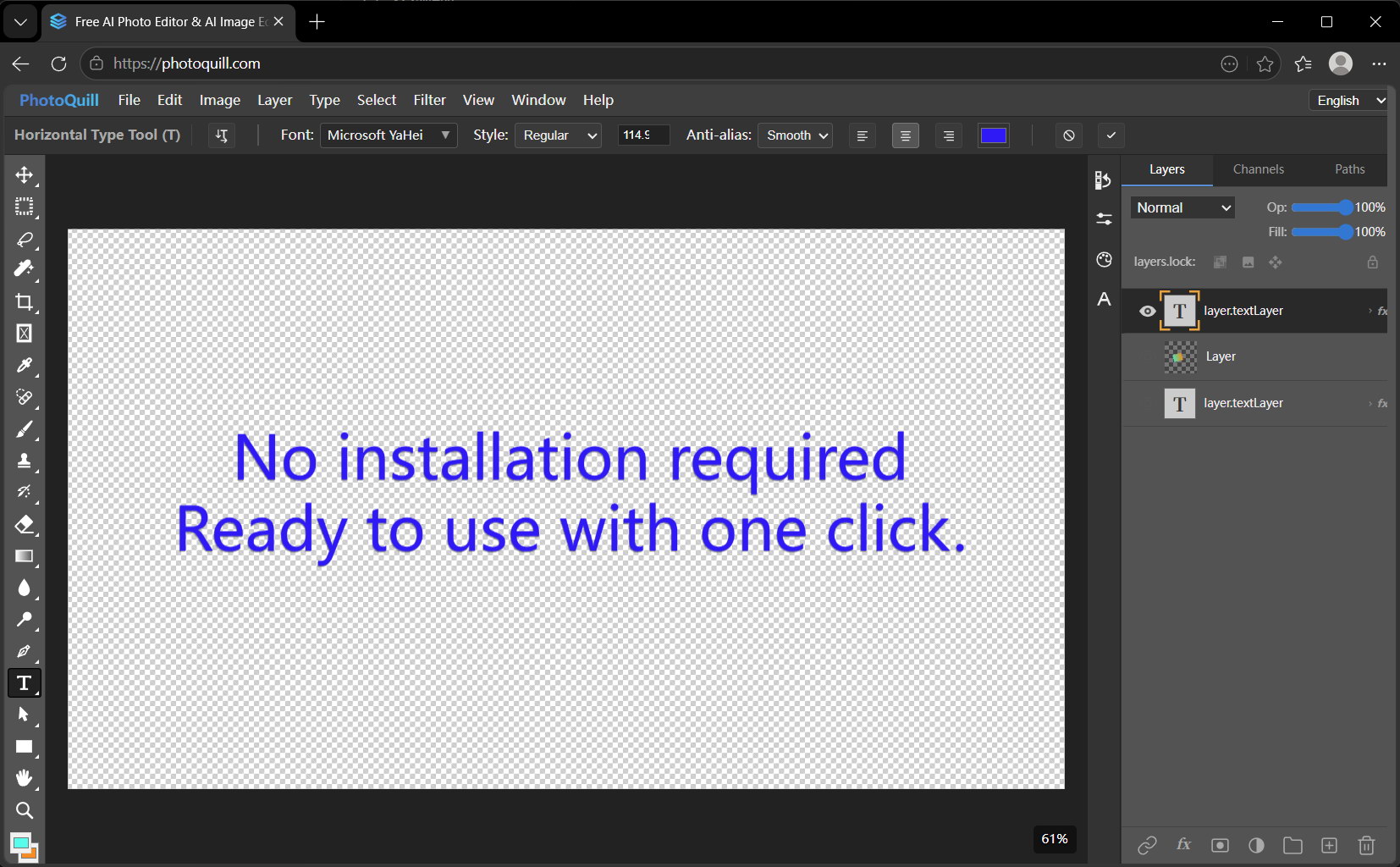
1. Why Avoid Heavy Downloads?
There is nothing more annoying than needing to make a quick graphic edit, only to sit through a 2GB installer update. Or worse, you're on a locked-down work laptop where IT explicitly blocked you from installing anything. That's the exact moment you start furiously Googling for a Photoshop alternative no download required.
Web applications bypass these infuriating hurdles entirely. When your photo editor opens exactly as quickly as an email client, the friction between having an idea and executing it completely disappears.
2. Real Talk: Privacy Matters
A huge concern with finding a "Photoshop alternative no download" is the fear that your files will be silently uploaded to some remote server so a free app can scrape your data. We hate that model. Thankfully, PhotoQuill runs locally within your web browser environment.
That means the PSD parsing, layer merging, and graphic rendering happen strictly on your device's RAM and GPU. Your private photos never leave your device, even though you didn't install an app.
3. The Power of Instant Access
By moving entirely to the browser, you ensure that you always have the absolute latest version of the software. You never have to click "Update Now" and wait for a patch. You just open the URL, drag your image in, and magically start working.
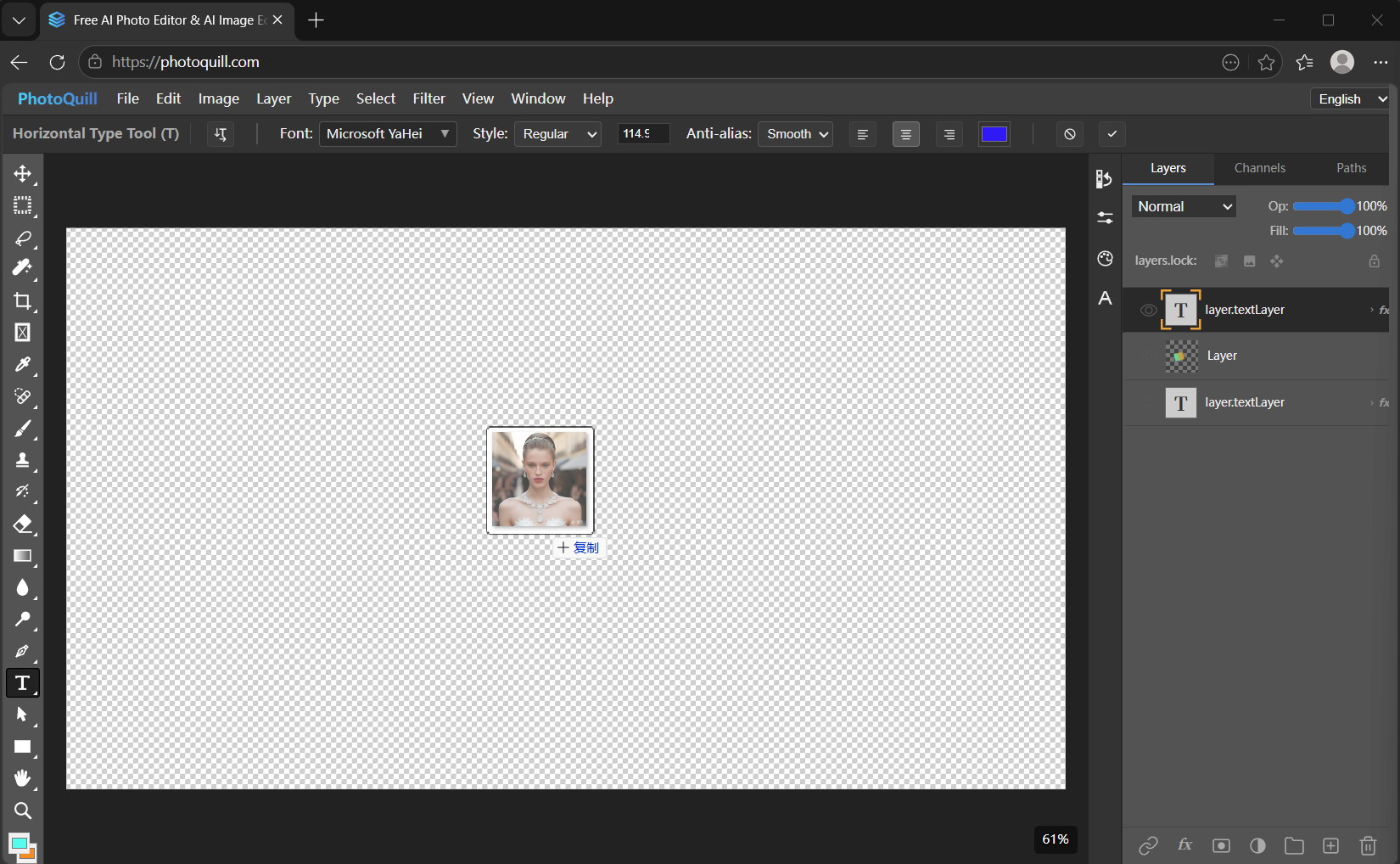
4. See for Yourself
Skip the setup process entirely. See how ridiculously fast a no-download, zero-install workspace can be.