best free alternatives to photoshop
1. Why This Search Is Harder Than It Looks
If you have ever searched for the best free alternatives to photoshop, you already know the problem: most lists are either written by people who never edit anything serious, or they lump completely different tools together as if they solve the same job.
A background remover is not the same thing as a layered editor. A fast meme maker is not the same thing as a tool you can use to open a PSD, tweak text, export web graphics, and move on with your day. That is why people bounce from one recommendation to another and still end up frustrated twenty minutes later.
The real question is not "what is free?" It is "what can I keep using after the first five minutes?" A good Photoshop alternative has to survive normal work: opening large files, making a few revisions, exporting cleanly, and not fighting you the whole time.
2. What Actually Matters in a Free Alternative
The first thing people notice is price, but the second thing is friction. If a tool takes forever to install, nags for an account, hides exports behind watermarks, or becomes unstable the moment you add a second layer, the fact that it is technically free stops mattering pretty quickly.
In practice, four things separate useful free editors from disposable ones: real layer support, predictable file handling, clean exports, and enough speed that the interface does not become part of the problem.
That sounds obvious, but it rules out a huge chunk of "free Photoshop alternatives" you see online. Many are really single-purpose tools dressed up as editors. They are fine for a quick crop or a social post, but they fall apart when you try to do the kind of work that made you reach for Photoshop in the first place.
3. The Main Types of Free Photoshop Alternatives
Desktop open-source software can still be a good fit if you spend long sessions doing detailed pixel work and you do not care about speed of setup. The tradeoff is usually a steeper interface and a more old-school feel. You get power, but not always elegance.
Simple online editors are the opposite. They are great when you need to resize a banner, annotate an image, or knock out one quick export. The problem is that they often stop being useful the moment your file has structure. Layers get flattened, text becomes fragile, and file compatibility starts to feel like guesswork.
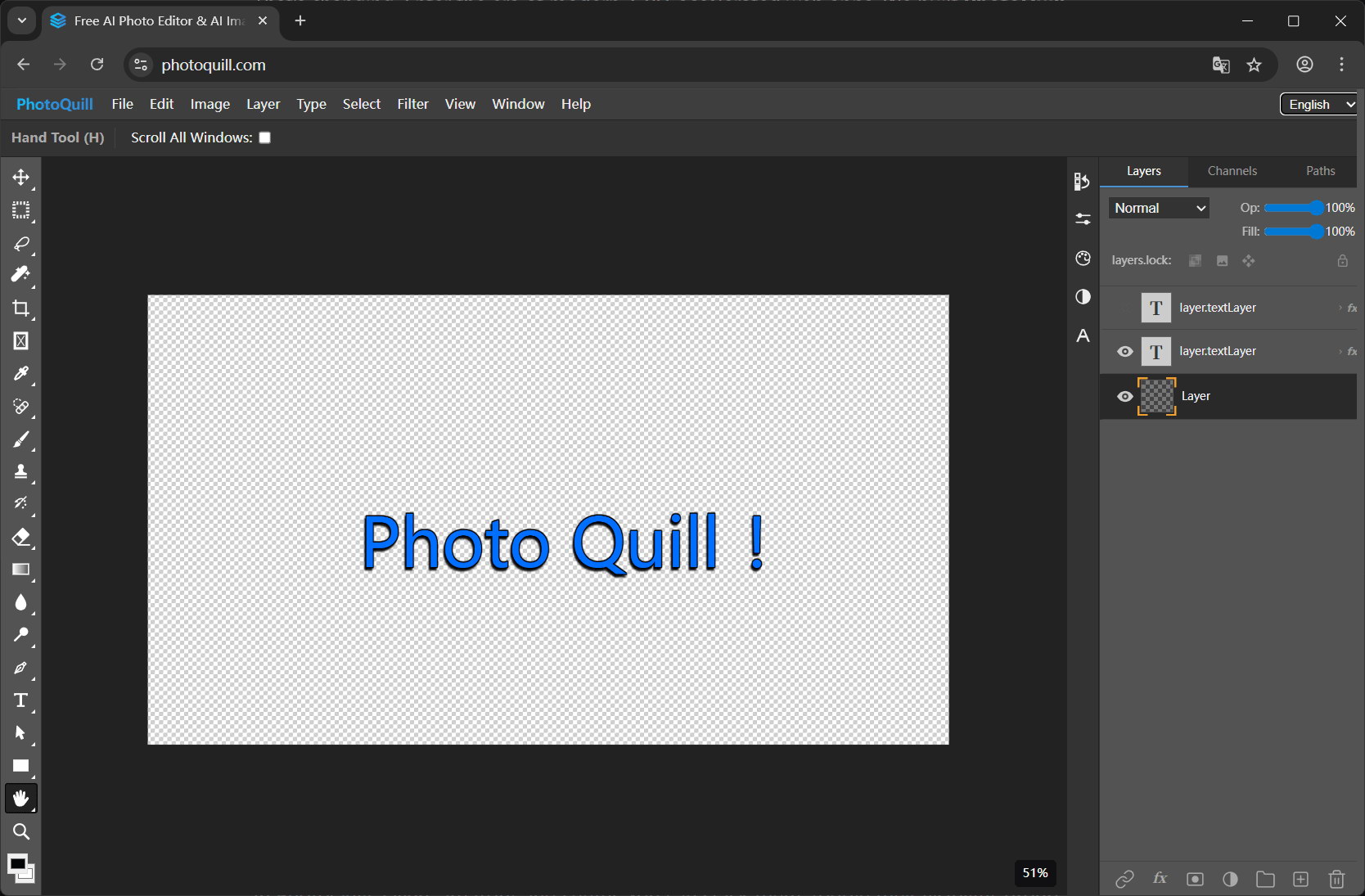
The most interesting group right now is the newer browser-based editor that behaves more like actual design software. This is where a tool like PhotoQuill makes the strongest case. It opens fast, keeps the workflow in the browser, and still treats layered editing like a normal thing rather than an advanced edge case.
4. Where PhotoQuill Fits Best
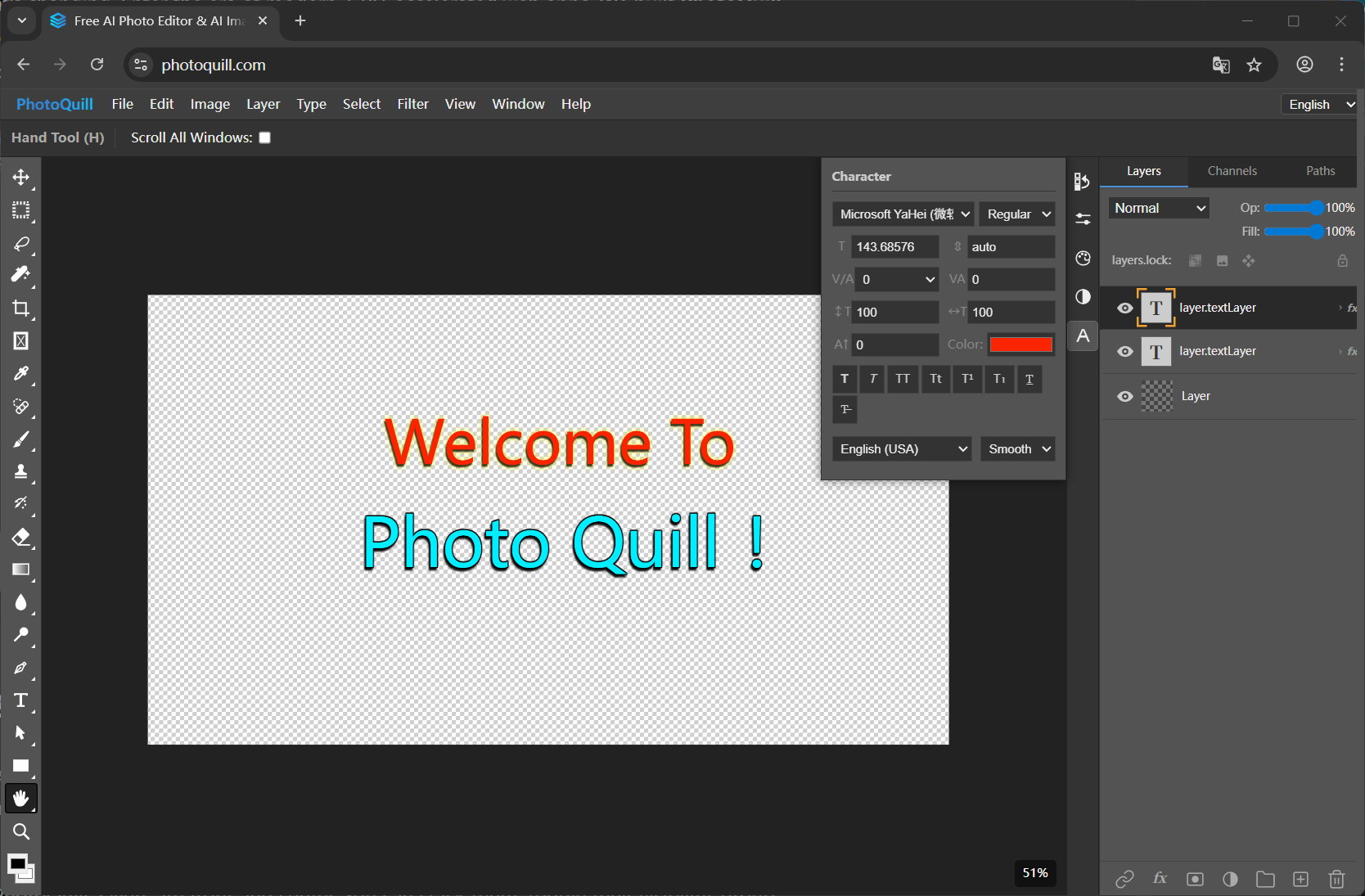
PhotoQuill is strongest for people who want the convenience of a web app without giving up the habits that make Photoshop useful. If your routine includes opening PSDs, moving through layer stacks, checking blend modes, resizing assets, or exporting clean PNG and JPG files, it feels much closer to a real working environment than the average free online editor.
What I think works especially well is that it does not force a dramatic change in mindset. You are not learning a toy interface built around stickers and presets. You are opening an editor that understands why layers matter and why fast iteration matters. That makes a big difference if you are a designer, marketer, developer, or anyone producing assets under time pressure.
It is also a good option for people who work across devices. You may not always be at the same desk, and sometimes the friction of installing, updating, or licensing a heavy desktop app is the problem you are trying to escape. A browser-based editor that still feels capable is often the more practical answer, even before price enters the conversation.
5. The Best Choice Depends on Your Routine
So what are the best free alternatives to Photoshop? Honestly, there is no single answer for everyone, and that is exactly why so many generic recommendation lists feel hollow. If you want a deep, traditional desktop tool and you can tolerate a rougher experience, open-source desktop software still has a place. If you only need the occasional quick edit, a simpler web editor may be enough.
But if you want the middle ground most people are actually searching for, something free, capable, fast to open, and comfortable for layered work, that is where PhotoQuill stands out. It covers the jobs people do every week, not just the demo tasks that look good in a feature table.
The best alternative is the one that lets you finish your work without making you think about the tool every thirty seconds. That is a much better standard than "free" alone.