Photoshop Online Free, No Signup Required
1. Why "No Signup" Actually Matters
You came here to do one thing: open an image, make an edit, export it. Maybe crop a screenshot, swap a background, fix a color. You did not come here to:
- Type your email into a form.
- Verify it from a confirmation link.
- Pick a password you'll forget in 10 minutes.
- Get drip-emailed for the next 6 months.
- Show up in someone's marketing CRM as a "lead".
Every signup is a tax on your time and your inbox. For a 30-second photo edit, it's an absurd ratio.
2. The Online Editor Signup Trap
Most "free online Photoshop alternatives" do one of the following dark patterns:
- Locked exports: You can edit, but the Save/Download button triggers a "create an account to continue" wall.
- Watermarked outputs: Free until you try to download — then your file has a giant brand watermark unless you pay.
- Trial countdowns: "You have 3 free edits left" forces an account before you've even decided if you like the tool.
- Email-walled features: Layers, filters, or formats are gated behind a signup.
None of those apply to PhotoQuill's core editor. Open it, use it, export it, leave. No account.
3. Open the Editor in 3 Seconds
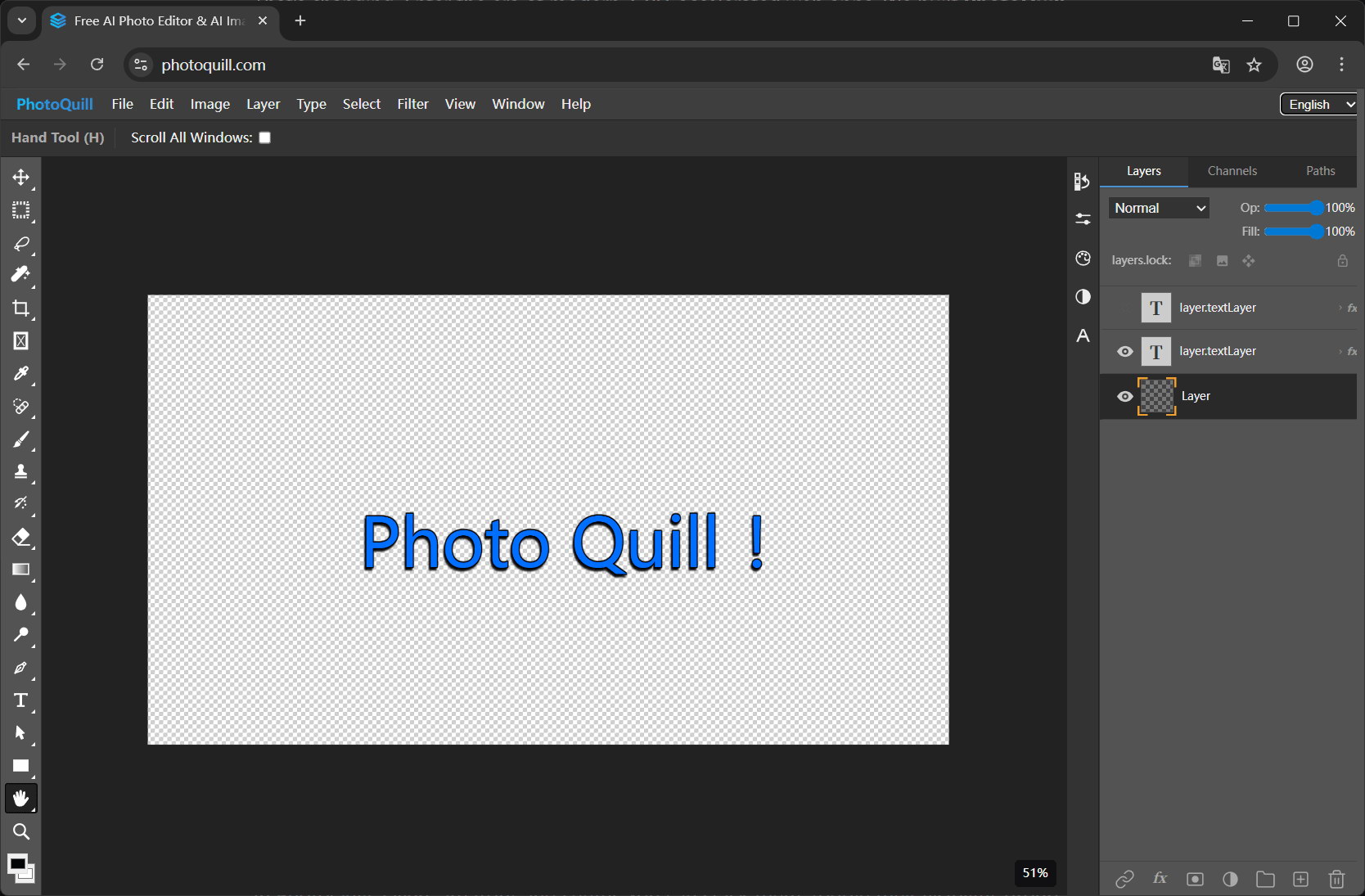
- Visit photoquill.com in any modern browser (Chrome, Edge, Firefox, Safari).
- The editor loads. No signup wall. No popup. No email field.
- Drag your image (PSD, PNG, JPG, WebP, etc.) onto the canvas, or use File → Open.
- Edit using layers, brushes, filters, blend modes, or any standard tool.
- File → Export to download as PSD, PNG, JPG, WebP, or another format.
4. What You Get Without Signing Up
Free, no account needed
- Open PSD, PNG, JPG, WebP, BMP, GIF, SVG, HDR, EXR
- Full layer support (groups, masks, opacity)
- All blend modes (Multiply, Screen, Overlay, etc.)
- Brushes, healing, clone stamp, dodge/burn
- Filters: blur, sharpen, noise reduction, color grading
- Curves, Levels, Hue/Saturation, Color Balance
- Export to all popular formats, no watermark
Account required (only for AI)
- AI image generation (FLUX, Z-Image, Nano Banana, Seedream)
- Free daily AI credits (5/day) once signed in
- Paid AI plans for higher volume
Why? AI generation costs real GPU compute — an account is needed to track credit usage. Everything else is unrelated and stays free without signup.
5. No-Signup Editors Compared
| Editor | Edit without signup | Export without signup | No watermark | Full PSD support |
|---|---|---|---|---|
| PhotoQuill | Yes | Yes | Yes | Yes |
| Canva | Limited | No | Watermark on free assets | No |
| Pixlr E | Yes | Limited (pro features locked) | Yes | Partial |
| Photopea | Yes | Yes | Yes | Yes |
| Adobe Photoshop Web | No (Adobe ID required) | No | Yes | Yes |
PhotoQuill differentiates on speed (WebGPU acceleration) and privacy (100% local processing) on top of the no-signup baseline.
6. No-Signup Editor FAQs
Can I use a Photoshop alternative without signing up?
Yes. PhotoQuill's core editor opens immediately when you visit the site. You can open files, work with layers, apply filters, and export your work without creating an account or providing an email address.
What features need a signup?
Only AI image generation requires an account, because each generation consumes credits and credits are tied to your account. Every other feature — layers, brushes, filters, PSD support, exports — works with zero signup.
Are my files private if I don't sign up?
Your files are private regardless of whether you sign up. PhotoQuill processes everything locally in your browser using your CPU and GPU. No file is ever uploaded to our servers, signed-in or not.
Will my work be lost when I close the tab?
Yes — because nothing is uploaded, closing the tab without exporting will lose your edits. Always use File > Export to save your finished work as PSD, PNG, JPG, or another format before closing.
Is there a watermark on the free, no-signup version?
No. There are no watermarks, no hidden trial banners, and no ads on exported files. The editor is genuinely free to use without any catch.