Edit Photos Like Photoshop for Free
1. The Desire for Real Professional Tools
We've all been there: you just need to knock out a background or tweak a layer mask, and you don't want to pay a monthly subscription just for a quick 10-minute task. You just want to edit photos like Photoshop for free. A simple phone filter app simply won't cut it when you need precise color manipulation or magnetic lasso isolation.
However, professional editing software usually comes with an intimidating price tag. This leaves most users scrambling for clunky open-source desktop apps that look like they were built in 1998, or sketchy watermarked web tools.
2. Don't Relearn Everything
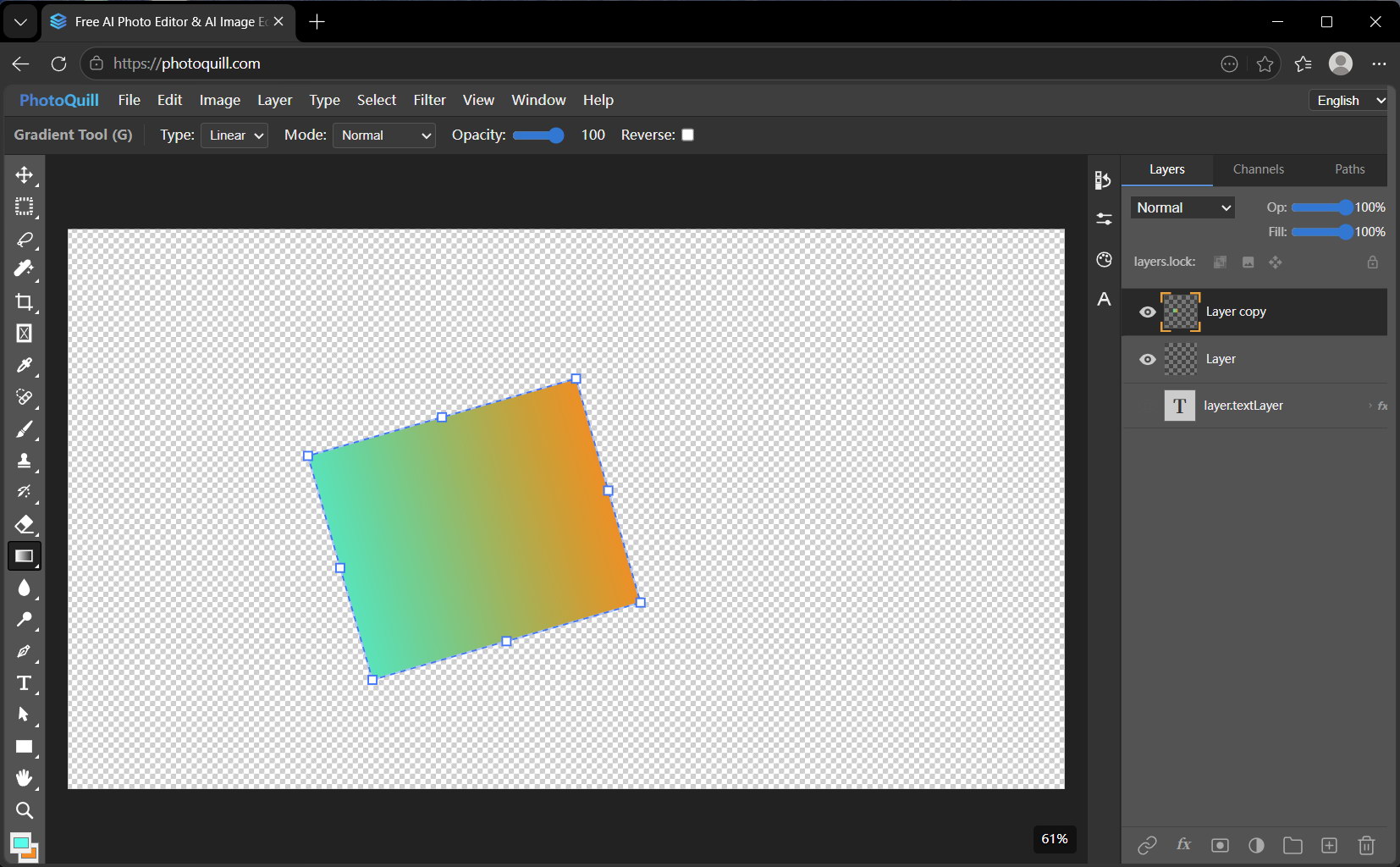
To truly edit photos like Photoshop for free, your tool needs to map directly to your existing muscle memory. You shouldn't have to learn bizarre new terminology. A layer mask should act like a layer mask. A gradient tool should behave like a gradient tool.
The layout dictates how fast you can actually work. Tools on the left, properties and layers on the right—that standard workflow translates directly into saved time, and we stubbornly adhered to it.
3. The Solution: PhotoQuill
When designing PhotoQuill, we didn't try to reinvent the wheel. Why mess with a layout that designers have spent 20 years mastering? We built a system that lets you edit photos like Photoshop for free, straight from your browser. The learning curve is practically non-existent.
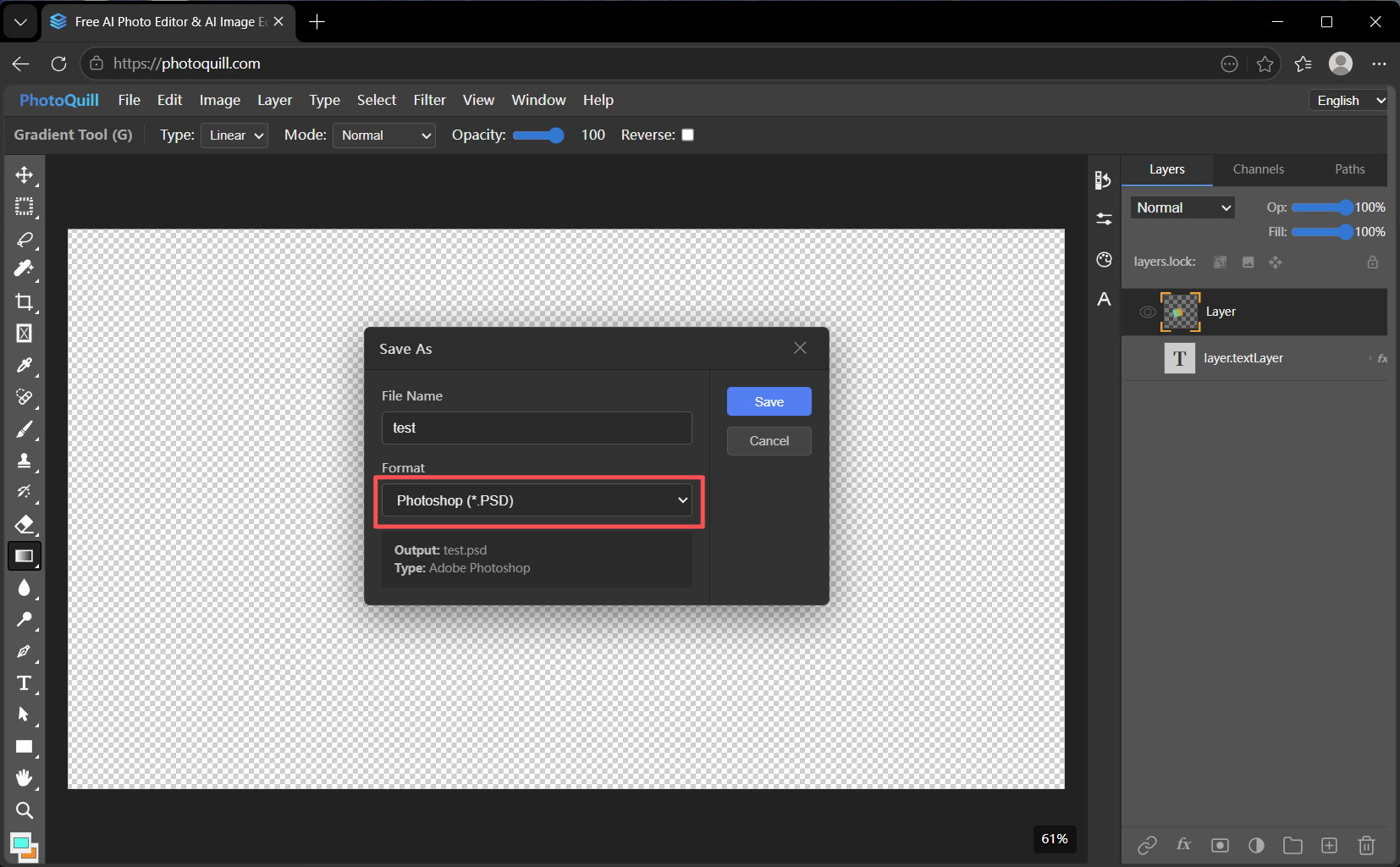
Use your favorite keyboard shortcuts, group layers into folders, organize with smart guides, and execute your creative vision immediately without reading a 50-page manual.
4. Seamless Workflows
Stop settling for restrictive, dumbed-down photo editors. Start editing with the granular control you deserve.